
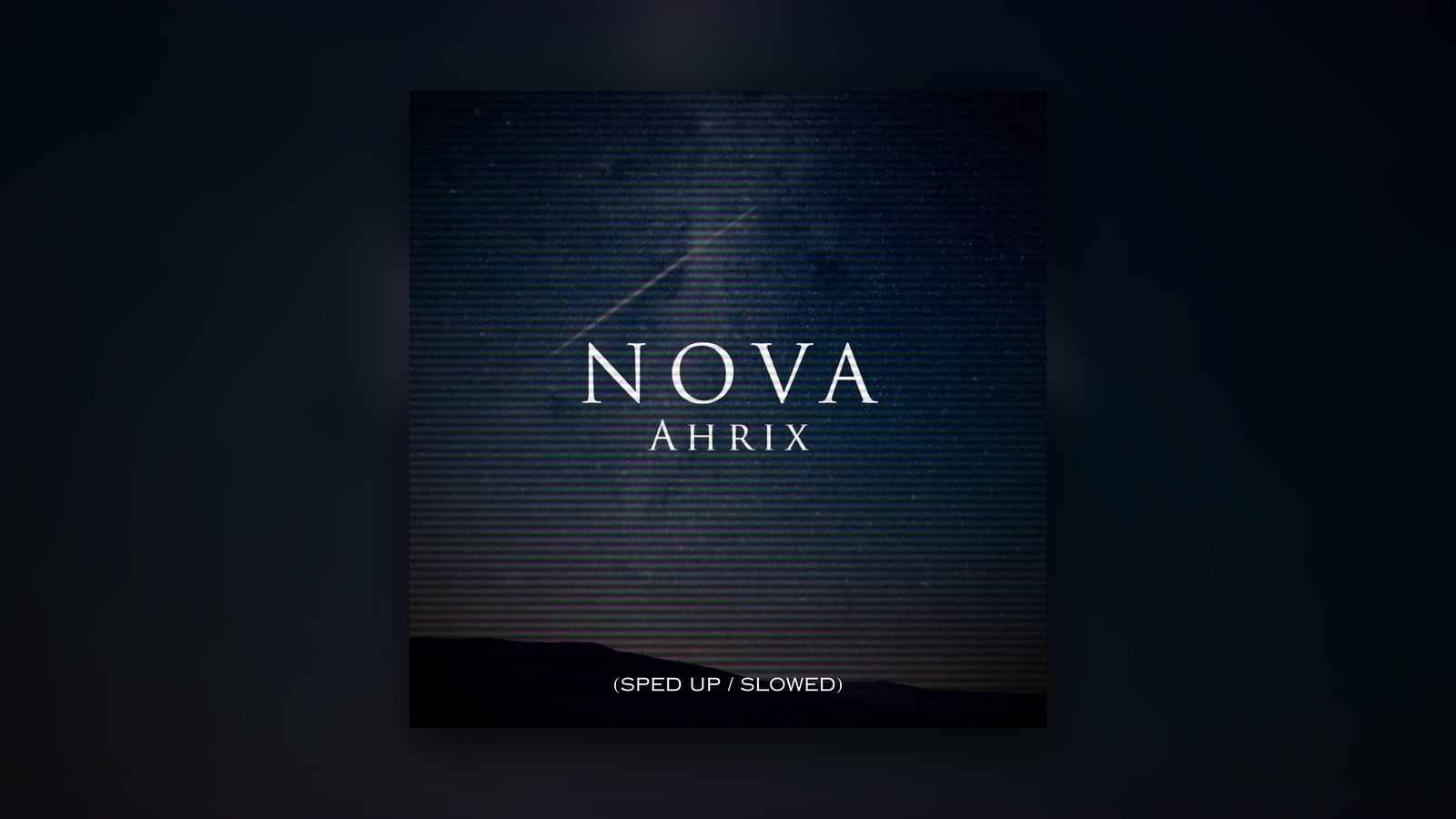
How to release sped up and slowed + reverb versions of your music
Ever since 2015, fans have posted slowed and sped up versions of Nova, and Ahrix has now brought out official ones, so this is how you can do the same with your songs.
Fans already search by name for faster and slower versions of songs. When your song appears in those results, an official release lets those listeners find the versions on your artist profile beside the original.
Plays on a fan upload do not count as streams for your release. Official versions count, and they earn royalties in the same way as any other track. Putting out versions of an older catalogue song can bring new listeners to it too, which gives you a reason to return to music you already own or control.
Dutch producer Ahrix first put out Nova in March 2013. It has nearly 90 million Spotify plays, and its official sped up and slowed + reverb versions are out now through RouteNote. You can use this release as a guide when planning your own.
See what your listeners are searching for
Begin with the name of your song, then add sped up or slowed + reverb to the search. Run a separate search for nightcore as well. Check the uploads that come up and their view counts so you can spot where listeners have shown interest.
When several uploads appear, check more than the biggest one. As you work out what to release, compare how much interest there is in sped up edits and in slowed + reverb versions. Those searches can help you decide which version to tell your listeners about.
At the time of writing, a YouTube search on 15 October 2026 returned 58 fan uploads of Nova edits. Together they had about 2.7 million views. The biggest slowed + reverb upload had about 1.09 million views. Nova’s official YouTube video had about 26.7 million views.
That fan-upload total counts YouTube alone. Edits on TikTok and SoundCloud were left out of it. If you want to find other places where fans share versions of your own song, look at those platforms as well.
Check the rights before you start
You must own or control the recording that you intend to release. Where a label holds rights in your master, sort out the release with them before anything else. Speak to a licensing partner if an existing arrangement covers your recording.
A collaborator might hold rights in the master as well, so bring them into that discussion before you prepare your versions. Look at the recording’s current rights arrangements to see whose permission you need.
If you want your versions to be usable in social videos, confirm eligibility before you pick those destinations. RouteNote delivers to TikTok and Instagram/Facebook, and our programmes need audio that you control exclusively. YouTube Content ID also calls for exclusive control, as our eligibility guidance sets out.
Try speeds using your original files
Begin with your original master files when you make versions for release. If all you have is a download or a stream rip, return to the original files before you carry on.
You can test speeds with RouteNote Convert’s free Tempo Changer, which allows you to hear settings from 0.5x to 2x before you settle on one. Go to RouteNote Convert to use it with no account.
Give each version the right release details
After your versions are ready, use our release setup guide to build the release. Keep the song title the same across the recordings so people who search for your song can find each version.
For a release such as Nova (Sped Up/Slowed + Reverb), the song title stays Nova. Put the version details in the version or title version field. That shows stores and fans which recording they have found.
- Version names: Put Sped Up for the sped up recording and Slowed + Reverb for the slowed + reverb recording. Match every entry to the audio you send in.
- ISRCs: Allocate a separate ISRC to each version since each one is a new recording. Our guide to reusing ISRC codes sets out when you can use an existing code.
- Song title: Keep the same underlying song title for both recordings, and place the version details in its own field.
- Songwriting credits: Bring across the credits from the original. The composition is unchanged, so the songwriting credits remain the same.
Plan ahead if you want to pitch
Pick your release date with pitching in mind. We suggest sending your release at least four weeks early so there is time for a Spotify editorial pitch. Work back from the date you choose when you decide when to submit it.
Inside Spotify for Artists, you can pitch a single unreleased track at a time. Send that pitch at least seven days before release. When you put out two versions together, as Ahrix has done with Nova, pick one of them to pitch.
Help fans find your official release
As you get the release ready, you can create a free pre-save page with our partner PUSH.fm. Share the page before release so fans have a place to pre-save the versions you are telling them about.
After the music goes live, use a free PUSH.fm fan link to send listeners to the official release. Include the full version names in your announcement so anyone looking for the slowed + reverb recording can spot it from your post.
Before you share it, open your link and confirm that it goes to the release you are announcing. If your post mentions a certain version, check that fans can reach that recording from the page you send them to.
Listen to Nova’s official versions
Nova (Sped Up/Slowed + Reverb) came out on 16 October 2026 through RouteNote. Both tracks, Nova (Sped Up) and Nova (Slowed + Reverb), are available now on streaming services.
Fans have uploaded their own edits since 2015. You can hear the official versions now on Ahrix’s artist profile, and both recordings are in the release below.
Distribute your sped up and slowed + reverb versions with RouteNote for free