
Apple Music guide: How to pin your favourite music to your library in iOS 26
Image credits: 9to5Mac
A simple new way to keep your go-to tracks, albums, and playlists front and center is coming to Apple Music users.
Library pinning comes to Apple Music
Apple’s iOS 26 update is launching today, and it’s packing a neat flurry of new features for Apple Music fans. One that’s highly anticipated? You can now pin your favourite music to your Library.
That means no more endless scrolling through your playlists or albums. With pinning, your go-to tracks are always just a tap away.
How to pin music on Apple Music
Once you’re on iOS 26, follow these simple steps to pin your favourite music:
- Open Apple Music
- Find the song, album, playlist, or artist you want to pin.
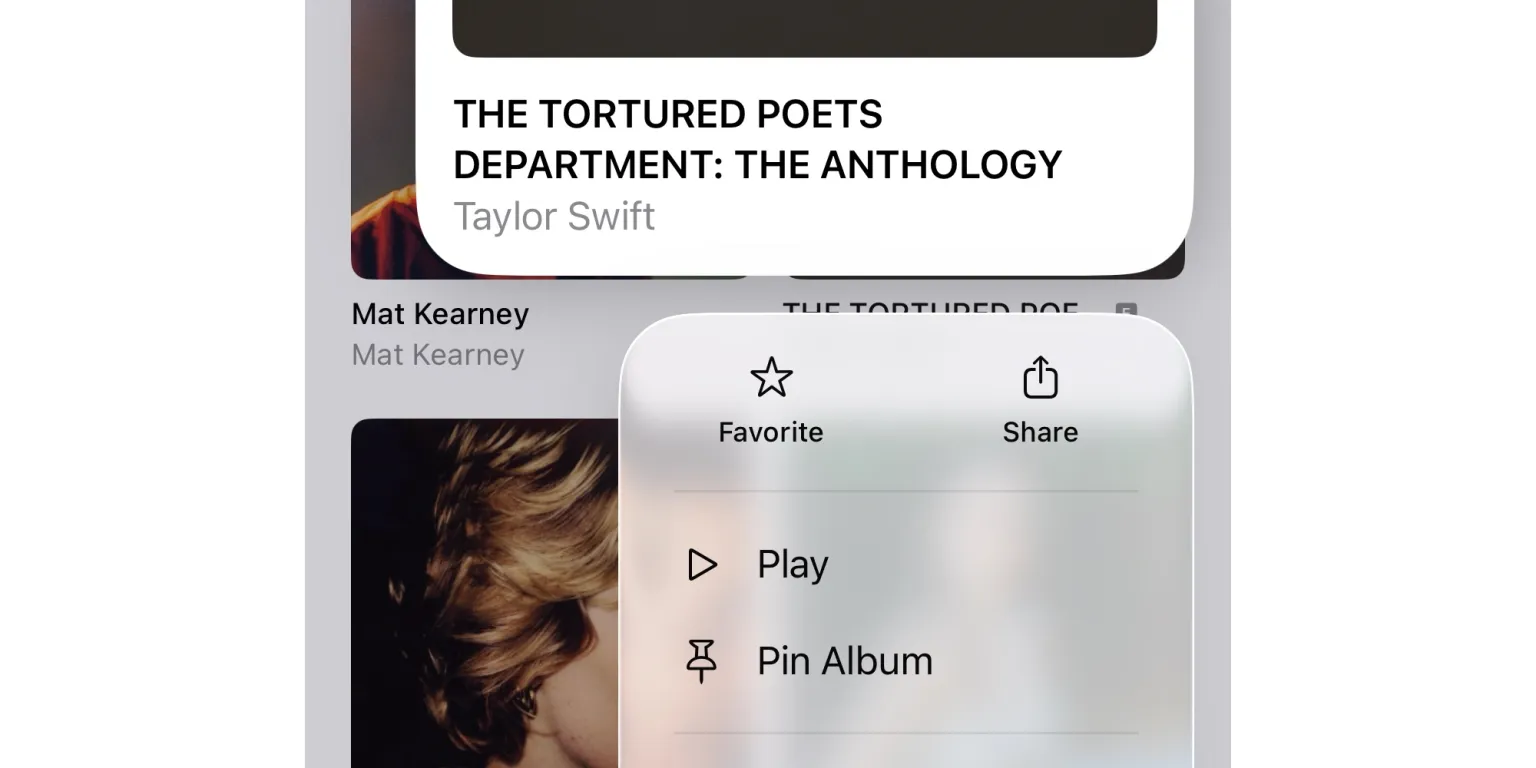
- Long-press it to reveal the pin option
- Alternatively, tap the three dots next to an album or currently playing song.
- Pin the music to your Library.
… and that’s it. Your pinned music will now sit at the top of your library for quick access, complete with automatic downloads that can be disabled in settings.
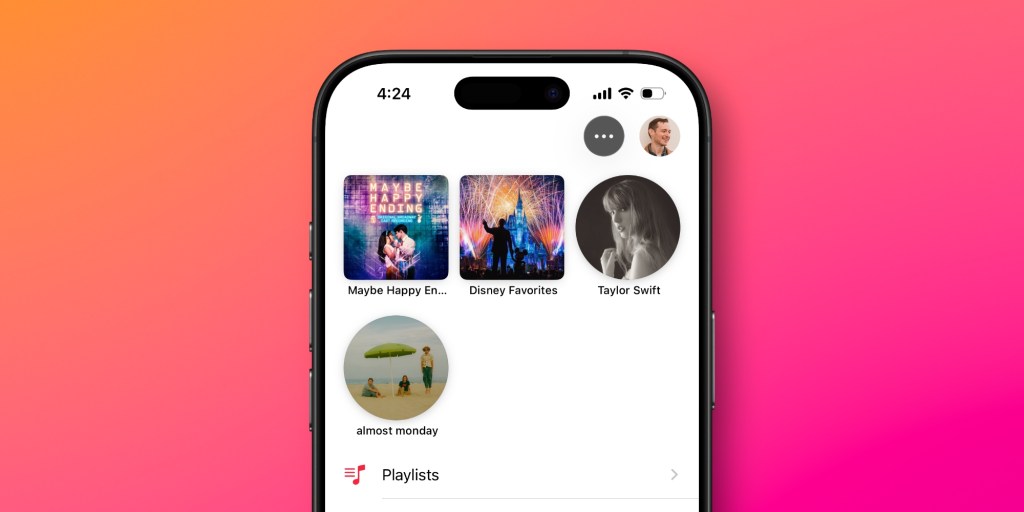
Had a change of mind? Unpinning is just as easy. Just head back into your library and remove the pin the same way you added it.
Other features the beta revealed
Pin up to six items
In the iOS 26 beta, you can pin up to 6 different items according to 9to5Mac. That means you can pin a combination of whatever you want, whether it be albums, playlists, or artists.
Pinned widgets for added convenience
Alongside pinning the in library, iOS 26 is expected to add a pinned music widget to your Home screen. This lets you drop straight into your favourite songs or playlists right from your Home screen, adding an extra level of convenience.
Pinned music syncs across devices
Pinned items don’t just stay on your iPhone. Your pinned music should sync across devices too, making it easy to find your favourites no matter the device.
As with any beta, the final details may differ slightly when iOS 26 launches today.
More Apple Music updates in iOS 26
Pinning isn’t the only thing landing with this update. With iOS 26, Apple Music also gets playlist folders, AutoMixes, Lyrics Translation, Lyrics Pronunciation, and animated Lock Screen album art.