
Ableton Move Review – Spinning the new standalone beatmaker
Expectations are high when one of the world’s best DAW and music hardware makers launch a standalone beatmaker, but does it live up to them?
Ableton is a beloved brand for music makers, producing one of the world’s favourite DAWs in Live and beatmaking favourites like the Push controller. So, when the team at Ableton gave us a chance to get hands on with their new standalone hardware, the Ableton Move, we took it excitedly to in-house producer Zoe to put it through its paces.
After spending weeks exploring the Move’s features, here’s our full breakdown of the the Ableton Move – what’s great, the slight frustrations, and why it might be a game-changer for your music creation workflow.
Watch the video below for a full exploration of the device and to hear it in action or read on to find out more.
Ableton Move: A Truly Portable Production Studio
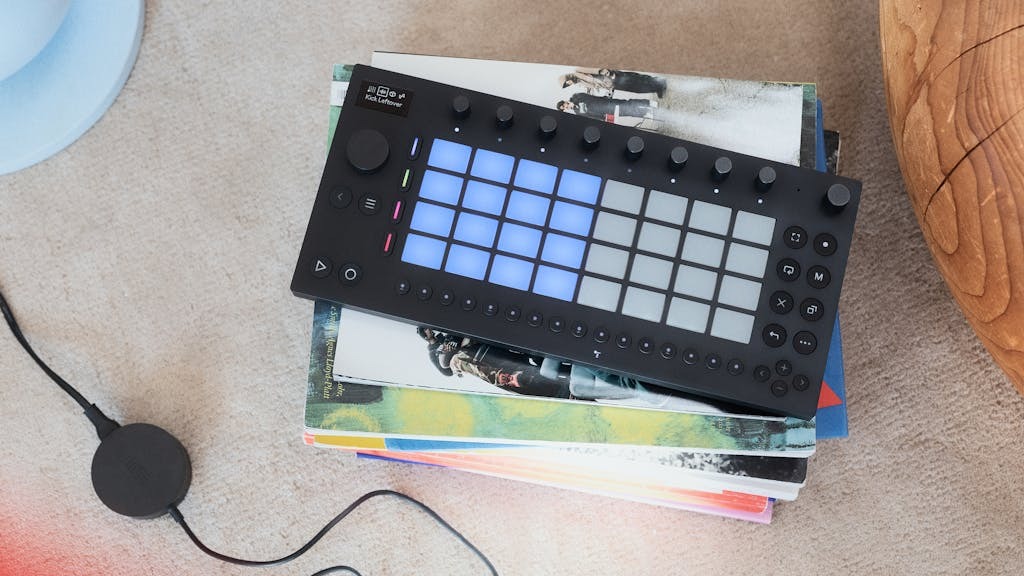
The headline of the Move is that it is a standalone piece of hardware, requiring no external connections to play and start looping and layering beats. This is a complete, battery-powered production unit that you can genuinely take anywhere.
What we loved
We were immediately impressed by the device’s design and core features:
- Compact & Travel-Ready: “I love the size. It’s thin, it’s compact, you can fit it in your rucksack, you can take it with you on the bus.” This portability addresses a major challenge for modern producers: keeping music-making accessible in a busy, everyday life.
- Built-In Power: Being battery-powered means no more “faffing around with loads of cables.” The battery life is substantial, allowing for truly spontaneous creation on the go.
- The Built-in Speaker: A small built-in speaker means you can immediately play sketches and ideas out loud without needing to plug in headphones.
- Intuitive Workflow: The legendary Ableton workflow translates smoothly into the new setup for users of their other hardware. The pads are responsive, and the process is “really, really intuitive to use,”.
The Creative Toolkit: Sounds, Effects, and the Groove
The Move comes packed full of power to launch straight into playing and experimenting with sounds and tools. Ableton have “exceeded themselves” with the amount of sounds they’ve managed to include.
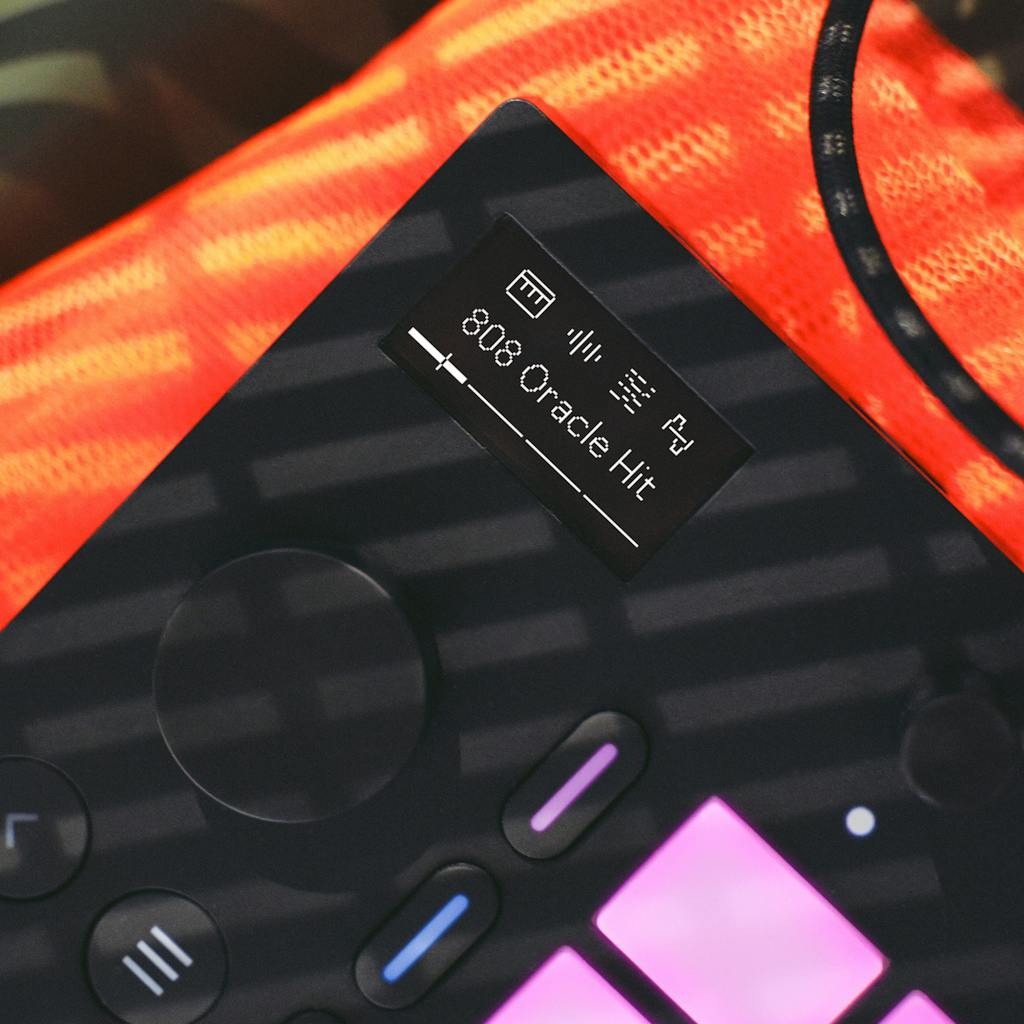
The Move’s library includes drum kits, synths, arps, and much more. So much so that you can explore different genres and sounds with ease without treading over familiar territory thanks to all that’s on offer.
The Sequencer and Groove: The on-board sequencer is really easy to use, allowing users to immediately jump into looping and exploring sounds. The Groove function then opens up the ability to bring sequenced beats to life with swing and a more human feel to the percussion.
Parameter Knobs: Just touching the parameter knobs, the screen instantly displays what they control. This feature is really nifty for navigating effects and tone control without having to memorise functions.
Whilst the Move’s extensive library offers more than you could easily explore, you’re not at all limited to the sounds included in the device.
Sampling, Vocals, and the Ecosystem
For a standalone device of this size, the sampling capabilities are fantastic. You can record external audio and vocals straight into the Move, adding another layer of creative freedom.
A few workflow considerations for heavy sample-based producers:
- Input Jack: The device uses a smaller audio-in source, which means a separate adapter is needed to plug in instruments like a keyboard or bass.
- Sample Editing: While possible, the on-board process for slicing and editing samples (specifically cutting off the end-of-recording clicks) wasn’t as quick as a producer might be used to on a full desktop DAW.
Ableton Cloud: Seamless Integration
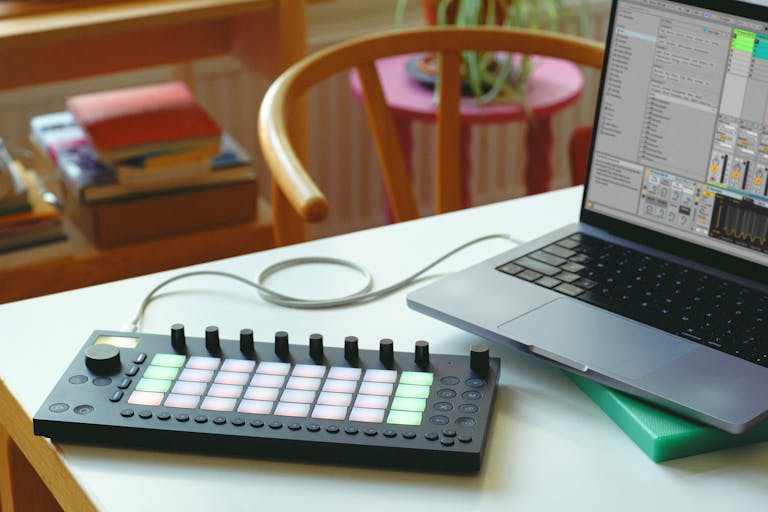
The Ableton Move is designed to integrate seamlessly with your existing setup via Ableton Cloud. This feature allows users to upload creative sketches and ideas wirelessly to the cloud. Those projects can then be loaded up in Ableton Live on a computer to continue and expand upon.
Whilst we encountered a few issues using this function during the review, the potential of this feature is massive – allowing you to explore creative ideas wherever they strike with the portability of the Move, to pick up later on with the full power of Live and your production setup.
The Final Verdict: A Big Thumbs Up
The Ableton Move is incredibly powerful for its size. For creators who are looking for beatmaking wherever they are, the Move offers the perfect halfway point between a lightweight, compact device and the unlimited creative possibilities offered within its portable power.
Whilst it’s unlikely to become the only device you use to make music, it’s a fantastic addition to the toolkit of producers and creatives – particularly those already working within the Ableton ecosystem.
The functionality that’s built in something this small – that’s hands free – I think is fantastic… To get sketches down quickly, easily, I think this is amazing.
Zoe, RouteNote Reviewer
It’s a huge thumbs up from the RouteNote team. If you’re looking for a powerful yet portable piece of kit that enables creativity wherever inspiration strikes, you should bag the Ableton Move to take with you in your bag.