
How to get your tour dates on Spotify and reach more fans
Make your live shows easier to discover on Spotify. Here’s how you can add tour dates to your Spotify profile.
If you’re an artist, you’ll know how difficult it can be to promote a tour. There’s social posts, poster designs, venue announcements, and trying to keep every platform up to date. But one of the simplest things an artist can do to ease the pressure? Make sure their tour dates appear directly on Spotify.
Why? Because fans are already there listening to your music. If someone lands on your Spotify profile after discovering your latest release, you want them to immediately see where they can catch you live.
The good news is that Spotify makes the process fairly straightforward through its integration with Bandsintown.
Here’s how to get your tour dates onto Spotify, and why it matters.
Why adding tour dates to Spotify matters
Spotify has become much more than just a streaming platform. It’s now one of the biggest discovery tools for artists worldwide, and these days that includes live event discovery.
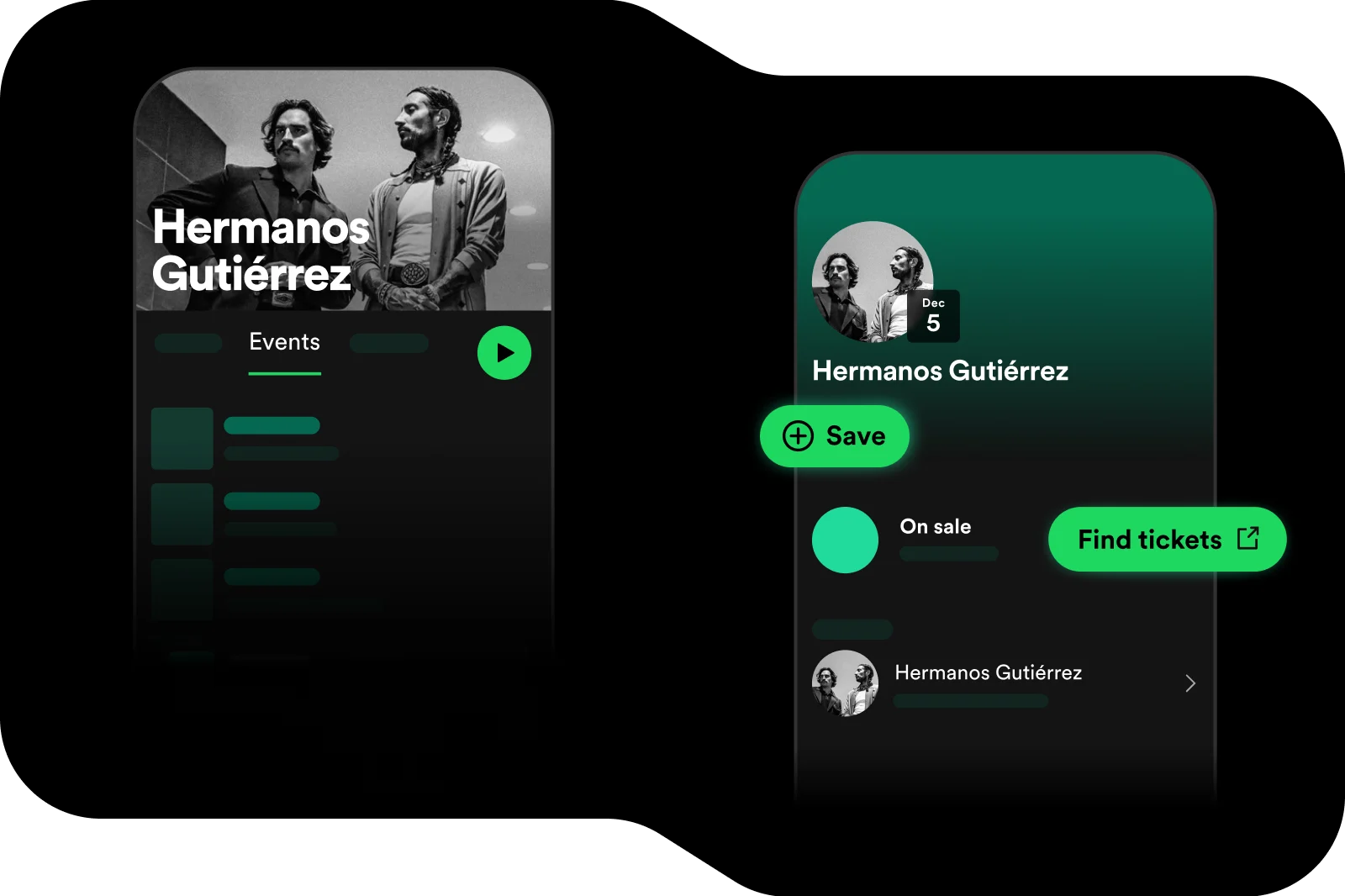
See, Spotify made event discovery seamless within the app back in 2022 and now your shows can appear across various areas of the app. Your upcoming shows can appear on your Spotify artist profile, inside Spotify’s personalised Live Events feed, and more recently the platform introduced a ‘Concerts Near You’ playlist to help fans discover live shows nearby even more easily.
Adding your live dates means fans can discover upcoming shows at the exact moment they’re engaging with your music. Instead of hoping someone comes across your tour information elsewhere, Spotify places your events directly alongside your releases.
For independent artists, that’s incredibly valuable. It helps remove the friction between music discovery and buying a gig ticket. In fact, Spotify even recently announced that these concert discovery integrations have helped them drive $1.5 billion in ticket sales for artists.
And if you’re already distributing music to Spotify with RouteNote, pairing your streaming releases with visible live dates can help push your music career forward.
How to add your tour dates to Spotify
One of the ways you can display your event data on Spotify is thanks to the platform’s integration with Bandsintown for Artists, meaning artists need to connect their Spotify profile to Bandsintown.
But no stress, the setup process is easy.
1. Create or claim your Bandsintown for Artists account
If you haven’t already, sign up for a free Bandsintown for Artists account and claim your artist profile.
Once you’re inside your dashboard, head to your profile settings and add your Spotify artist profile URL.
2. Add your upcoming events
Next, open the Events section inside Bandsintown for Artists.
This is where Spotify pulls your live show information from. So, it’s important to make sure every date is accurate and fully updated. Here, you can add your tour dates, festival appearances, venue information, ticket links, and event information.
3. Wait for Spotify so sync your events
Once your events are listed correctly on Bandsintown, Spotify will automatically pull the information onto your artist profile. Updates typically appear within 24 to 48 hours.
Need to update a venue? Change event info? Add another date? Simply head back into Bandsintown and Spotify should automatically update within 24 to 48 hours too.
Get your music ready for your next tour
Adding concert dates to Spotify can go a long way to propelling your music career to the next level. Live shows remain one of the strongest ways to grow and build a connection with your fanbase. With that in mind, you want to make it as easy as possible for fans to discover your live shows as soon as they find your music.
So, whether you’re planning your first local run of shows or a larger international tour, keeping your Spotify profile updated helps fans stay in the loop.
And of course, before fans discover your gigs, they need to discover your music first.