
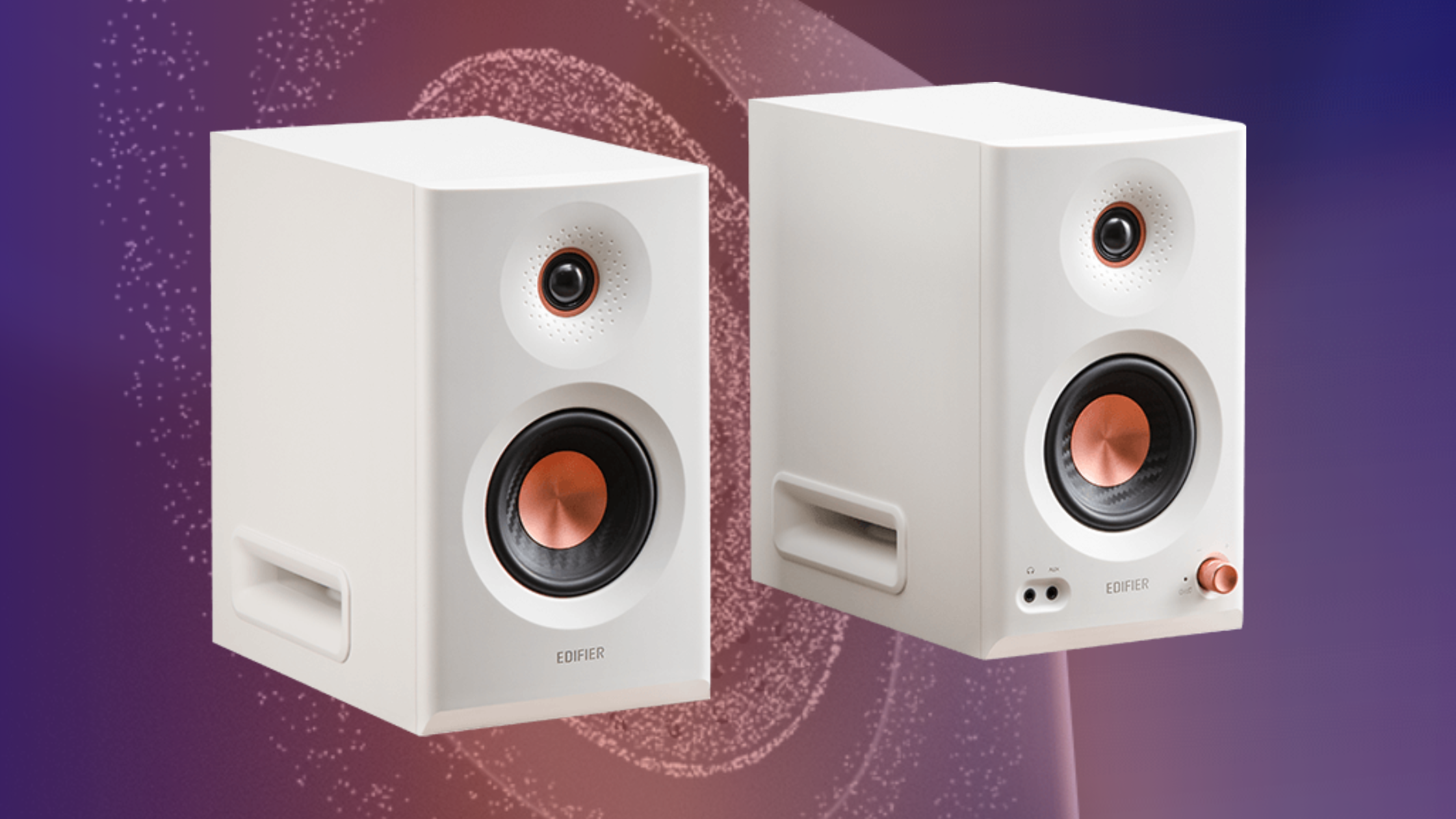
Edifier MR5 review – the best studio monitors under $400?
Although more than double the price of the MR3 and MR4, Edifier’s new MR5 powered studio monitors still represent great value for money.
Earlier this month, Chinese audio company Edifier announced their latest product, the MR5. Specializing in speakers, headphones and earbuds, the MR-line are studio monitors, with their flat frequency response making them suited audio production. We’ve previously reviewed both the MR3 and MR4 studio monitors, both of which sell for under $200, making them great value for money. With the latest addition selling for $349.99, do the MR5 represent the same value for money? I have previously tested the MR3 and have been daily driving the MR4 for over a year, so will be comparing the MR5 to these.
Unboxing
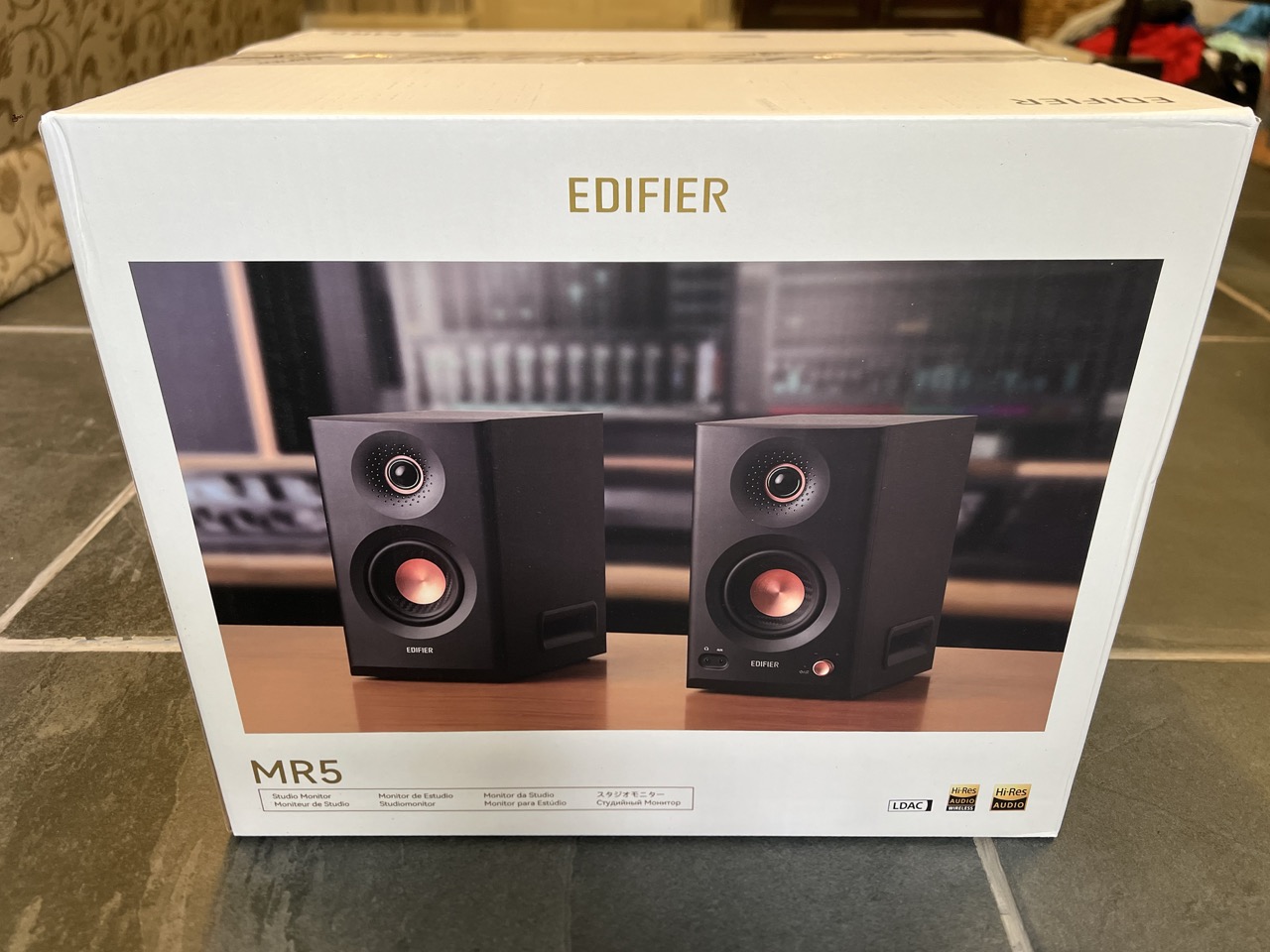
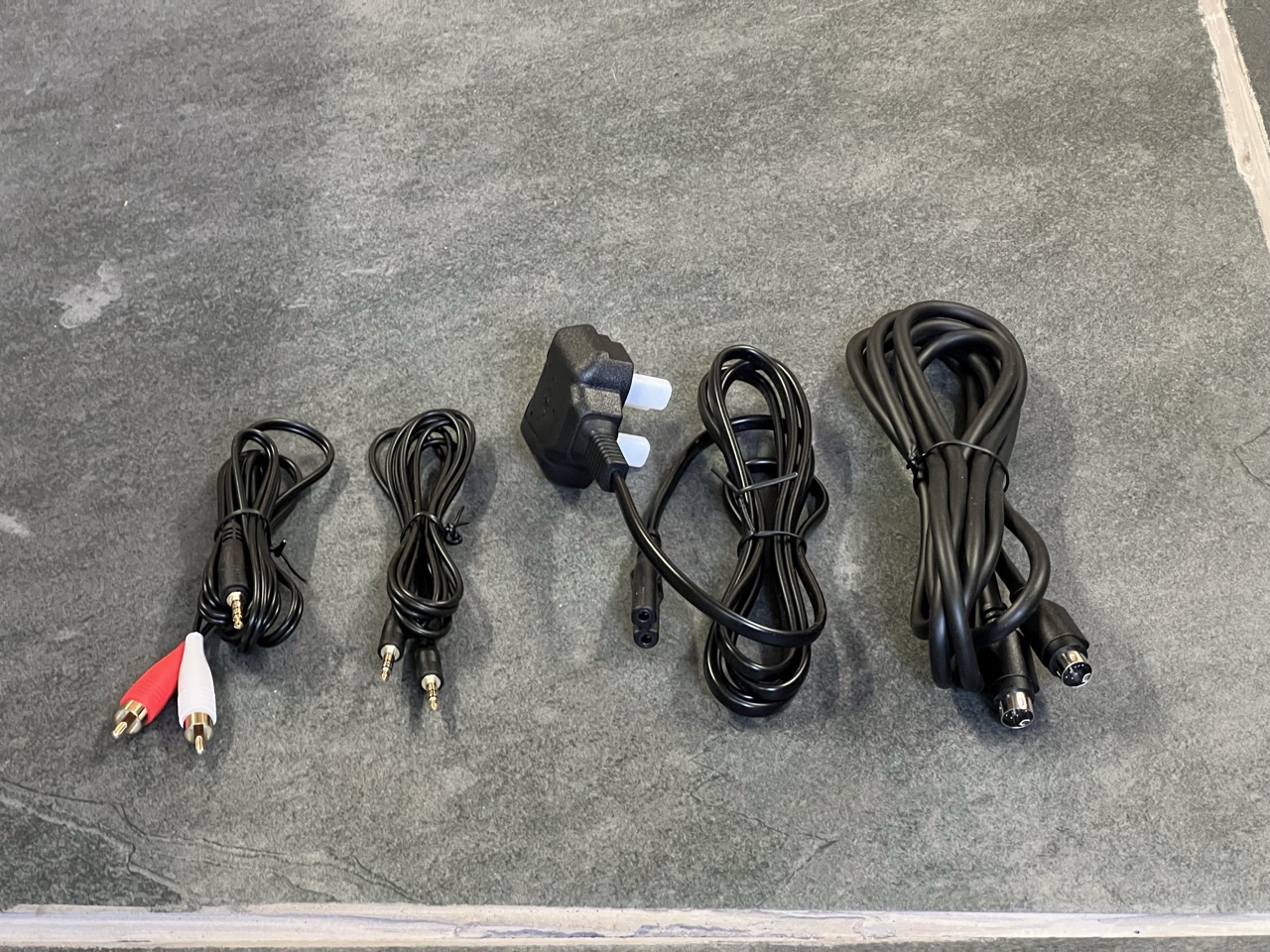
In the box, you’ll find a quick start guide, power cable, speaker connector cable, 3.5mm to 3.5mm cable, 3.5mm to RCA cable, and of course the speakers themselves. The speakers come in black or white. Edifier sent us the white pair.
Design
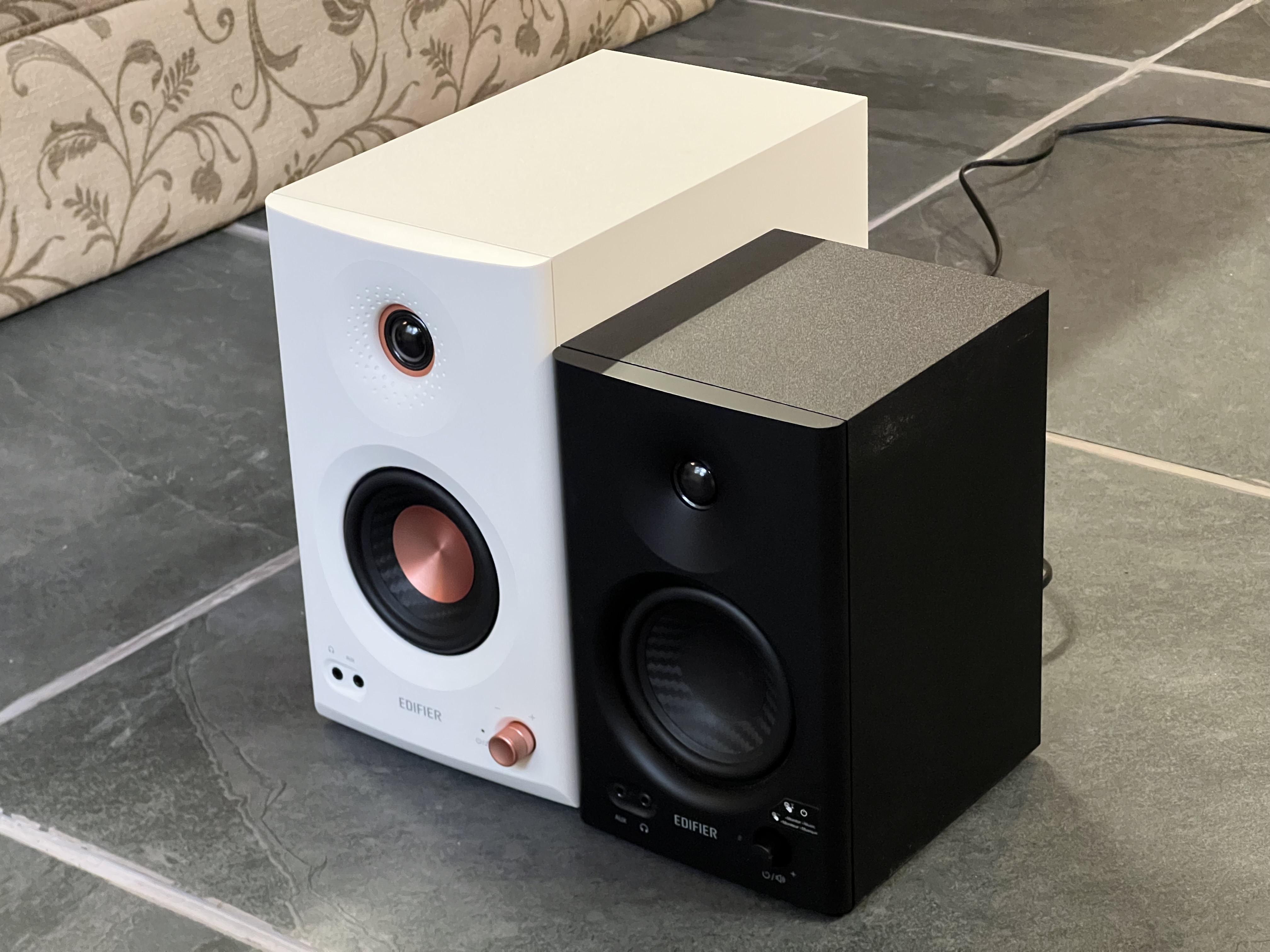
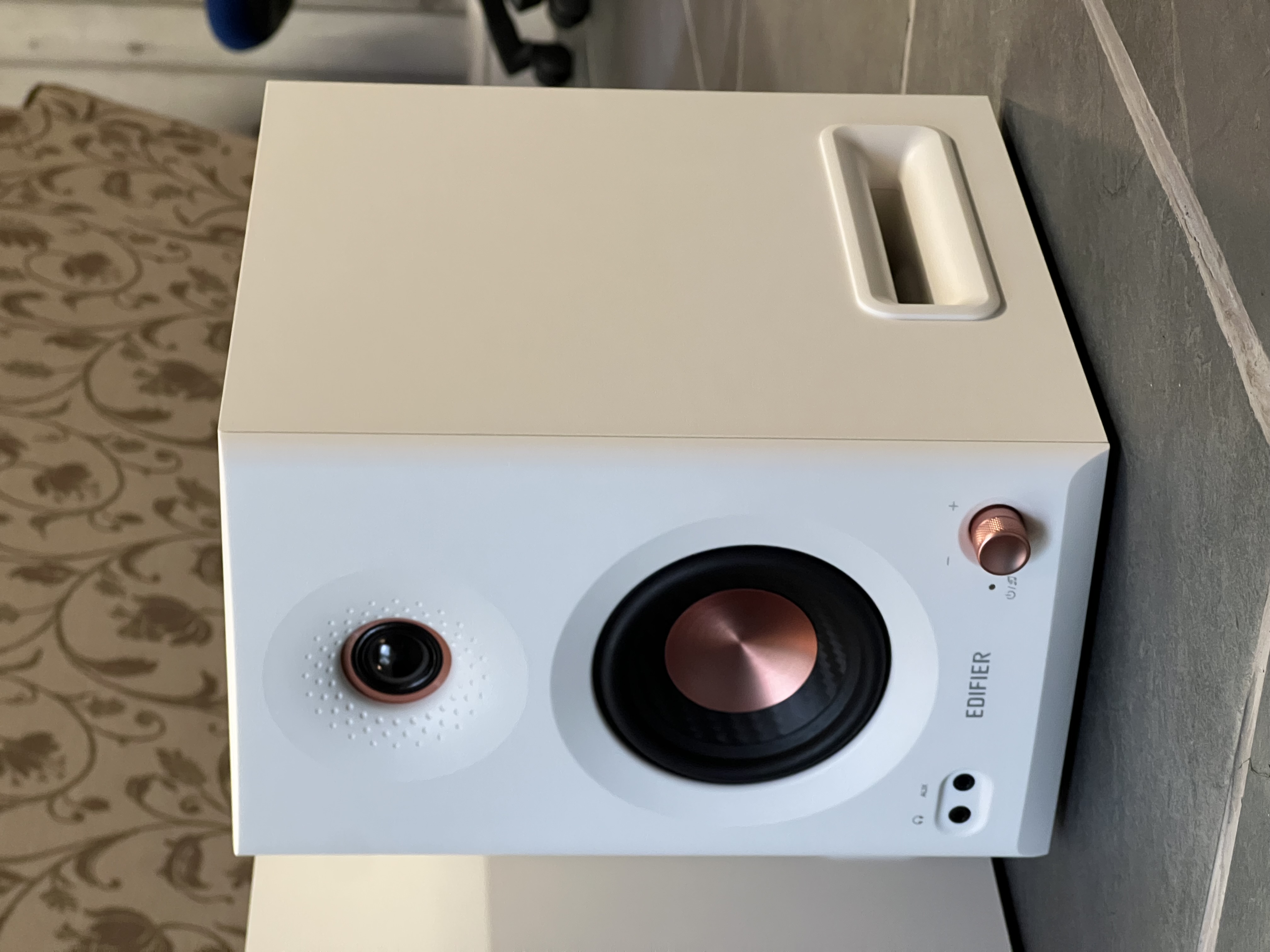
I think the speakers look great on my desk and compliment my setup. They feel solid, with white MDF acoustic cabinets, and rose gold accents on the drivers and volume knob. There are rubber feet on the bottom to give the speakers a solid stance.
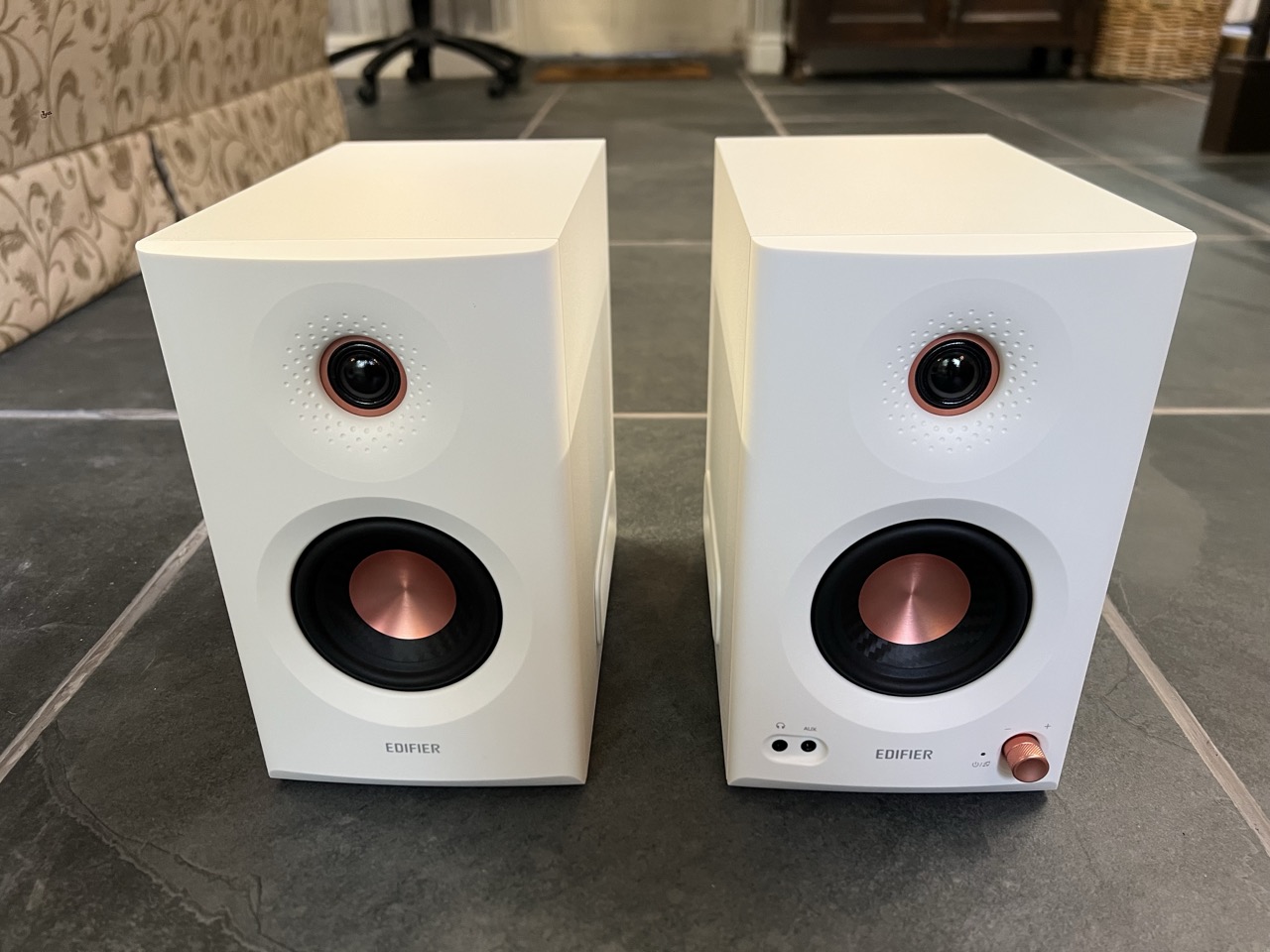
Edifier’s MR-line increases in price and physical size as you scale up from MR3, to MR4 and MR5. The MR5 is significantly larger in all dimensions than the MR4 pictured. The active speaker is 159mm × 264mm × 280mm, while the passive speaker is slightly shallow at 159mm × 264mm × 257mm, due to the lack of dials on the rear. The pair weigh around 10.4kg. Despite the increase in size, the speakers are still compact enough for most desks.
Input, output, knobs and buttons
Input/output
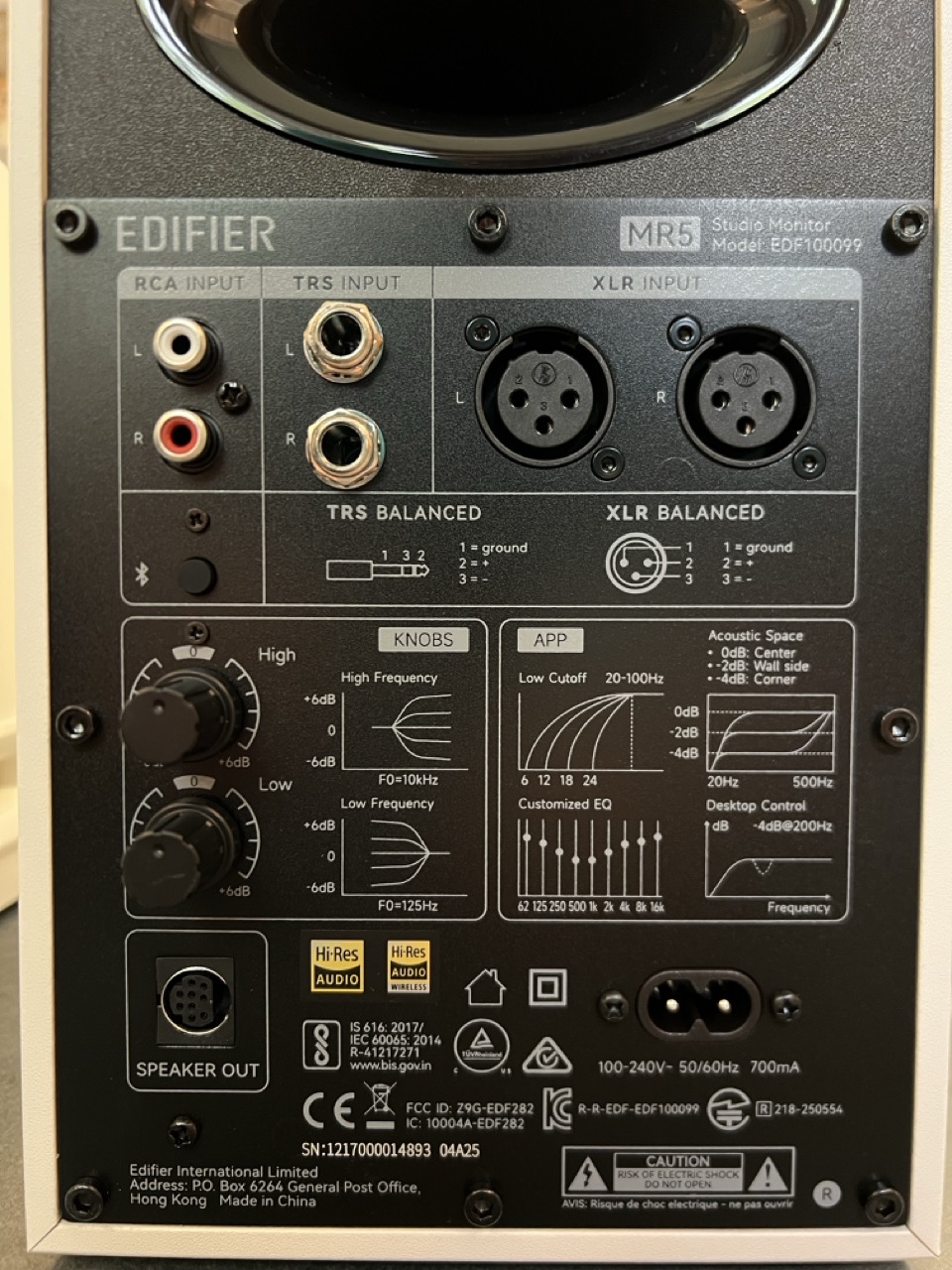
The Edifier MR5 are active or powered speakers, meaning the amplfier is built in. The majority of the I/O is found around the back of the active speaker. There is an RCA for direct connection to computers, and also balanced ¼-inch TRS and balanced XLR for connection to audio interfaces and mixers.
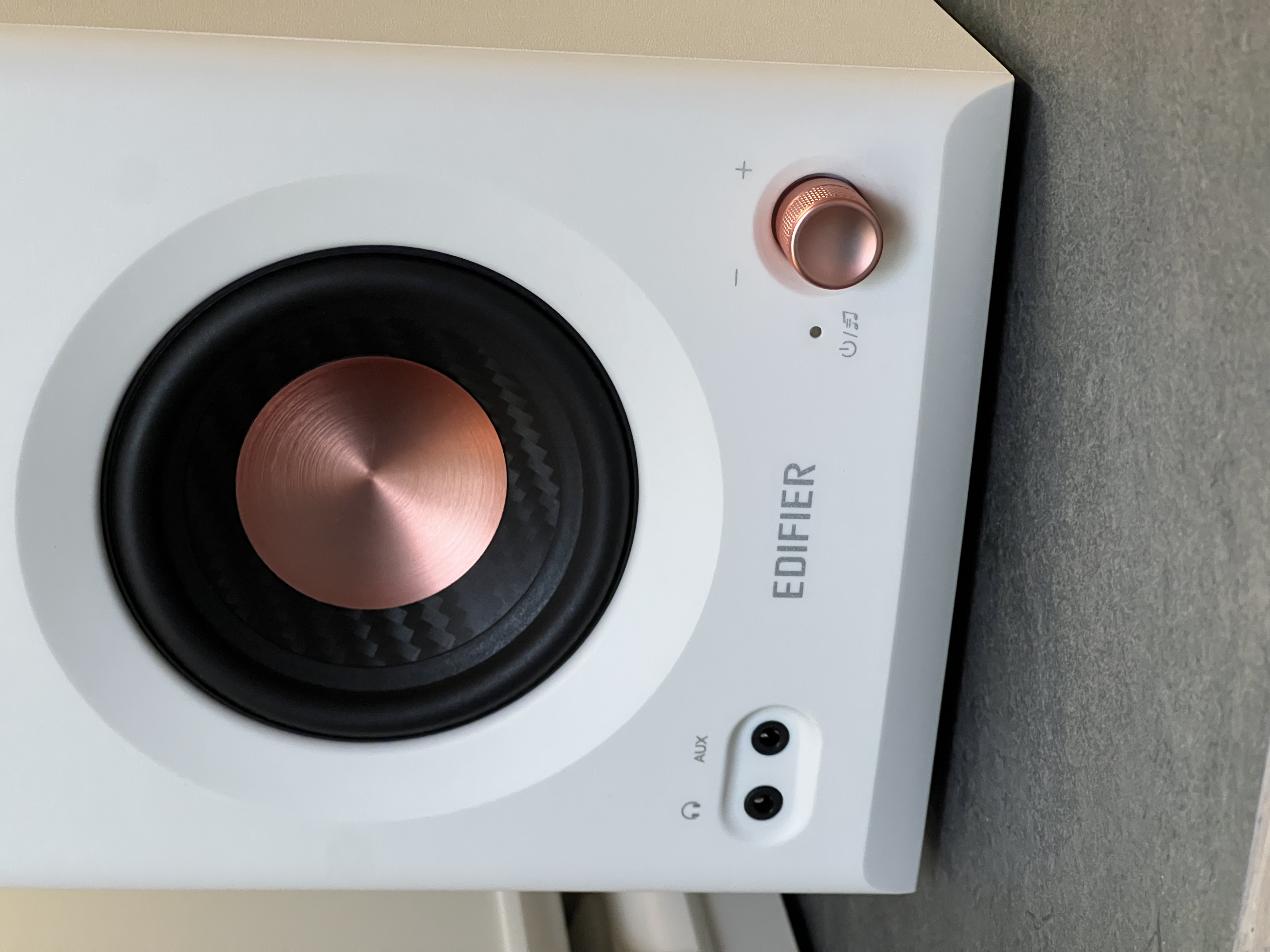
Around the front of the active speaker there is a 3.5mm aux port for direct connection to computers and other devices, plus a 3.5mm headphone output for listening on headphones without switching your computer output. Additionally, much like the MR3 and missing from the MR4, the Edifier MR5 features Bluetooth, for wireless connection to devices and use of the mobile app (more on that later).
Knobs and buttons
On the front of the active speaker, there is a power/volume knob. Pressing the dial in switches between listening mode, while holding it powers on or off the speakers. Beside the dial, there is a power and Bluetooth status LED indicator which also lets you know what mode you’re in – red for monitoring, green for music, white for customized, and off for off. Twisting the dial turns the volume up or down. The dial will keep turning as there is no high or low limit to its movement. LED flashes will let indicate volume increases or decreases. While this unfortunately means you can’t glance at the dial to see the volume, it adds the benefit of adjustability via the app.
Heading back around to the back of the active speaker, there are two dials – High and Low. The High dial will boost or reduce high frequencies above 10kHz by ±6dB, while the Low dial will boost or reduce bass frequencies below 125Hz. The back also features the Bluetooth pairing button.
Edifier ConneX app and Bluetooth
The Edifier MR5 features Bluetooth 6.0 with support for multipoint connection, for simultaneous connection to two devices. As these are studio monitors, for most users, they will spend their entire lives wired to a computer or audio interface. However, even for these users, Bluetooth still has a purpose with sound adjustability.
I was able to connect both of my devices via Bluetooth easily. By pressing the Bluetooth button, the speakers immediately popped up in the Settings app on my iPhone. The app recognized the speakers right away. To enable multipoint, I had to hold the Bluetooth button down to enter pairing mode, which disconnected my iPhone, then pair with my Mac, before reconnecting with my phone. Audio switches devices based on what is actively playing media, as expected.
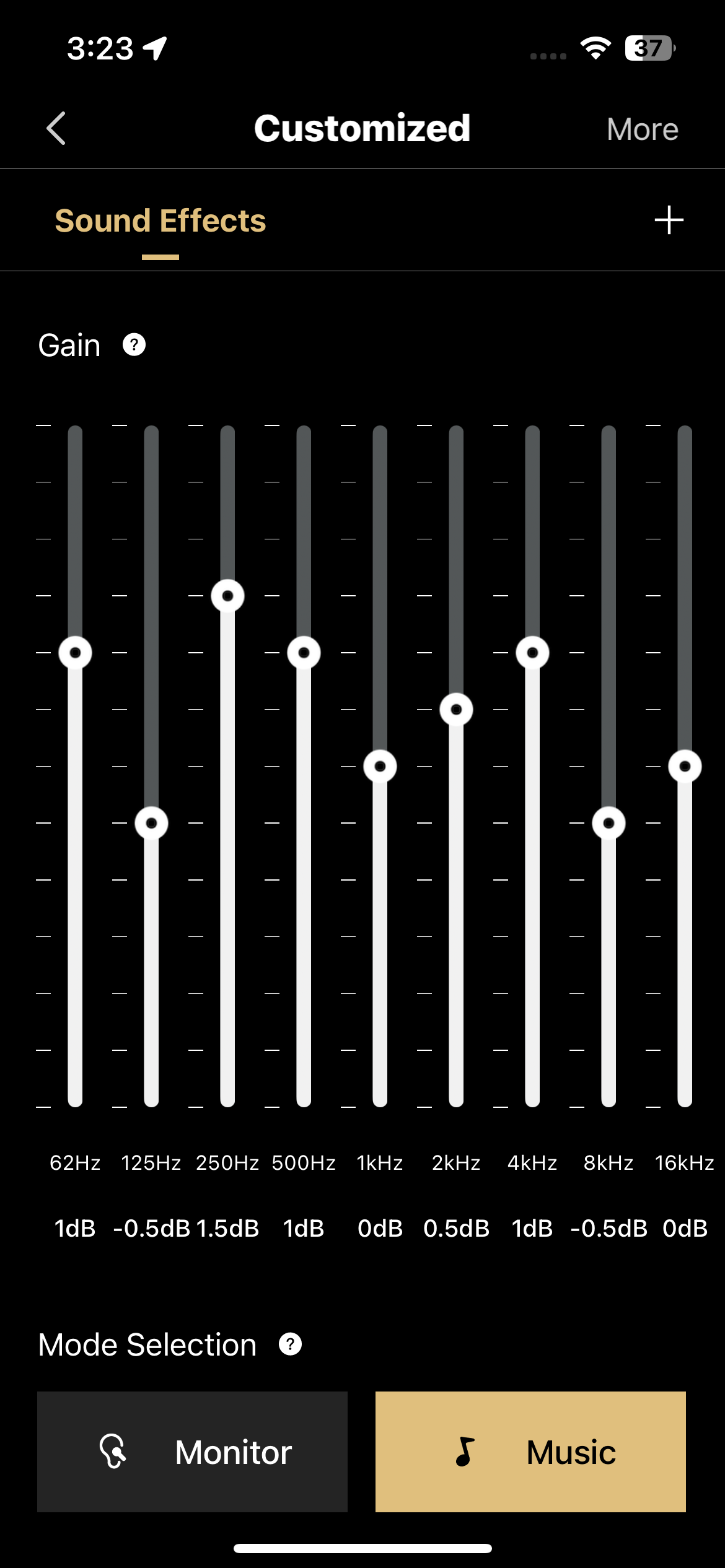
The Edifier ConneX app is a pretty simple app, without any gimmicks cluttering the interface. In the Sound Effects tab you’ll find three options for acoustics – Monitor, Music, and Customized. Customized gives you a 9-band equalizer. You can dial in the perfect settings while you are listening to audio, whether wired or wirelessly. The adjustments made affect all inputted audio. Note that there’s a delay of a couple of seconds when tweaking the EQ, which you’ll need to account for while tuning. You can import and share EQ profiles with other Edifier users.
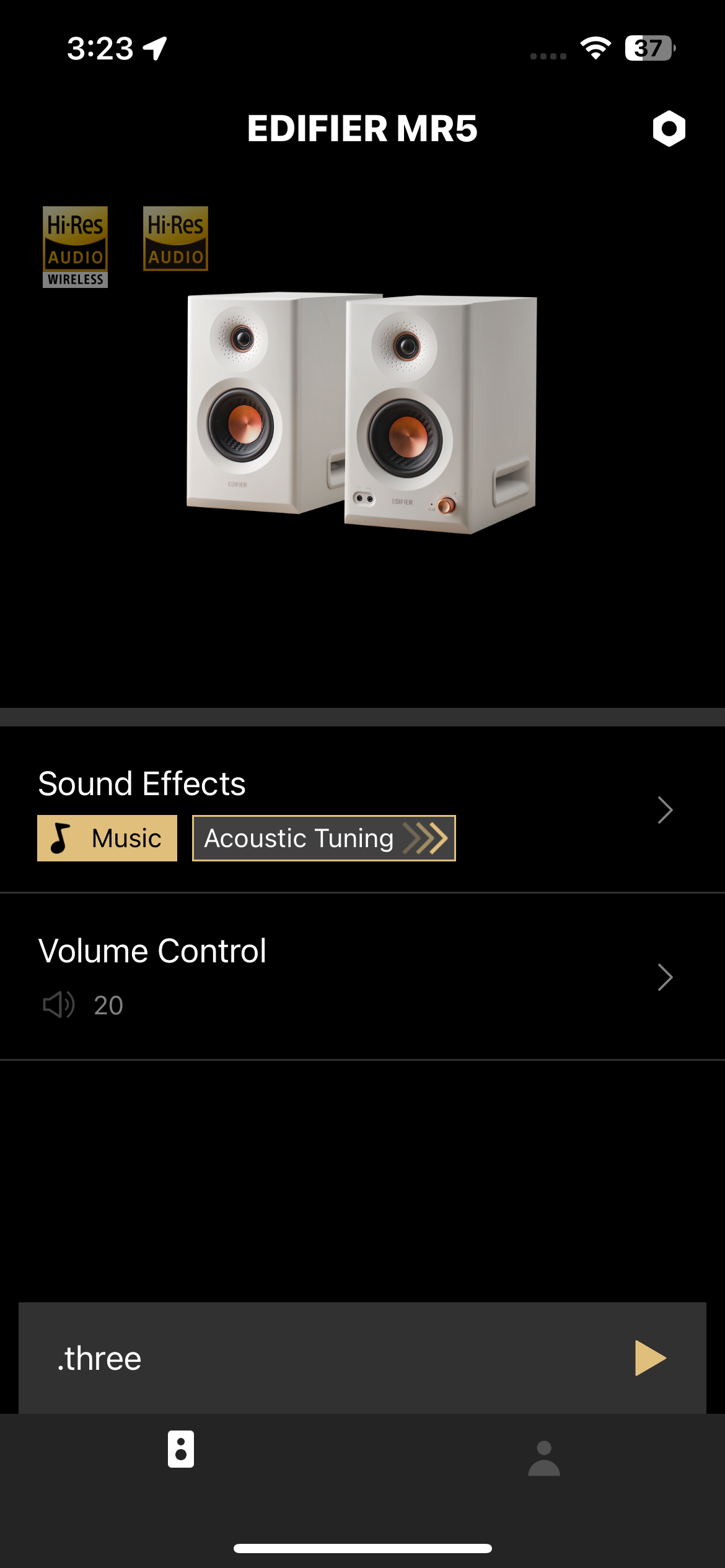

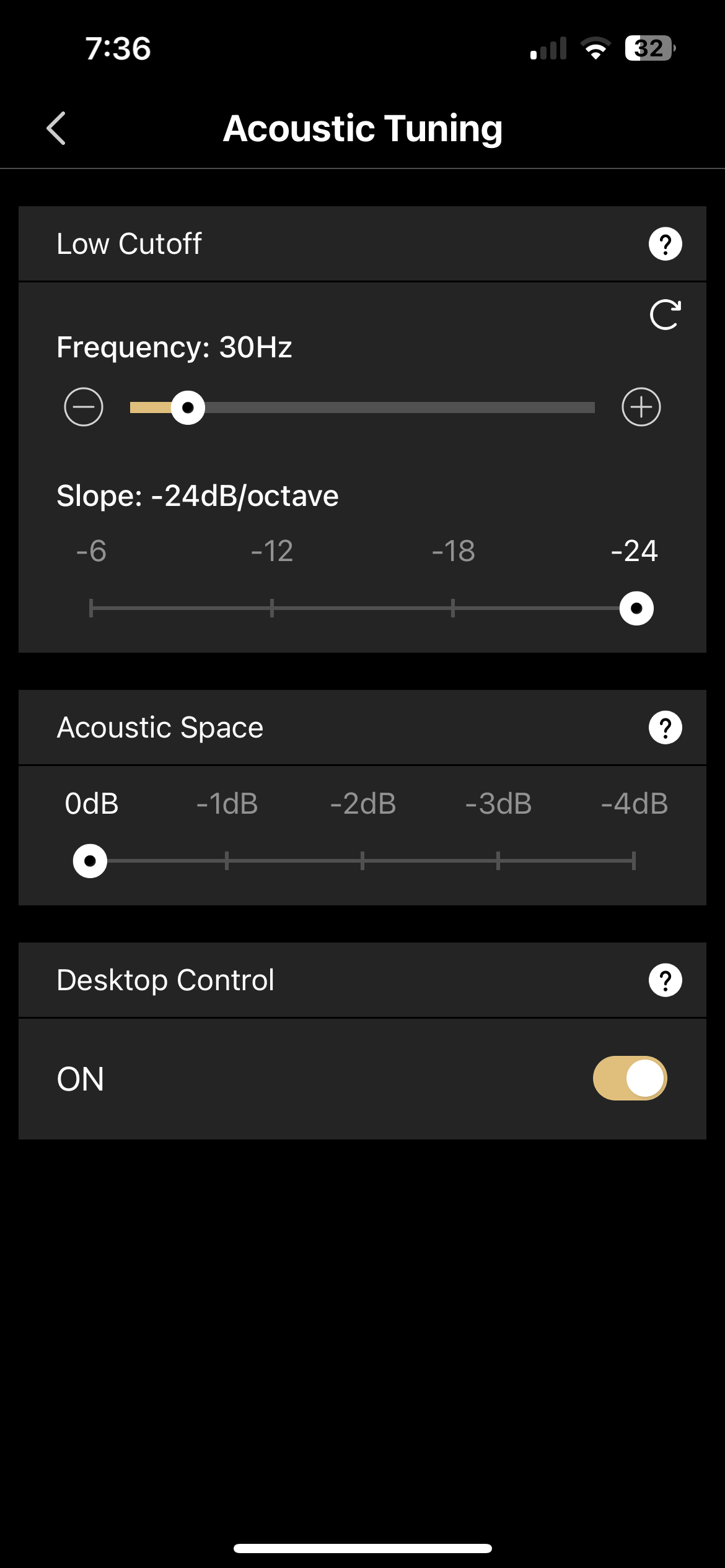
Under Acoustic Tuning there are various switches and sliders to compensate for room placement. Each section has instructions under the question mark help icon, which should help novices ensure optimal sound for their unique space. The Low Cutoff lets you set a low cut betweern 20Hz and 100Hz, at a slope rate of -6, -12, -18 or -24dB/octave. Acoustic Space lets you select an acoustic level to compensate for bass boost from room placement. For example placing the speakers in the corner or against a wall results in increased bass. Using the Acoustic Space slider will compensate for this increase. Desktop Control is a switch that should be turned on if the speakers are placed on a desktop or have an object placed in front of them, to mitigate an increase in decibel level at certain frequencies.
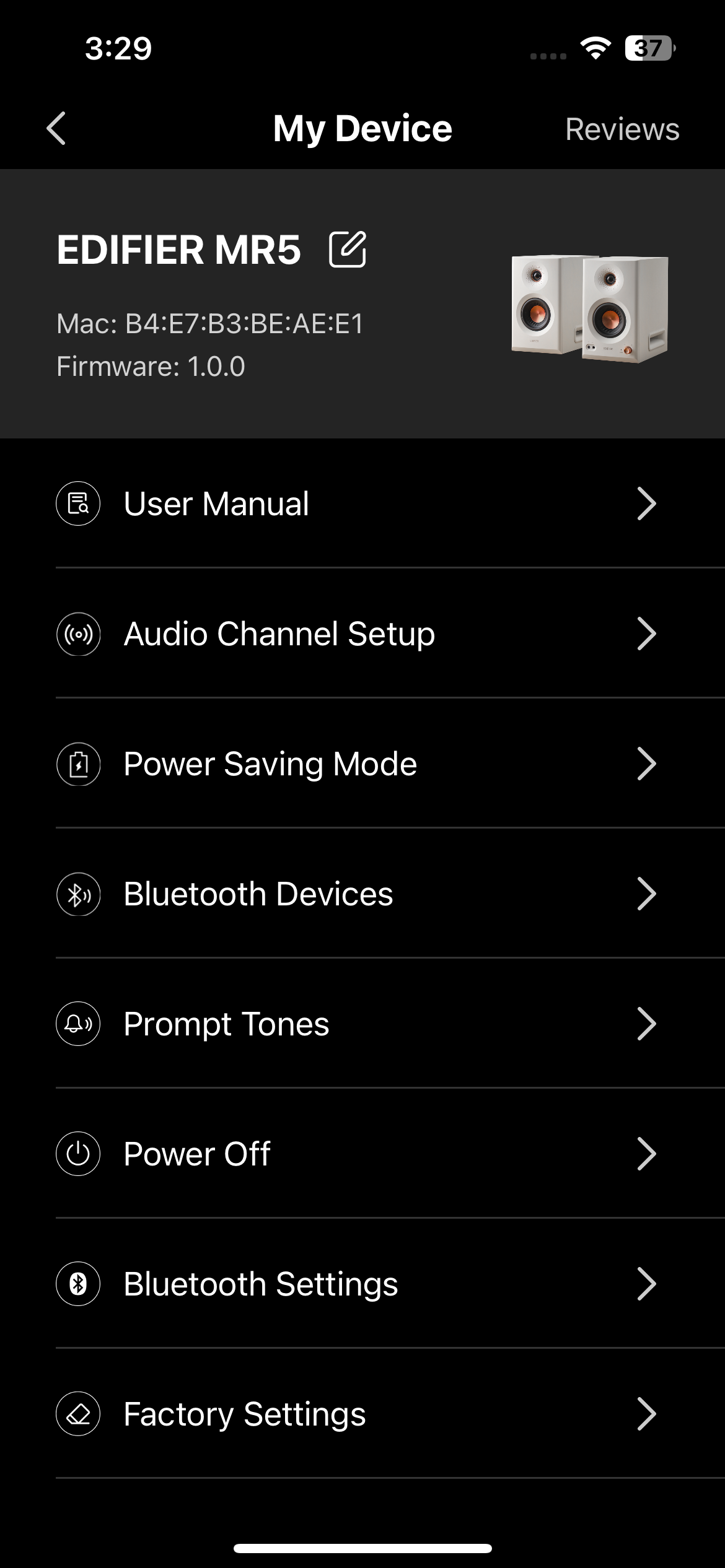
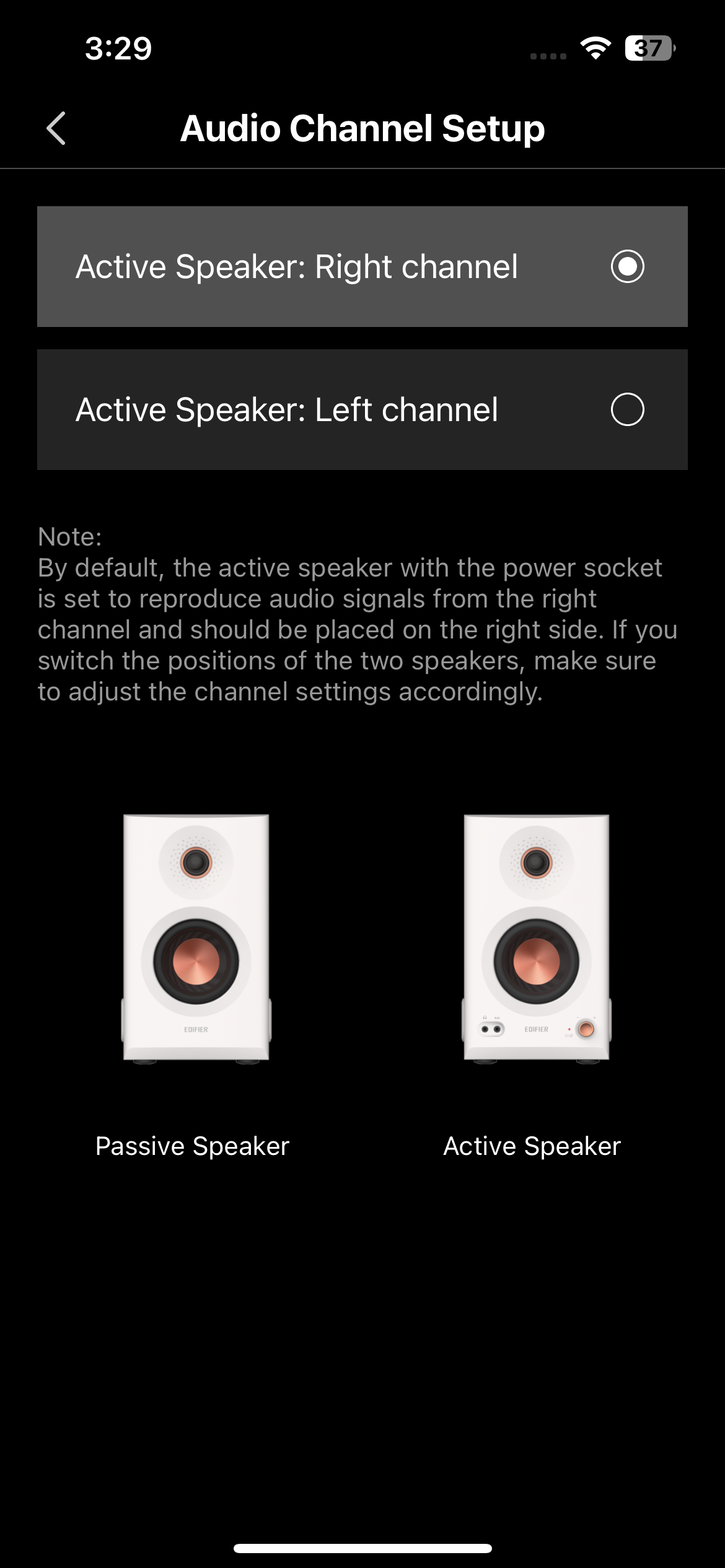
There are additional device controls in the settings cog in the top right corner, for example Audio Channel Setup. By default, the right speaker is the active speaker, with all controls and input/output this side. This control lets you switch the speakers around, which could help reachability or wiring, depending on your setup.
Sound quality
The Edifier MR5 feature a tri-amped system, with a dedicated amplifier for each of the three drivers, for a total of 110 watts RMS power. There’s a 1-inch silk dome tweeter, 3.75-inch mid-range driver, and a 5-inch long-throw woofer in each speaker. The woofer is internal, hence the side slots and there only being two visable on the front. This is a notable step up from the MR3 and MR4 speakers, which both only had two drivers. The addition of a third driver, along with the increased physical design, brings powerful low-end that the MR3 and MR4 can’t compete with.
The MR5 speakers support the LDAC Bluetooth codec, making them Hi-Res Audio Wireless certified, with resolutions up to 24-bit/96kHz, 990kbps when connected to compatible devices. For wired devices, the speakers are also Hi-Res Audio certified.
The Edifier MR range of speakers have a flat frequency response, targeting them towards audio professionals, however with the addition of high/low knobs, a music mode, and customizable EQ, the MR5 can absolutely shine for entertainment purposes.
I hooked the speakers directly up to my MacBook Pro via the included 3.5mm to RCA cable. The MacBook Pro’s 3.5mm headphone jack features a 24-bit/96kHz DAC. Streaming a range of genres on Apple Music in Hi-Res Lossless I can say they sound absolutely fantastic. At maximum volume, they are loud enough to fill a small-to-medium sized room or studio, without being painfully loud, and have no distortion. I was A/B testing them against my MR4. The addition of a third driver and increase in overall size allows them to shine against the previous model, featuring a well-balanced, louder, fuller sound, with plenty of low-end. I also tested these in Bluetooth, which sounds equally great.
Pricing & availability
The Edifier MR5 are on sale now for $349.99/£279.99/€279.99 on Amazon. While this is a hefty step up from the $149.99 MR3 and $169.99 MR4 speakers, the sounds from these speakers blew me away, considering the price and size. These are the best studio monitors I’ve tested at $350.
The MR5 speakers were sent to us by Edifier for review. No money exchanged hands for our opinions on the product. The Amazon links above are affiliate links. We may earn a small commission for any sales generated, with no fee to you.