
Apple Music guide: How to create playlist folders on iPhone
A new feature on iOS 26 brings the ability, long available on desktop, to create playlist folders on Apple Music for iPhone.
Apple Music subscribers on Mac have loved the ability to create playlist folders to organize their library, grouping playlists by mood, genre, activity and so on. To create a folder, simply head to the menu bar and click New – Playlist – Playlist Folder. Folders and albums are also available on a number of other suitable Apple apps, such as Notes and Photos. However, until the latest version of iOS, the feature to create playlist folders has been missing from the iPhone. Likewise, playlist folders are available on Spotify, but also strangely only on desktop.
This news and screenshots below were shared by MacRumors.
How to create playlist folders on Apple Music
Once you’re on iOS 26, simply follow these steps.
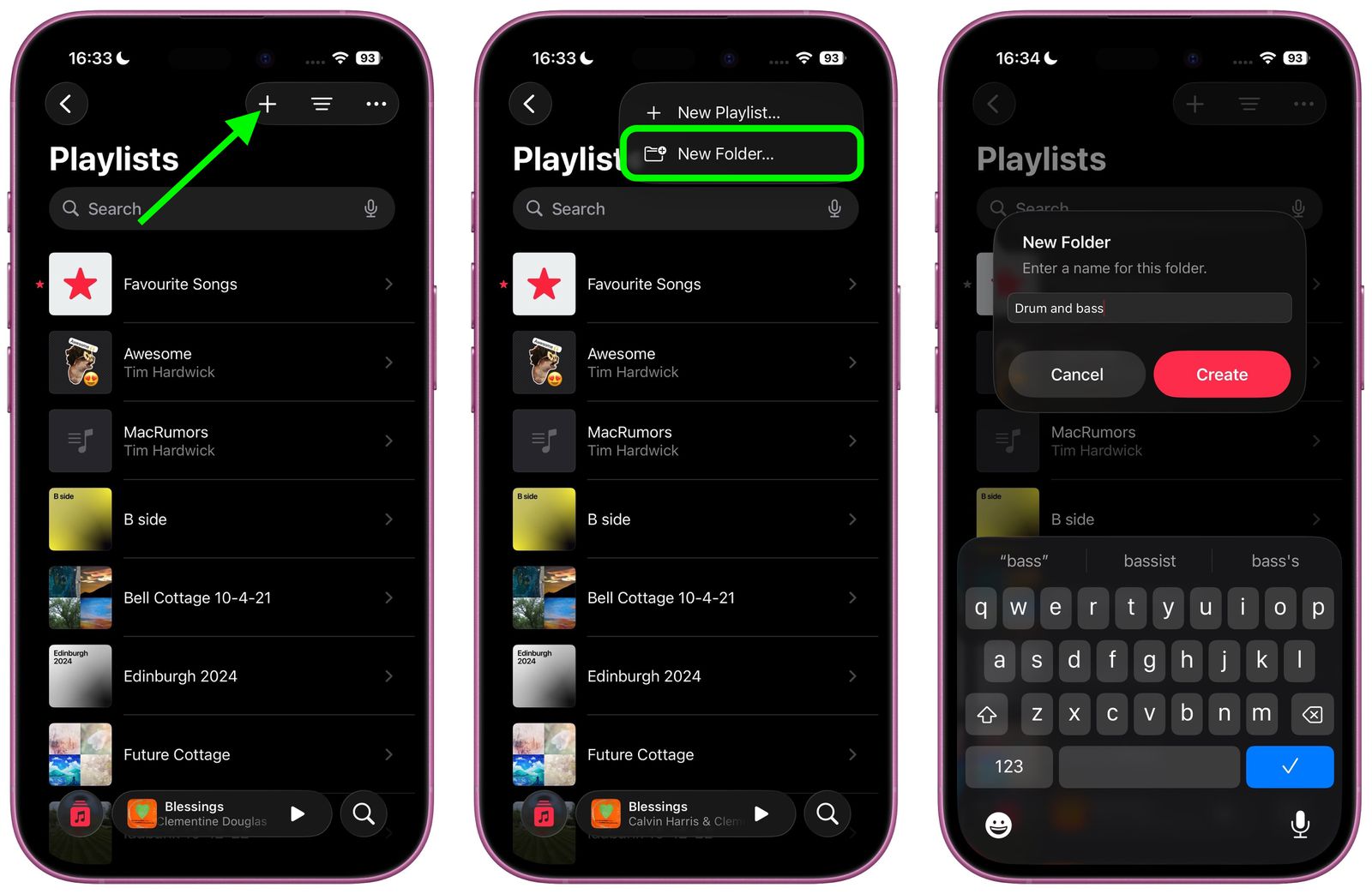
- Head to Apple Music and tap Library in the navigation bar along the bottom
- Head to Playlists
- Tap the + icon in the top right corner
- Tap New Folder…
- Give the folder a name then tap Create
Previously, tapping the plus icon would immediately create a new playlist.
You can move playlists to this folder by long pressing on a playlist, tapping Move to…, selecting the desired folder, then tapping Move.
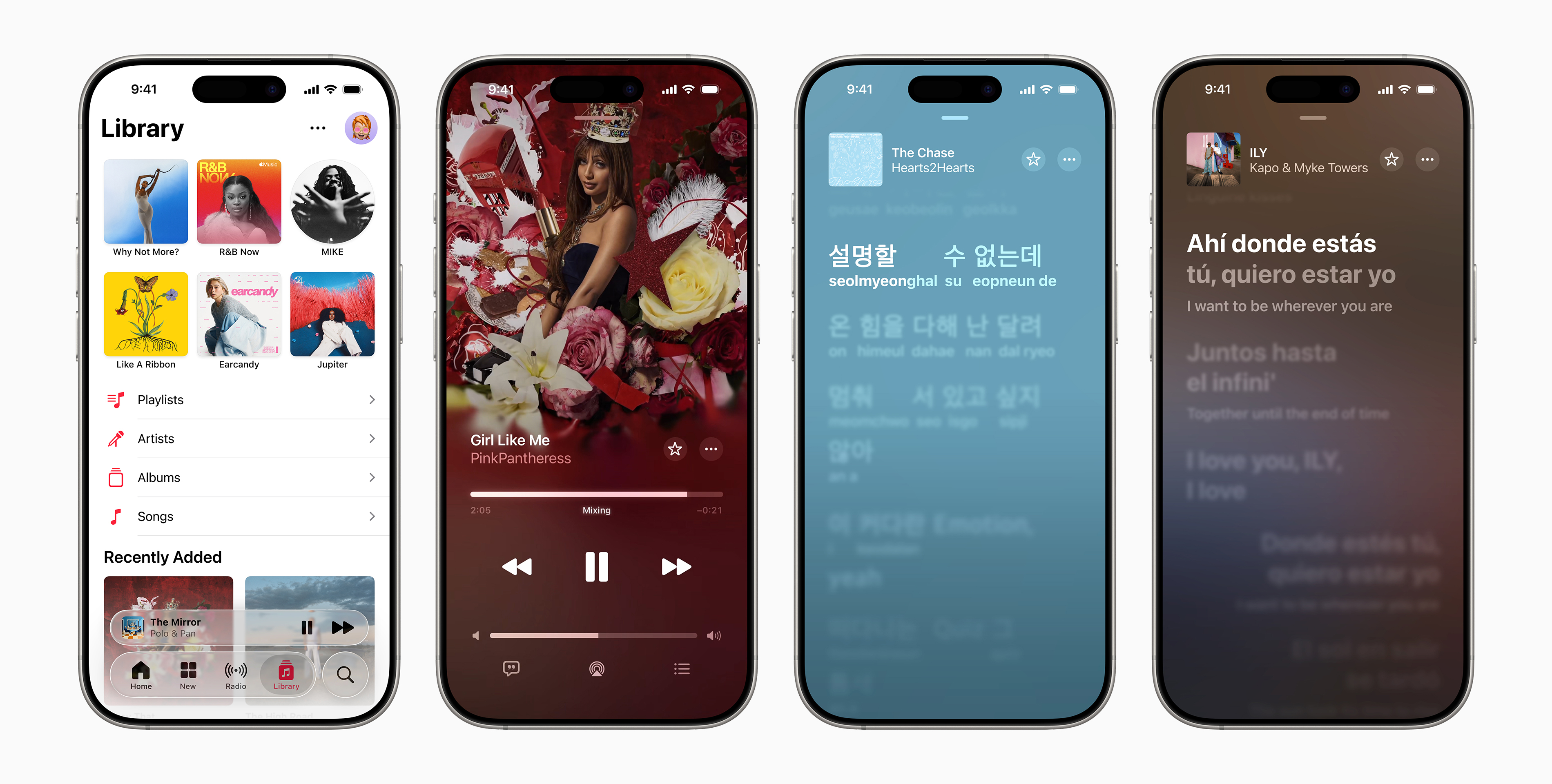
iOS 26 brings a number of other features to Apple Music, including Liquid Glass, AutoMixes, pins, new widgets, Lyrics Translation, Lyrics Pronunciation, and animated Lock Screen album art.
The iOS 26 public beta is available now and the general release will be available next month.
Add your own music to Apple Music for free with RouteNote! Find out more here.