
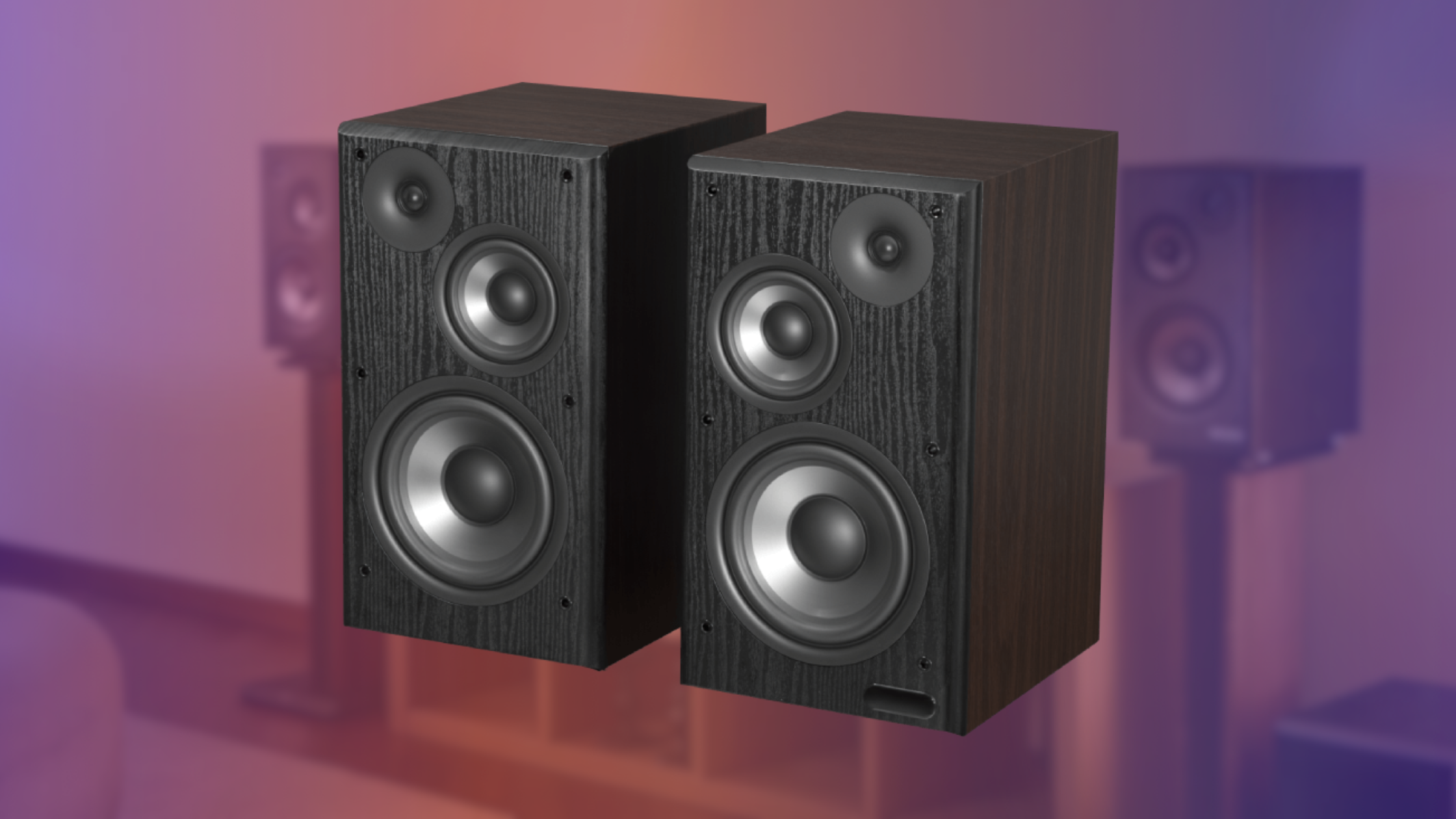
Edifier R2750DB MKII review – large in size and even larger in sound!
While on the pricer and larger side of consumer-grade powered bookshelf speakers, the new sequel to the Edifier R2750DB pack a serious punch!
Launched in March earlier this year, the R2750DB MKII come from Chinese audio manufacturer Edifier, who design some of our favorite speakers, headphones and earbuds. R2750DB MKII are the follow up to the 2021 R2750DB speakers. While they follow in their predecessor’s footprint, as a pair of large, powered, bookshelf speakers, there are a number of quality of life improvements that make the MKII better in every way.
Unboxing
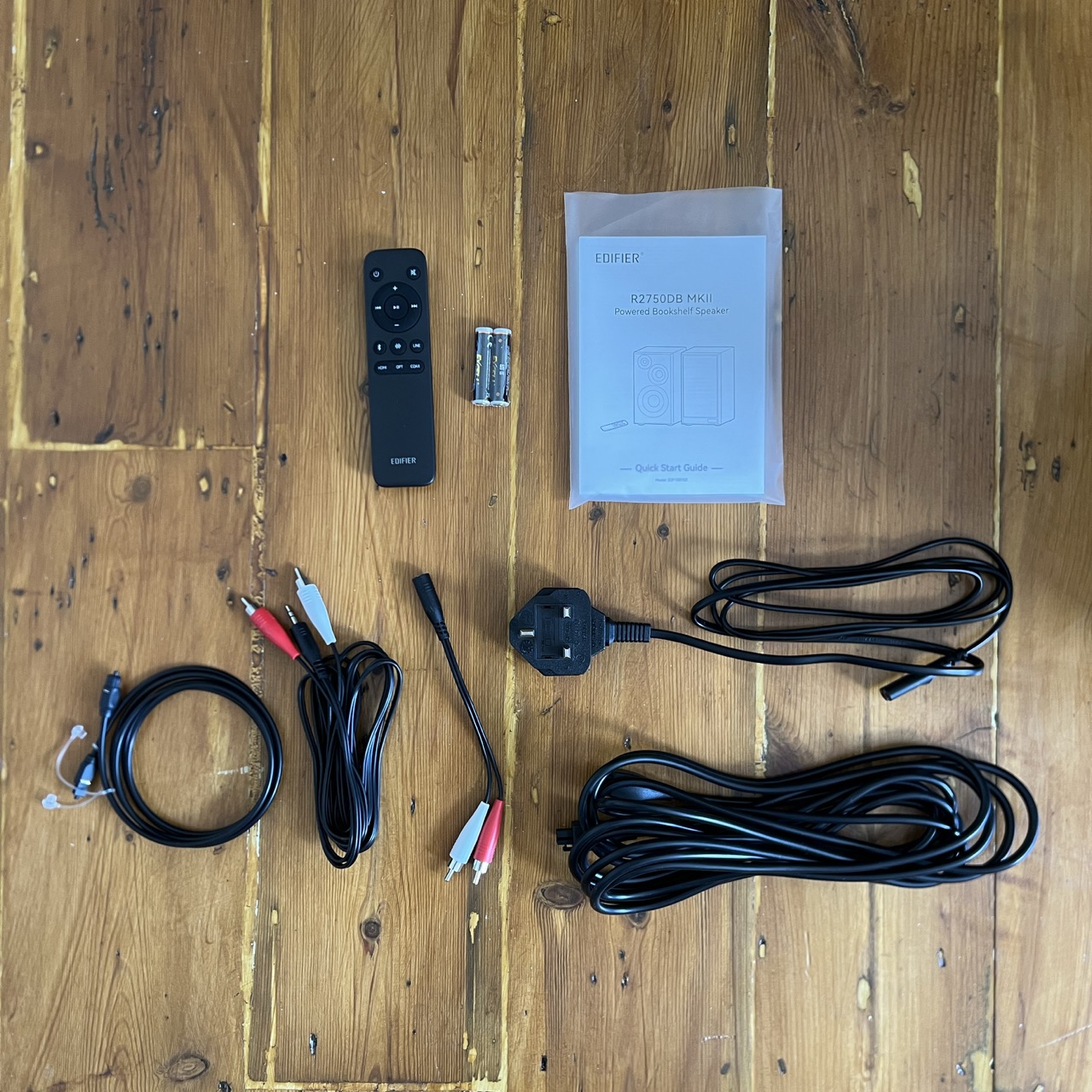
The speakers were far larger than I expected and likewise, the box was massive and heavy. Inside there were the pair of speakers, speaker grills, power cable, optical to optical cable, speakers to speaker cable, male 3.5mm jack to male stereo RCA cable, female 3.5mm jack to male stereo RCA cable, remote, AAA remote batteries, and manuals.
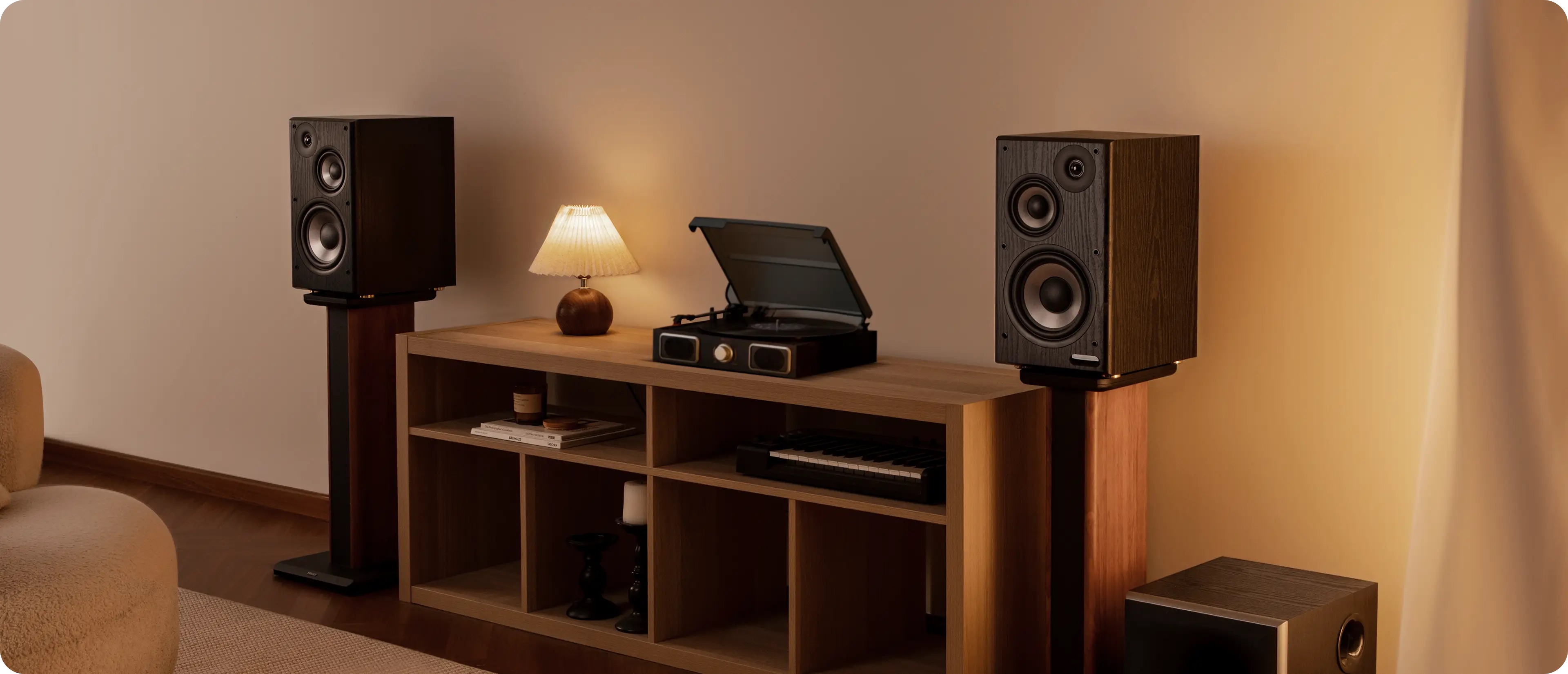
The 3.5mm jack cables make the speakers easy to connect to computers. Optical cables make it easy to connect to TVs. Before we get onto the input and output, there’s also an HDMI port, but unfortunately no HDMI cable in the box, nor an RCA to RCA for record players.
Design & I/O
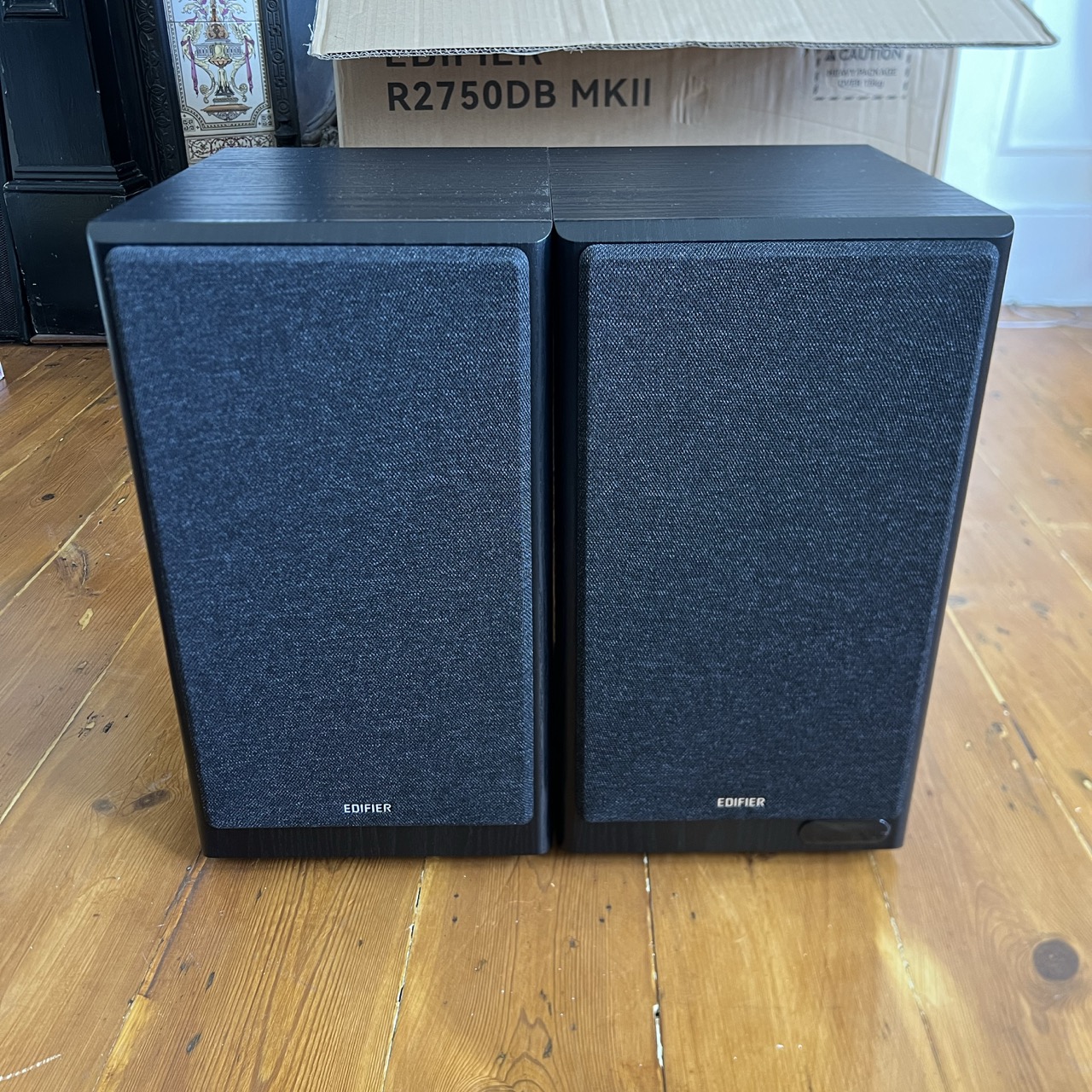
As mentioned, the R2750DB MKII are huge, much larger than I was anticipating based on images. Each speaker is roughly 223mm × 395mm × 280mm. Make sure you measure your space before purchasing. With an HDMI input, I was picturing using them on my mantle piece just below my TV, but they are far too large. They were sat on the floor during testing.
There are two color options: Black and Walnut. I’m testing the Black model.
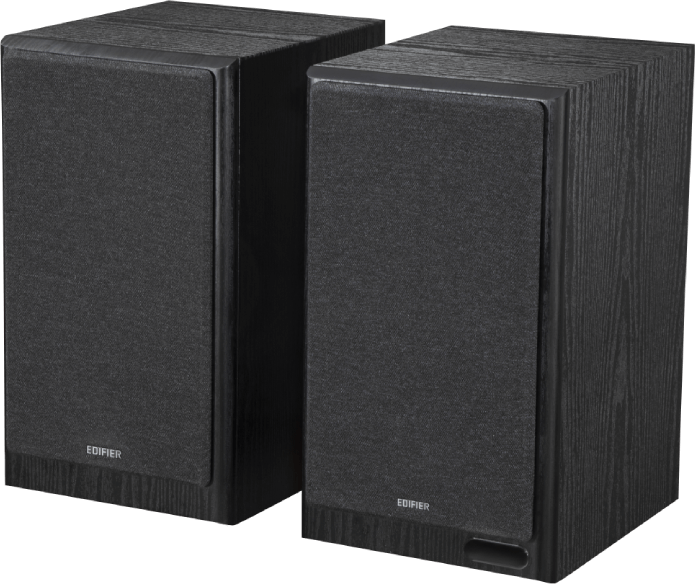
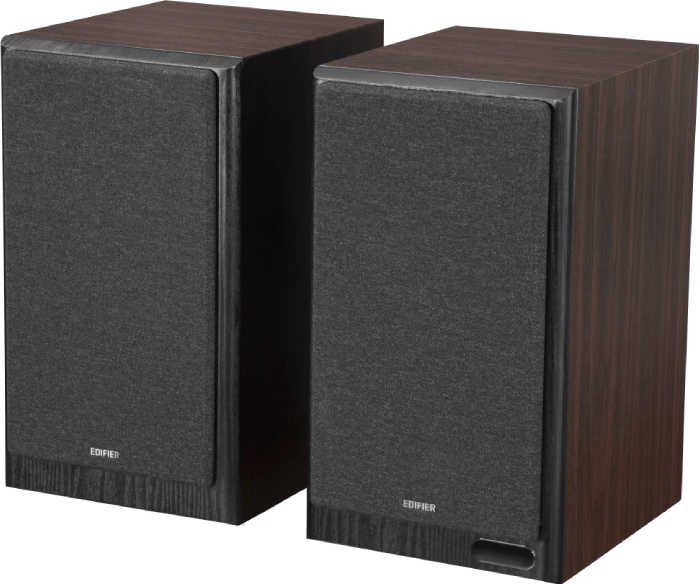
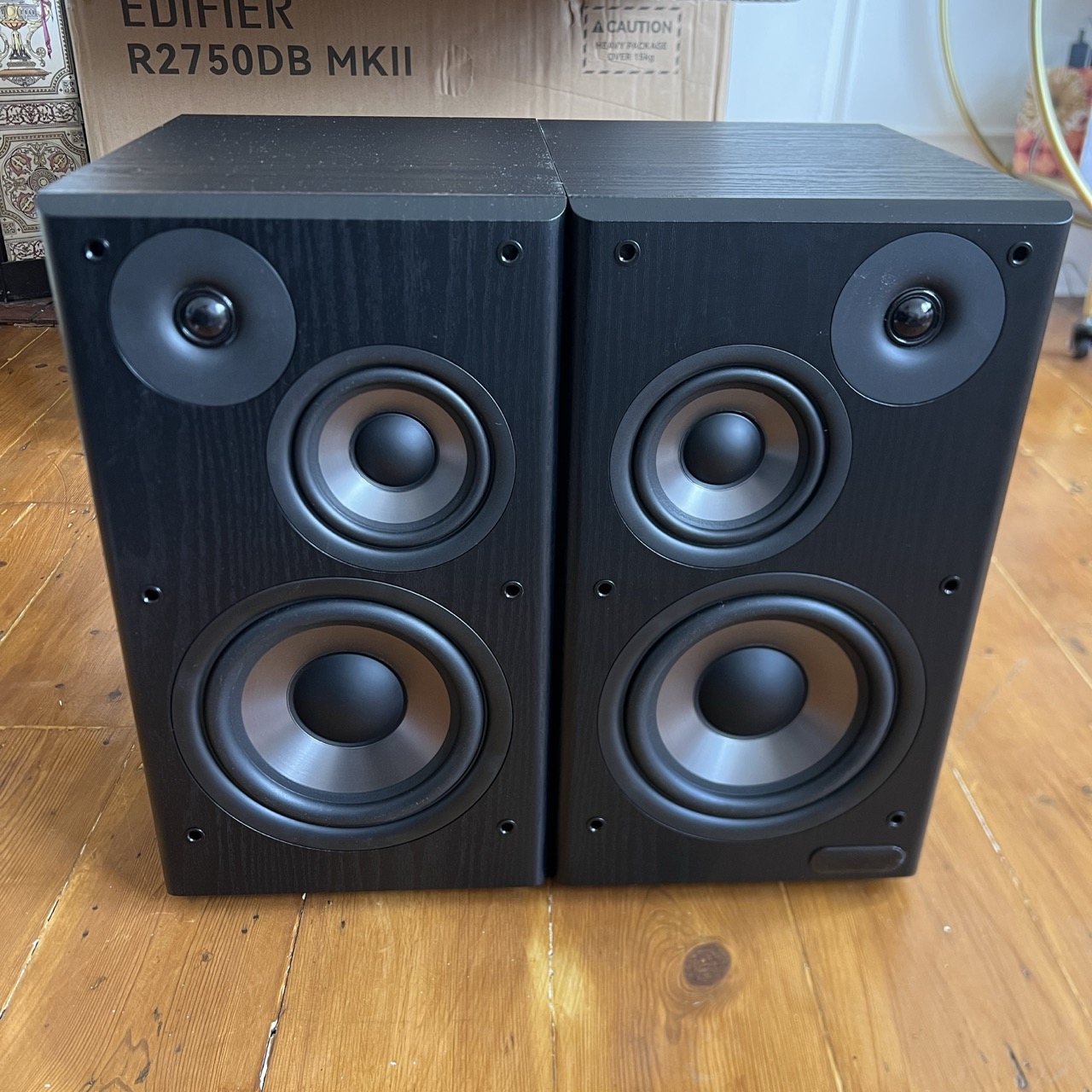
The speakers feature 144W RMS total output power and a 3-way design on each speaker, including a 40W 7-inch long-throw woofer, 20W 4.5-inch mid-range driver, and 12W 1-inch silk dome tweeter. They look awesome with no grill, but you’ll need to ensure they are out of the way if you’re hoping to use them exposed.
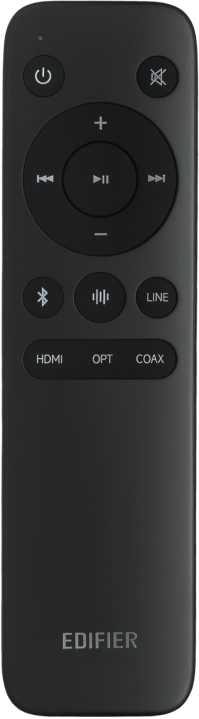
There’s a small included remote control, with buttons for power, mute, volume up, volume down, next track, previous track, play/pause, sound profile, Bluetooth, line in, HDMI, optical, and coaxial.
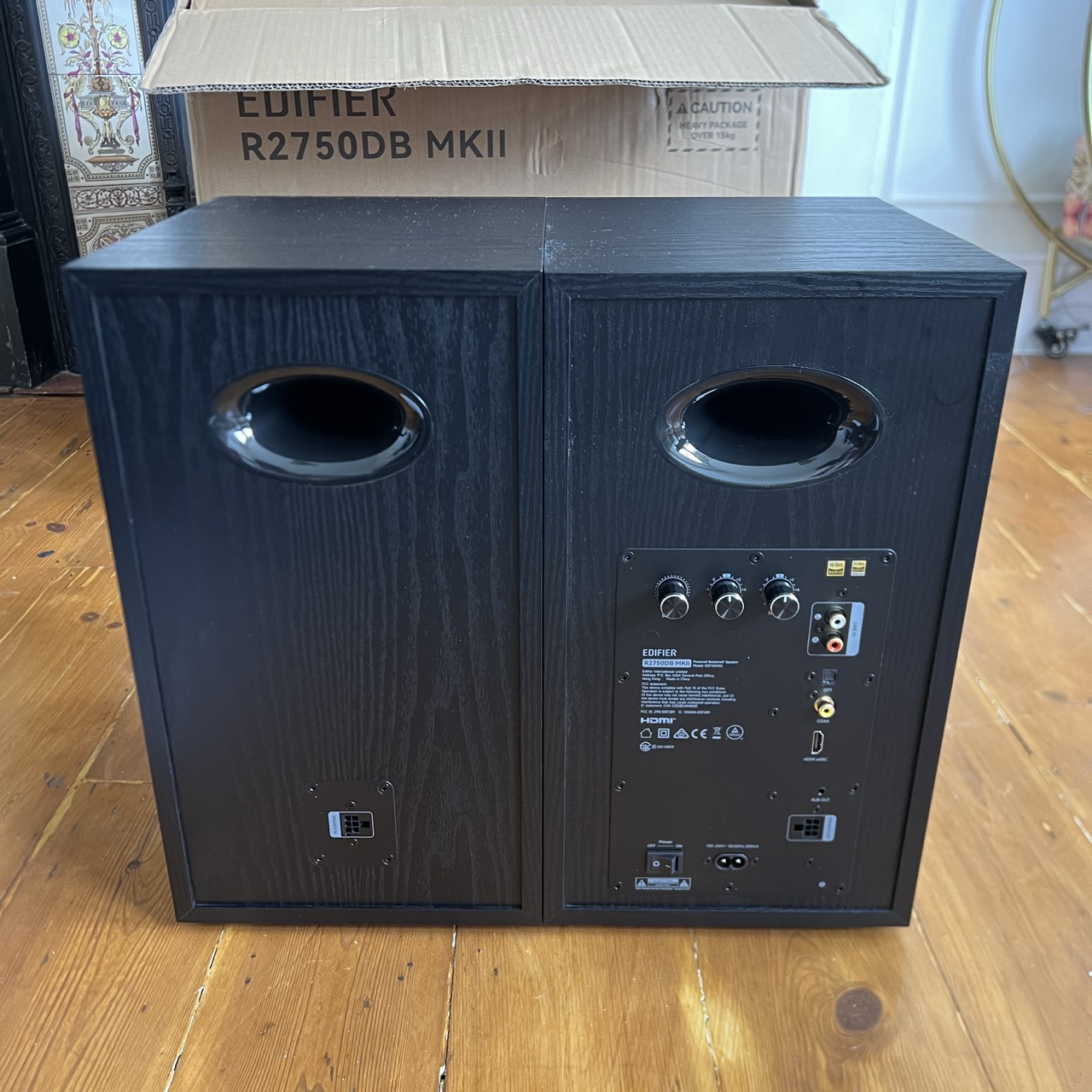
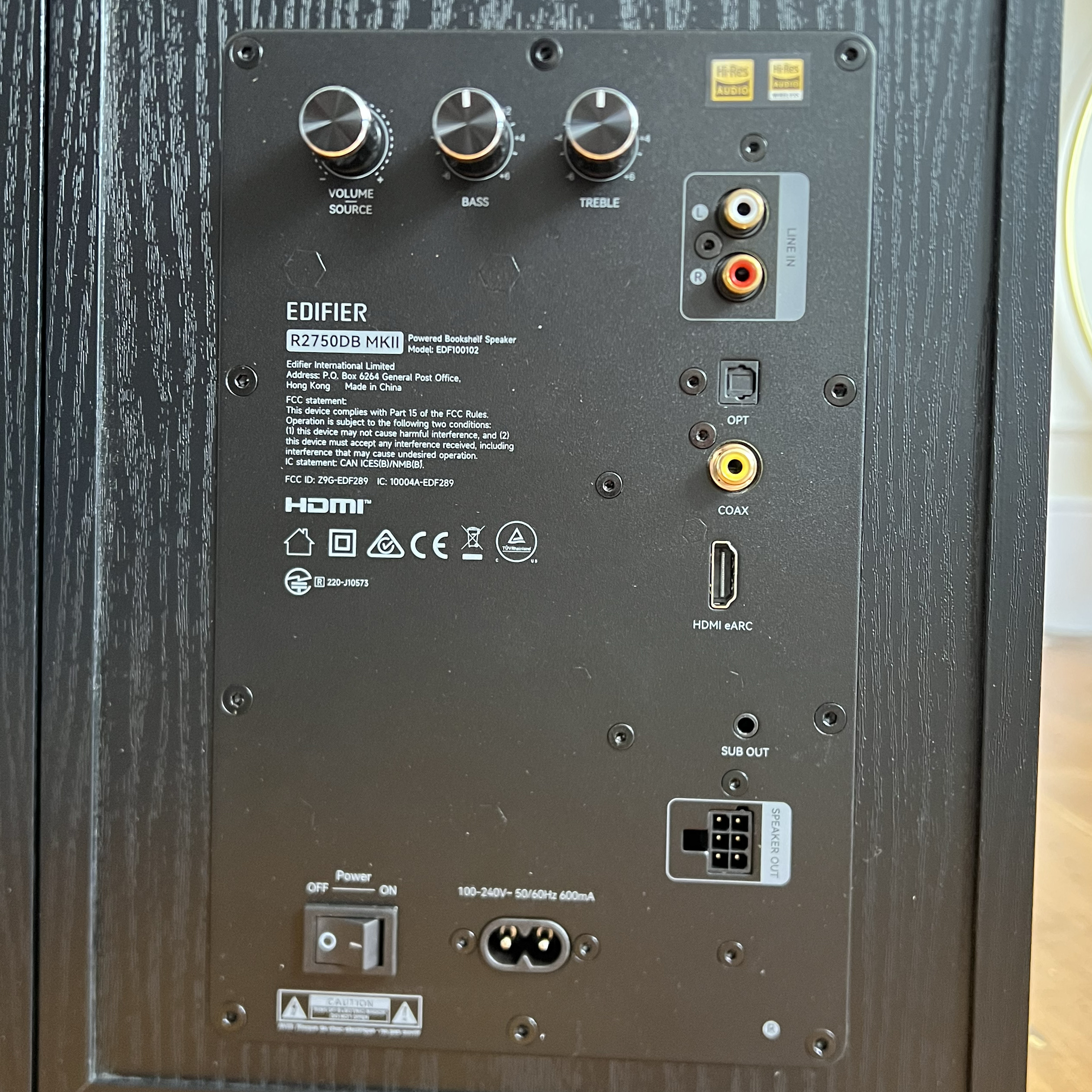
All of the I/O and controls are on the right active speaker. You can easily switch which speaker is the active one in the app, which is helpful for cable management. There are three dials on the back. A volume knob, which acts as the source control when pushed or sleep when held. The other knobs are +-6 bass and treble controls.
Physical connections include HDMI eARC, optical, coaxial, line in and sub out.
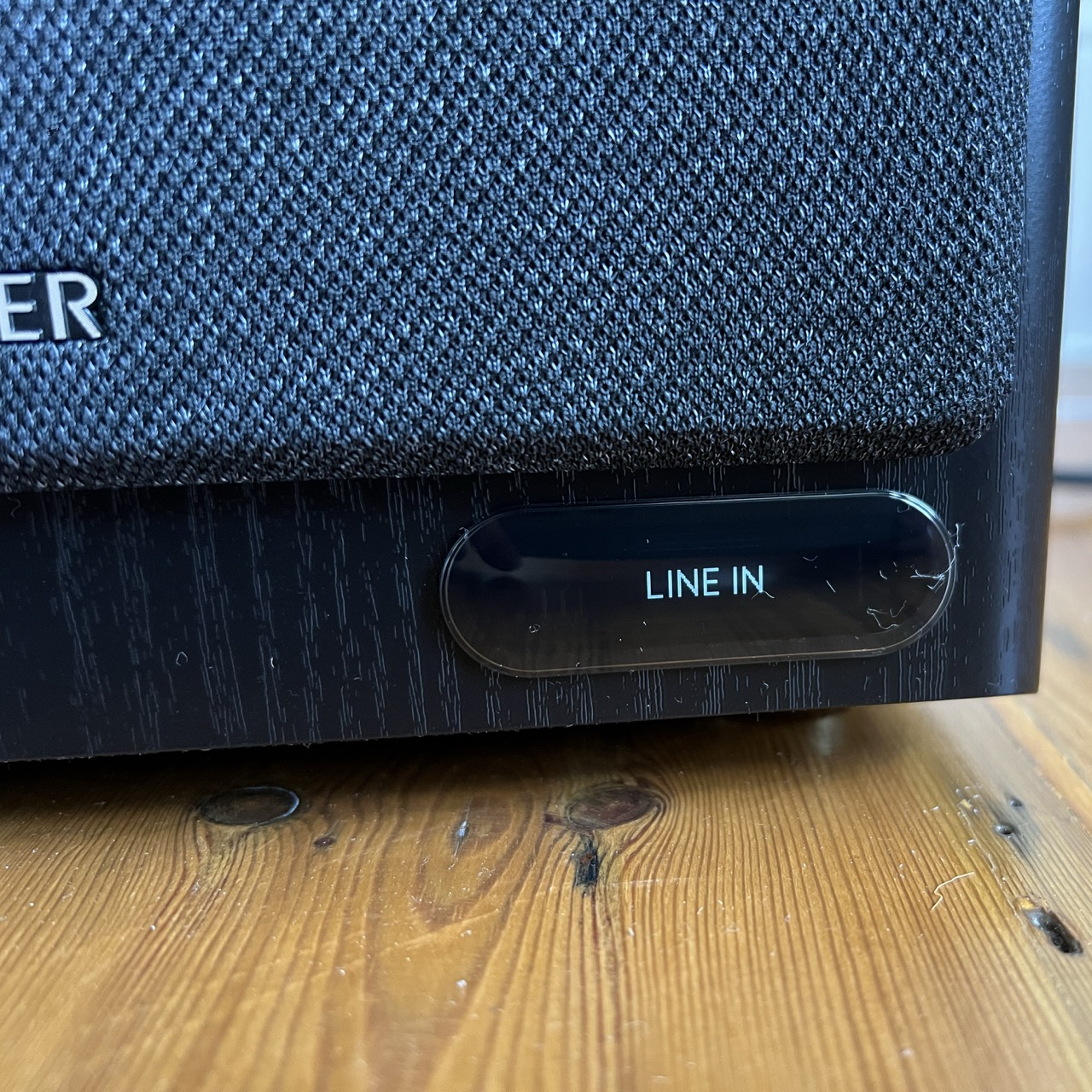
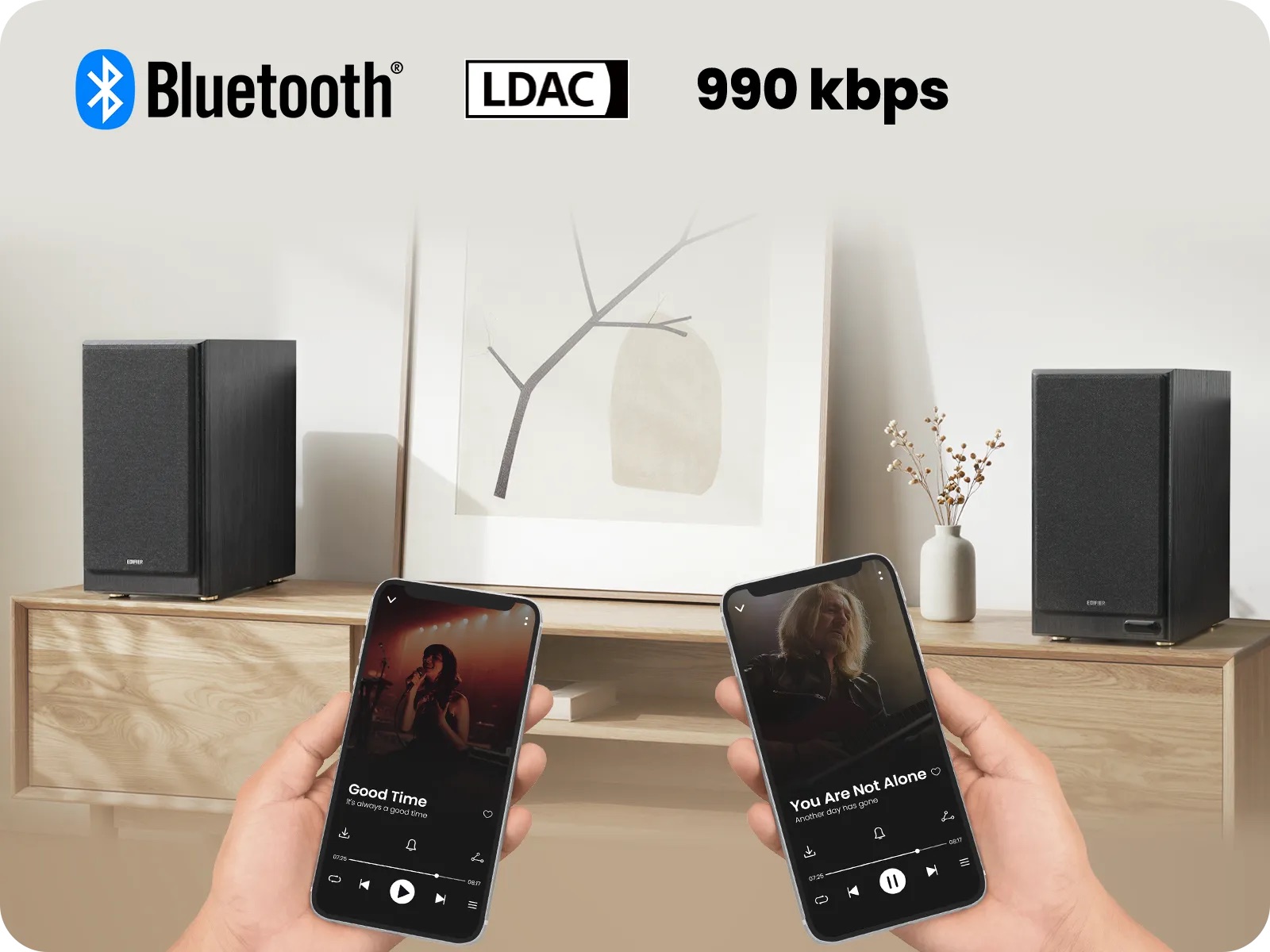
Around the front of the active speaker is a small display that shows the input source, volume and sound profile. The screen is dimmed when not in use, which helps keep your content immersive. The R2750DB MKII features end-to-end digital signal processing, up to 24-bit/96kHz. They also support Bluetooth 6.0, with multipoint for automatic device switching and LDAC, which wirelessly supports up to 990kbps from compatible Android devices. They are Hi-Res Audio and Hi-Res Audio Wireless certified.
Setup
I plugged the HDMI from my TV’s eARC port into the speaker, switched the speaker’s source to HDMI and the TV instantly started playing out of the speakers and I could even use the TV remote’s volume buttons to increase or decrease the volume of the speakers, thanks to HDMI CEC support. When ever you start playing music, audio comes through with a quick fade in, which is useful if you accidentally have the volume set too high.
The speakers also paired easily via Bluetooth to my phone. I held the Bluetooth button on the remote to re-enter pairing mode and additionally paired with my laptop. The speakers instantly switch automatically based on the device actively playing media. Unfortunately they disconnect as soon as your switch the source to anything other than Bluetooth. Bluetooth support is great for tweaking the sound to your liking, but you’ll need to be playing something through your phone during testing before switching back to a wired source.
Sound
The Edifier R2750DB MKII sound fantastic! I’ve been using them for around a week, primarily with my TV via HDMI eARC, or via Bluetooth from my laptop while working. They get super loud and suffer with zero distortion even at maximum volume. Despite featuring no dedicated subwoofer, there is plenty of low end. That being said, a sub out port is available for bass lovers. The speakers can easily host a house party or even be used outdoors in place of a larger PA system.
App, controls & customization
For basic adjustments to the bass or treble, there are two dials on the back of the powered speaker. There are also built-in preset sound effects, which can be switched via the remote or the app, including Classic, Monitor, Dynamic and Vocal. For futher customization, connect via Bluetooth and open the Edifier ConneX mobile app.
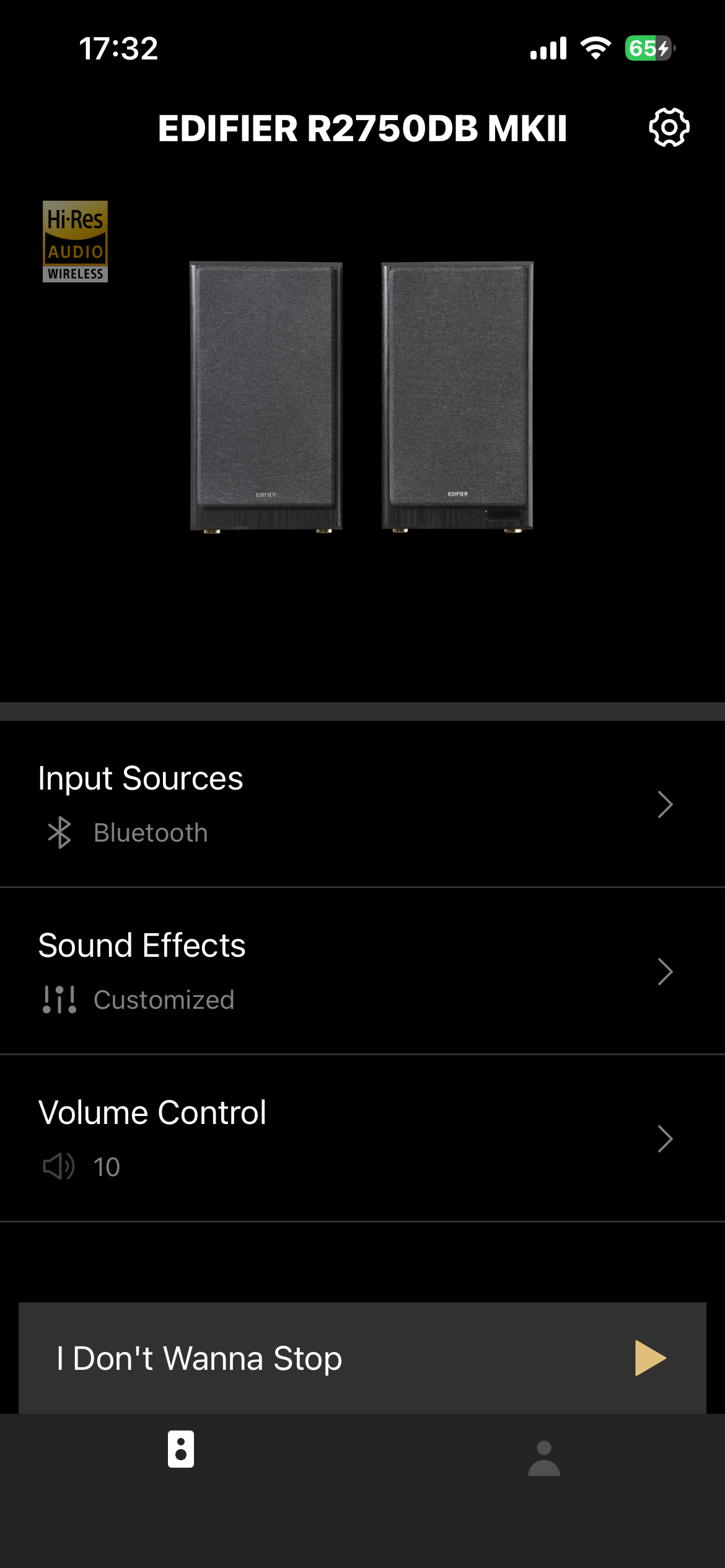
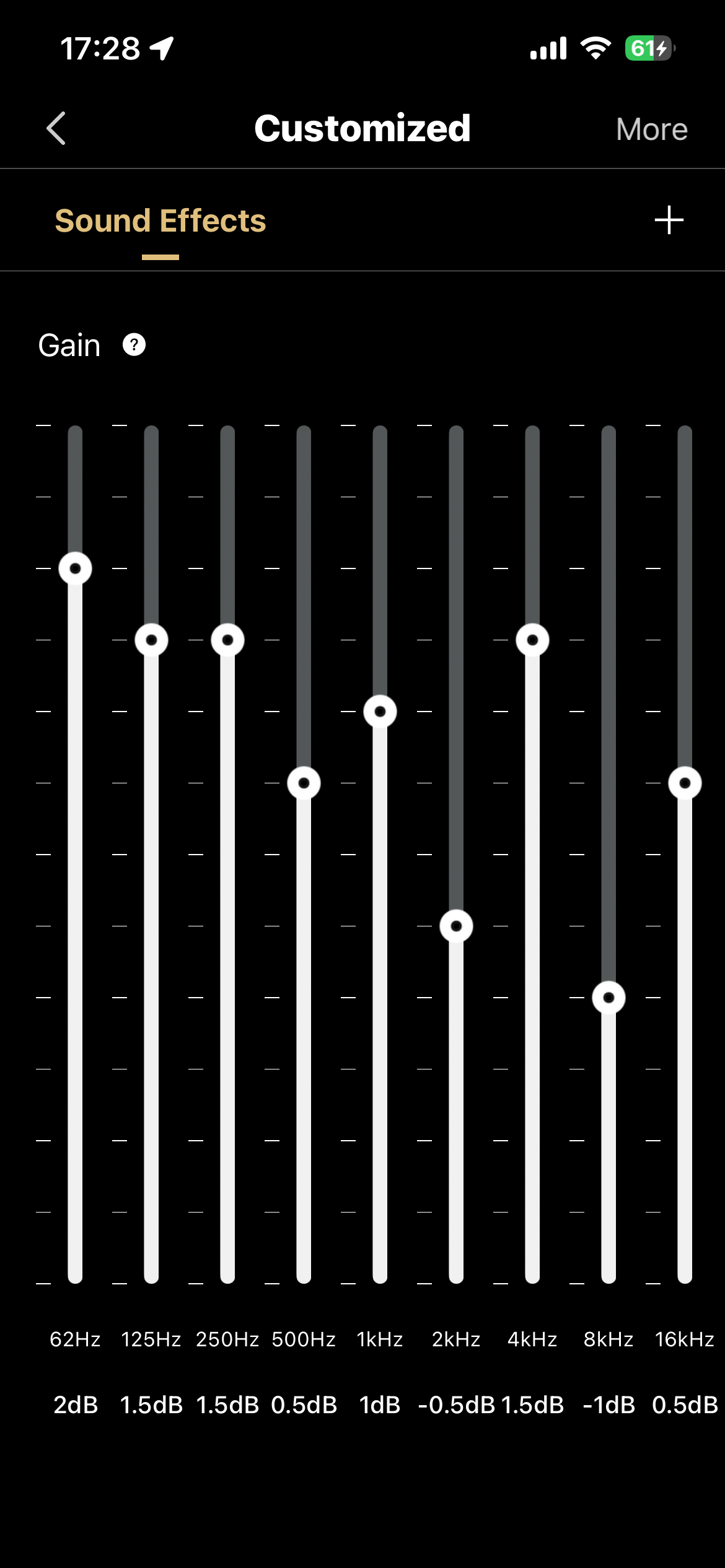
I fired up the app and the speakers were automatically recognised. A firmware update was identified and took around 8 minutes to update. The app features three quick access screens, including input sources, sound effects and volume control. Sound effects lets you switch between the four presets or dive into customized for a 9-band EQ. You can even share your EQ settings and install profiles from others.
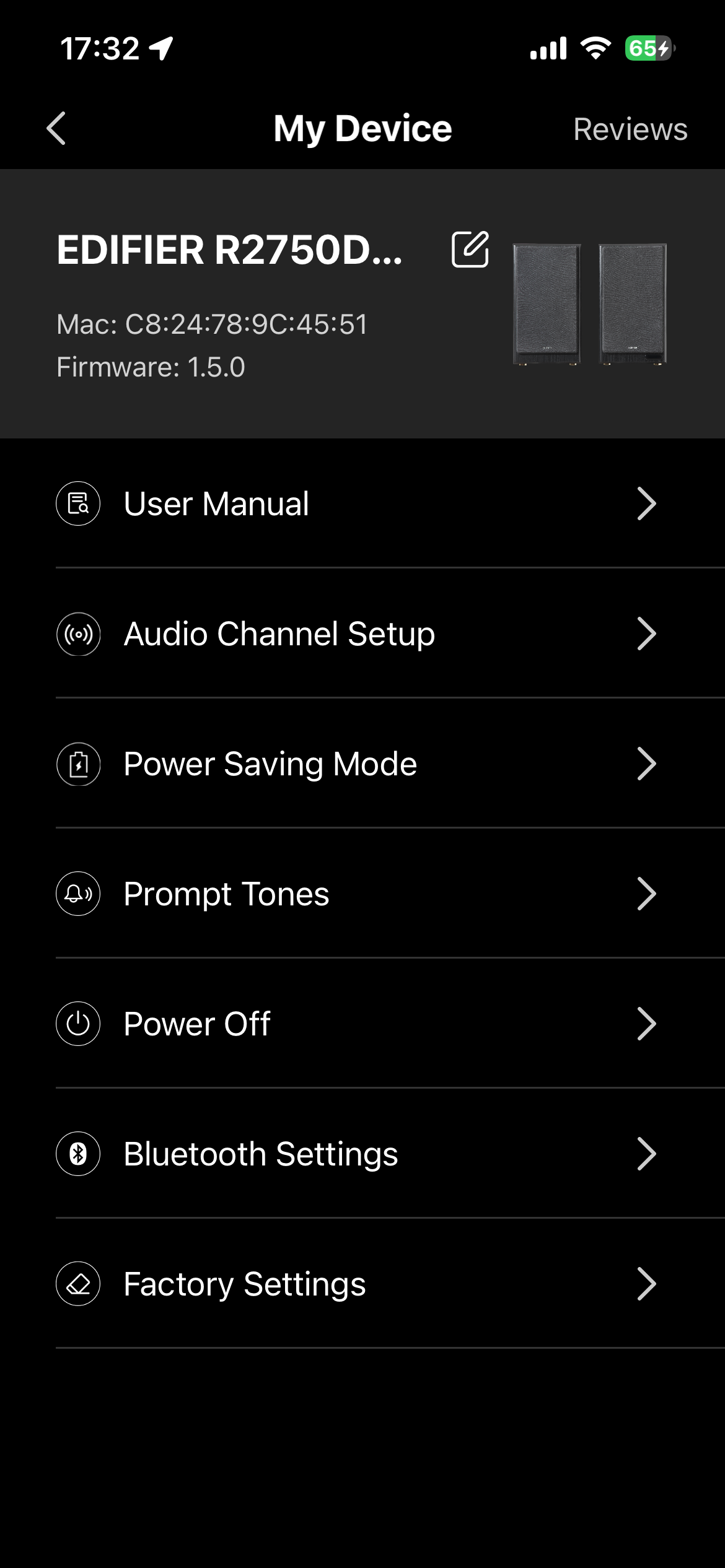
The settings cog additionally lets you rename the speakers, view the user manual, set the orientation, change the power saving settings, adjust the prompt tones, reset them, remotely switch them off and more.
Price & availability
Edifier R2750DB MKII are available on Amazon for $499.99. They’re certainly not a cheap pair of speakers, but they pack a punch that makes them well worth the price.
Please note, Edifier sent us these speakers for free for a review. No money exchanged hands for our honest opinions on the product. RouteNote may earn a commission for sales generated via the Amazon affiliate link above.