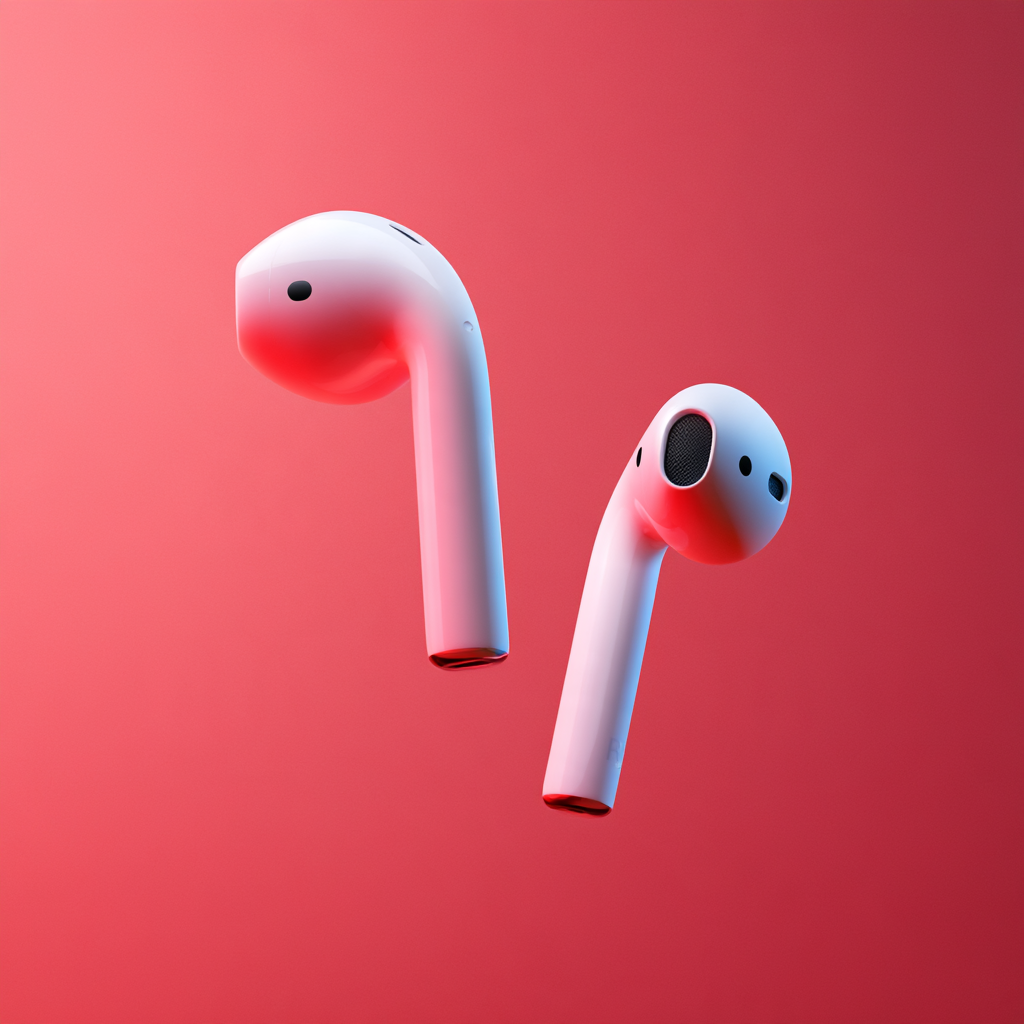
AirPods for Small Ears – How to Make Them Fit Better
Apple AirPods are among the most popular wireless earbuds in the world, but they don’t fit everyone’s ears equally well. If you have smaller ears, you might find that your AirPods feel uncomfortable, refuse to stay in place or fall out whenever you move.
Fortunately, there are several ways to improve the fit without immediately replacing your headphones.
From adjusting how you wear them to choosing smaller ear tips and trying different accessories, a few simple changes could make your AirPods considerably more comfortable.
Here’s how to make AirPods fit better in small ears, whether you own standard AirPods or AirPods Pro.
Why Do AirPods Fall Out of Small Ears?
Everyone’s ears are shaped differently. Even your left and right ears can have slightly different shapes and sizes.
Unfortunately, wireless earbuds are manufactured in standard shapes, which means they cannot accommodate every ear perfectly.
For people with smaller ears, common problems include:
- AirPods feeling too large or uncomfortable.
- Earbuds gradually slipping out when walking.
- AirPods falling out during exercise.
- Pressure or soreness after extended listening.
- Poor bass response because the earbuds don’t fit properly.
- Background noise getting through despite noise cancellation.
The problem isn’t necessarily that you’re wearing them incorrectly. The physical design might simply not suit your ears.
However, the type of AirPods you own makes a significant difference to how much you can adjust the fit.
1. Adjust the Position of Your AirPods
Before purchasing accessories or replacement ear tips, try changing how your AirPods sit in your ears.
Apple recommends gently inserting standard AirPods and rotating them towards your face until they feel secure.
To improve the fit:
- Identify the left and right AirPods.
- Place each earbud gently into the corresponding ear.
- Rotate the stem slightly towards your face.
- Make small adjustments until the AirPod feels stable.
- Move your head gently to test whether it stays in position.
You shouldn’t have to force the earbuds into your ears.
If they cause discomfort or immediately begin slipping out, the standard AirPods shape might not be suitable for you.
This is particularly relevant to AirPods 3, AirPods 4 and AirPods 5, which use an open-ear design without interchangeable silicone ear tips.
2. Try Smaller Ear Tips With AirPods Pro
If you own AirPods Pro, you have more options for adjusting the fit.
Unlike standard AirPods, the Pro models come with removable ear tips in several sizes.
These create a seal inside your ear canal, helping the earbuds stay secure while improving sound quality and noise cancellation.
The available sizes depend on which generation you own.
| AirPods model | Included ear tip sizes |
|---|---|
| AirPods Pro 1 | Small, Medium, Large |
| AirPods Pro 2 | Extra Small, Small, Medium, Large |
| AirPods Pro 3 | Extra Extra Small, Extra Small, Small, Medium, Large |
Apple installs medium-sized tips by default, but these aren’t necessarily the best option for everyone.
If your AirPods feel uncomfortable or too large, try switching to the smallest available size.
AirPods Pro 3 are particularly interesting for people with smaller ears because they include XXS ear tips, offering an additional option beyond previous generations.
How to Change AirPods Pro Ear Tips
Changing the tips takes only a few moments.
- Hold the AirPod securely in one hand.
- Grip the existing silicone tip near its base.
- Pull the tip straight away from the AirPod using steady pressure.
- Select a different ear tip size.
- Align the replacement tip with the connector.
- Push until you feel or hear it click into place.
Once fitted, try wearing your AirPods for around 10 to 15 minutes.
They should feel secure without creating excessive pressure.
It’s also worth remembering that smaller isn’t automatically better. A tip that’s too small might feel comfortable initially but fail to create a proper seal or stay in place.
Apple recommends experimenting with different sizes to find the best balance between comfort and stability.
3. Use Different Ear Tip Sizes in Each Ear
Here’s something many AirPods owners don’t realise: you don’t need to use matching ear tips.
Your left and right ear canals might be different sizes.
For example, you could find that an extra-small tip fits your left ear perfectly, while a small tip works better in your right ear.
If one AirPod regularly falls out but the other stays secure, try changing only the troublesome side.
Finding the right individual fit can make a noticeable difference, particularly when walking, travelling or exercising.
4. Run Apple’s Ear Tip Fit Test
If you’re unsure which ear tips are best, Apple provides a built-in test that can help.
AirPods Pro 1 and AirPods Pro 2 include an Ear Tip Fit Test, while AirPods Pro 3 use the newer Acoustic Seal Test.
Both are designed to evaluate how effectively the earbuds create a seal inside your ears.
How to Test Your AirPods Pro Fit
- Put both AirPods Pro in your ears.
- Connect them to your iPhone or iPad.
- Open the Settings app.
- Tap your AirPods near the top of the screen.
- Select Ear Tip Fit Test or Test Acoustic Seal, depending on your model.
- Follow the instructions to play the test audio.
- Review the results.
If the test suggests that the seal needs improving, try repositioning your AirPods or switching tip sizes.
Repeat the test until you find a combination that feels comfortable and produces a good seal.
Why does this matter?
A secure acoustic seal helps AirPods Pro deliver deeper bass and more effective Active Noise Cancellation.
If you’re curious about the technology behind this, read our guide to how noise-cancelling headphones work.
5. Try Foam Ear Tips for Extra Comfort
Silicone ear tips aren’t the best choice for everyone.
Some people find that foam ear tips provide a more comfortable or secure fit, particularly when their ear canals are unusually small or shaped differently.
Memory foam works by gently expanding to fit the ear canal.
Typically, you compress the foam before inserting the earbud, allowing it to expand into position.
Potential advantages include:
- A more personalised fit.
- Improved grip inside the ear.
- Better passive noise isolation.
- Reduced movement during everyday activities.
- Greater comfort for some listeners.
Third-party manufacturers such as Comply and Foam Masters sell foam ear tips for compatible AirPods Pro models.
However, there are a few drawbacks.
Foam tips generally need replacing more frequently than silicone tips, and not everyone finds them comfortable.
It’s also important to purchase tips specifically designed for your AirPods Pro generation.
Apple changed the ear tip connector for AirPods Pro 3, so accessories made for earlier models may not fit correctly.
AirPods Pro 3 already include Apple’s own foam-infused silicone ear tips, making it worth trying the included sizes before buying aftermarket alternatives.
6. Use Ear Hooks to Stop AirPods Falling Out
If you own standard AirPods without interchangeable tips, ear hooks could be another solution.
These accessories attach to the earbuds and provide additional support around your ears.
Rather than relying entirely on the earbud’s shape to keep it secure, the hook helps prevent it from slipping out.
This can be particularly useful for people who regularly wear AirPods while:
- Running or jogging.
- Working out at the gym.
- Walking outdoors.
- Cycling.
- Moving around at work.
Some accessories use flexible silicone loops, while others feature a hook that wraps around the outside of your ear.
Brands such as KeyBudz and AhaStyle manufacture accessories designed to improve the security of wireless earbuds.
Before buying, check that the accessory supports your exact AirPods generation.
You may also need to remove the hooks before placing your AirPods inside their charging case.
One important point: ear hooks can improve stability, but they won’t necessarily solve discomfort caused by earbuds that are physically too large.
7. Keep Your AirPods Clean
If your AirPods used to fit properly but have recently started feeling different or sounding worse, check whether they need cleaning.
Earwax, skin oils and everyday dirt can accumulate around ear tips and speaker openings.
Dirty ear tips can affect grip, while blocked speaker meshes can reduce sound clarity.
Follow Apple’s cleaning instructions for your specific model and avoid pushing sharp objects into the speaker openings.
Don’t use excessive water or force when cleaning delicate components.
If your earbuds have also become quieter, our guide to fixing AirPods that sound too quiet covers several additional troubleshooting steps.
8. Consider Whether AirPods Pro Are Better for Small Ears
If standard AirPods consistently fall out, changing to AirPods Pro could be worth considering.
The biggest difference is adjustability.
Standard AirPods use a fixed earbud shape, while AirPods Pro allow users to select different ear tip sizes.
For people with particularly small ear canals, the XXS tips included with AirPods Pro 3 could provide a better fit.
However, this isn’t guaranteed.
Some listeners dislike the sensation of silicone tips sitting inside their ears, while others find that the larger body of AirPods Pro creates uncomfortable pressure.
Neither design is universally better.
It’s worth trying different models in person, where possible, before committing to a purchase.
For a more detailed comparison, read our AirPods 5 vs AirPods Pro 3 buying guide.
Does a Better AirPods Fit Improve Sound Quality?
Yes, particularly with AirPods Pro.
A poorly fitting earbud can affect several aspects of your listening experience.
Better Bass
Low frequencies depend heavily on how well in-ear headphones create an acoustic seal.
If your AirPods Pro aren’t properly sealed, bass can sound noticeably weaker.
Better Noise Cancellation
Active Noise Cancellation uses microphones and audio processing to reduce unwanted background noise.
However, a good physical seal also helps prevent external sound from reaching your ears.
This combination generally produces more effective noise reduction.
More Consistent Sound
Earbuds that constantly move can change how your music sounds throughout a listening session.
A stable fit helps deliver more consistent audio.
More Comfortable Listening
A properly sized ear tip should feel secure without needing excessive pressure.
Better comfort means you can enjoy music for longer without constantly adjusting your headphones.
For additional listening improvements, explore our guide to improving iPhone sound quality.
Frequently Asked Questions
Are AirPods suitable for small ears?
AirPods can work well for people with small ears, but comfort depends on individual ear shape. AirPods Pro offer more flexibility because they include interchangeable ear tips, while standard AirPods have a fixed design.
Which AirPods are best for very small ears?
AirPods Pro 3 may be a good starting point because they include XXS ear tips. However, the overall earbud shape also matters, so trying them before purchasing is advisable.
Why do my AirPods keep falling out?
Common reasons include an incompatible earbud shape, incorrect ear tip size, poor positioning and movement during exercise. Adjusting their position, changing tips or using ear hooks may help.
Can you make regular AirPods smaller?
No. Standard AirPods have a fixed physical design. You can adjust their position or try compatible accessories, but you cannot change the size of the earbuds themselves.
Can I use different AirPods Pro ear tip sizes?
Yes. Apple confirms that users may need different sizes in their left and right ears. You should choose whichever size provides the most comfortable and secure fit for each ear.
Are foam or silicone ear tips better?
Neither material is universally better. Silicone tips are generally durable and easy to clean, while foam tips can provide a more personalised fit for some users. Comfort and sound isolation depend on the individual.
Should AirPods feel tight in your ears?
No. AirPods should feel secure, but not painfully tight. If they cause pressure, soreness or discomfort, try adjusting their position or changing ear tip sizes. Remove them if they cause pain.
Why does one AirPod fit better than the other?
Your ears aren’t necessarily identical. One ear canal might be slightly larger or shaped differently, which explains why the same ear tip size may fit differently on each side.
How to Make AirPods More Comfortable: Final Tips
Finding the right AirPods fit can make a considerable difference to how comfortably you enjoy music every day.
Before replacing your headphones, start with the simplest solutions: reposition your earbuds, experiment with different ear tip sizes and use Apple’s built-in fit testing where available.
If you own standard AirPods, compatible ear hooks may provide extra stability. For AirPods Pro users, smaller silicone tips or properly fitted foam alternatives could be the answer.
And remember, just because AirPods are popular doesn’t mean they’ll suit every ear shape.
The most important thing is finding headphones that feel comfortable, stay secure and let you enjoy your favourite music without constantly worrying about them falling out.