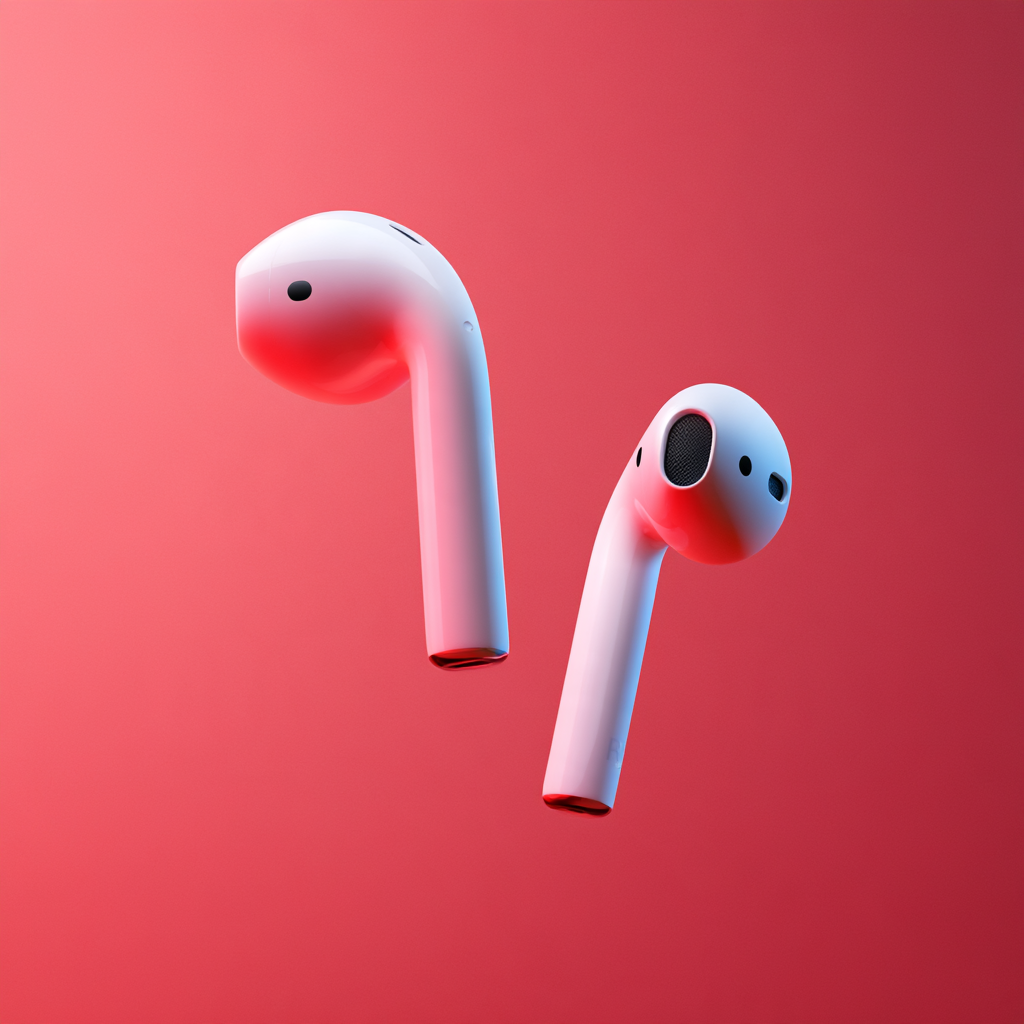
Why Are My AirPods So Quiet? How to Make AirPods Louder
AirPods normally have plenty of volume for everyday listening, so it can be frustrating when music suddenly sounds quieter than it used to.
The good news is that quiet AirPods don’t necessarily mean your earbuds are broken.
Low AirPods volume can be caused by something as simple as dirt covering the speaker, an iPhone volume setting, audio balance, an automatic AirPods feature or even a setting inside Spotify or Apple Music.
Here are the most common reasons your AirPods sound quiet and what you can do about them.
Why are my AirPods so quiet?
If your AirPods have become quieter, the most common causes are:
- Dirt or earwax blocking the speaker mesh
- Apple’s Reduce Loud Audio setting
- Incorrect left/right audio balance
- Personalised Volume changing your volume automatically
- Conversation Awareness lowering your music
- Headphone Accommodations settings
- An issue with Bluetooth
- Different volume settings inside your music app
- An ageing AirPods battery or speaker
- A problem with one AirPod rather than both
Before assuming you need a new pair of AirPods, work through the following fixes.
1. Clean your AirPods
One of the most common causes of quiet AirPods is also one of the easiest to fix.
AirPods sit directly inside or against your ears, which means dirt, dust and earwax can gradually collect around their speaker mesh.
Even a relatively small amount of debris can noticeably reduce volume.
Inspect the speaker openings on both AirPods and compare them. If one AirPod is quieter than the other, check whether its mesh appears more blocked.
Apple recommends cleaning AirPods periodically, and debris can also interfere with the seal and performance of AirPods Pro.
Be careful when cleaning them. Don’t push sharp objects into the speaker mesh or submerge your AirPods in water.
2. Check your iPhone’s Headphone Safety settings
Your iPhone can intentionally limit how loudly your headphones play.
Go to:
Settings > Sounds & Haptics > Headphone Safety
Look for the Reduce Loud Audio setting.
When enabled, the iPhone automatically reduces audio above the decibel level you have chosen. This is designed to protect your hearing, but it can also explain why your AirPods don’t appear to get as loud as expected.
Apple also uses Headphone Notifications to warn users when their listening exposure reaches potentially harmful levels.
Don’t simply maximise your volume to compensate. Prolonged exposure to loud audio can damage your hearing.
3. Check the left and right audio balance
If one AirPod sounds quieter than the other, your audio balance may have been changed accidentally.
On an iPhone, go to:
Settings > Accessibility > Audio & Visual
Find the Balance slider.
The slider should normally sit in the centre.
If it has moved towards L or R, one AirPod will play more loudly than the other.
4. Check Personalised Volume
Newer AirPods include increasingly intelligent audio features.
Personalised Volume can automatically change your media volume based on your environment and your previous listening preferences.
That means your AirPods can sometimes change volume without you manually touching the controls.
Apple says Personalised Volume learns how you listen over time and adjusts playback based on your surroundings.
If you feel your AirPods keep becoming quieter on their own, temporarily switch Personalised Volume off and see whether the problem disappears.
5. Check Conversation Awareness
Another feature that can make your AirPods suddenly sound quiet is Conversation Awareness.
When enabled, AirPods detect when you begin speaking and automatically lower your media volume so you can hear the person you’re talking to.
When the conversation ends, the volume returns to its previous level.
It’s a clever feature, but it can occasionally make it seem as though your AirPods are randomly lowering their volume.
If this keeps happening, disable Conversation Awareness temporarily and test your AirPods again.
6. Try Headphone Accommodations
If your AirPods technically have enough volume but music, vocals or podcasts don’t sound as clear as they used to, Headphone Accommodations may help.
Go to:
Settings > Accessibility > Audio & Visual > Headphone Accommodations
Supported AirPods allow you to boost softer sounds and adjust the frequencies you hear.
Options include:
- Balanced Tone
- Vocal Range
- Brightness
- Different amplification levels
This won’t simply turn your AirPods into louder speakers. Instead, it can make quieter details more audible and improve perceived clarity.
This can be particularly useful if voices in podcasts or films are difficult to hear.
7. Check Spotify, Apple Music or your other music app
Sometimes the problem isn’t your AirPods at all.
Music apps can process volume differently.
Features such as volume normalisation, EQ and sound checks can alter perceived loudness between songs.
If your AirPods sound fine on YouTube but quiet on Spotify, for example, look at Spotify’s playback settings.
If Apple Music is the only app affected, check its audio settings.
A simple test is to play the same type of content using several different apps. If the low volume only occurs in one app, the problem is probably software rather than your AirPods.
8. Disconnect and reconnect your AirPods
Bluetooth problems can sometimes cause strange audio behaviour.
Try putting your AirPods back in their case, closing the lid and reconnecting them.
If that doesn’t work, you can remove the AirPods from your iPhone’s Bluetooth settings and pair them again.
A fresh connection can resolve temporary communication problems between your phone and AirPods.
9. Update your AirPods firmware
AirPods receive firmware updates automatically.
Apple says AirPods firmware normally updates while the earbuds are charging and within Bluetooth range of an iPhone, iPad or Mac connected to Wi-Fi.
If you’ve been experiencing unusual audio problems, make sure both your iPhone and AirPods are up to date.
You can see your AirPods firmware information through their Bluetooth settings on an iPhone, iPad or Mac.
10. Reset your AirPods
If reconnecting doesn’t solve the problem, resetting your AirPods can fix persistent software or pairing issues.
The exact reset process varies between AirPods generations, particularly with newer cases, so use Apple’s instructions for your particular AirPods model.
After resetting them, pair them with your phone again and test the volume.
Why is one AirPod quieter than the other?
If only your left or right AirPod is quiet, the first things to check are:
- Speaker mesh blockage
- Left/right audio balance
- Whether both AirPods are fully charged
- Bluetooth pairing
- Physical damage
Swapping the AirPods between your ears can also be a useful test.
If the same AirPod remains quieter regardless of which ear it is in, the AirPod itself is probably responsible.
If the perceived quieter side changes with your ear, the issue may not be the AirPods.
Can AirPods become quieter as they get older?
They can.
AirPods contain small speakers, microphones and rechargeable batteries that experience wear over time.
Battery degradation won’t necessarily directly reduce the maximum speaker volume, but ageing hardware, dirt accumulation and other wear can affect the overall experience.
Apple offers AirPods servicing and battery service. Under qualifying AppleCare coverage, Apple states that a battery can be replaced at no extra charge if its capacity falls below 80%.
If your AirPods are several years old and you’ve tried all of the software fixes, servicing or replacing them may eventually make more sense.
Are newer AirPods louder?
Raw maximum volume isn’t necessarily the biggest difference between AirPods generations.
Newer models use improved drivers, computational audio, Adaptive EQ, Active Noise Cancellation and other technology to make music sound clearer and more detailed.
AirPods 5, for example, include Adaptive EQ and Active Noise Cancellation, while Apple’s current AirPods Pro 3 offer even stronger noise cancellation.
Better noise cancellation can also reduce the temptation to increase your music volume in noisy environments.
How loud should AirPods be?
Louder isn’t always better.
If you’re regularly using your AirPods at maximum volume just to hear your music clearly, there may be an underlying problem worth investigating.
Your iPhone can track headphone audio exposure and provide warnings when listening levels become excessive.
Finding the cause of low AirPods volume is much better than simply trying to force them to play louder.
How to fix quiet AirPods
If your AirPods sound too quiet, try these fixes in order:
- Clean the speaker mesh.
- Check Headphone Safety settings.
- Check left/right balance.
- Disable Personalised Volume temporarily.
- Check Conversation Awareness.
- Try Headphone Accommodations.
- Check your music app settings.
- Reconnect your AirPods.
- Make sure the firmware is updated.
- Reset the AirPods.
For many users, the answer is surprisingly simple: clean the speakers or change one setting on the iPhone.
If none of these fixes work, there may be a hardware problem and it could be worth having your AirPods inspected by Apple or an authorised repair provider.