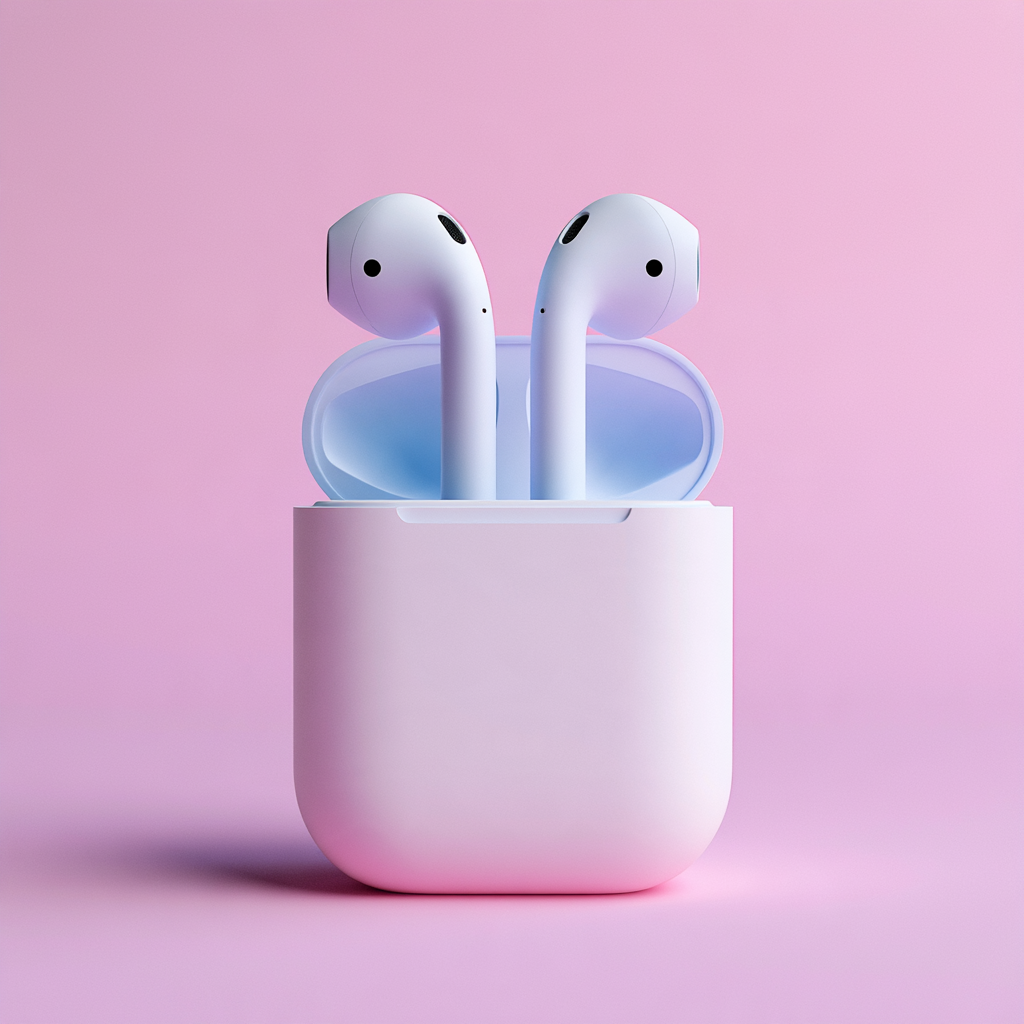
Do AirPods Work With Android? Everything You Need to Know
AirPods might be made by Apple, but you don’t actually need an iPhone to use them.
AirPods can connect to Android phones including devices from Samsung, Google, Xiaomi, OnePlus and other manufacturers using Bluetooth.
You can listen to music, watch videos and make calls in much the same way you would with other wireless earbuds.
There is a catch, though.
AirPods work with Android, but you don’t get the complete AirPods experience available to iPhone users.
Here’s exactly what works, what doesn’t and whether buying AirPods for an Android phone makes sense.
Do AirPods work with Android?
Yes.
Apple officially supports using AirPods with non-Apple Bluetooth devices.
Apple says AirPods can be used as a Bluetooth headset with non-Apple devices, allowing users to listen to audio and talk through them. Siri isn’t available when AirPods are being used this way.
From an Android phone’s perspective, AirPods are essentially Bluetooth wireless headphones.
That means you aren’t locked into owning an iPhone simply because you own AirPods.
How to connect AirPods to Android
Connecting AirPods to Android only takes a few moments.
First, open Bluetooth settings on your Android phone.
This is usually found under:
Settings > Connections > Bluetooth
The wording may vary depending on your phone manufacturer.
Next, put your AirPods into Bluetooth pairing mode.
The exact method depends on which generation of AirPods you have.
On older AirPods models, this generally involves opening the charging case and holding the setup button until the light flashes white.
On newer models such as AirPods 5 and AirPods Pro 3, Apple uses a double-tap on the front of the case to enter pairing mode.
Your AirPods should then appear in your Android phone’s available Bluetooth devices.
Tap them to connect.
Once paired, your Android phone should automatically reconnect to the AirPods when you use them again.
Can you listen to Spotify with AirPods on Android?
Yes.
Spotify, YouTube Music, Amazon Music, Deezer, TIDAL and other Android music apps can play through AirPods like any normal pair of Bluetooth headphones.
You can also use AirPods for:
- YouTube
- Netflix
- Podcasts
- Audiobooks
- Games
- Phone calls
- Video calls
- Social media
Basic Bluetooth audio is not restricted to Apple services.
You don’t need Apple Music and you don’t need an Apple ID simply to listen to music.
Do AirPods controls work with Android?
Many of the physical playback controls are built into the AirPods themselves.
Depending on your AirPods model, the stem controls can include play and pause, skipping forwards or backwards and answering calls.
Newer models also support functions such as swiping the stem for volume control.
For example, AirPods 5 with the Wireless Charging Case and AirPods Pro 2 and 3 support volume adjustment by swiping on the stem.
Some controls and their configuration are more deeply integrated with Apple’s software, however.
This is one of the main differences between using AirPods with Android and using them with an iPhone.
Does AirPods noise cancelling work with Android?
On compatible AirPods, the noise-control hardware is built into the earbuds.
AirPods models including AirPods 5, AirPods Pro and AirPods Max support Active Noise Cancellation, depending on the generation.
Supported AirPods can switch between listening modes by using their physical controls. For example, Apple allows users to press and hold the force sensor on compatible AirPods to move between Active Noise Cancellation and Transparency.
However, Android doesn’t provide the same native AirPods settings interface as an iPhone.
That means configuring the way certain controls work or accessing some of Apple’s more advanced audio features can require an Apple device.
Does Siri work with AirPods on Android?
No.
This is one of the clearest limitations.
Apple specifically states that Siri isn’t available when AirPods are used with a non-Apple device.
Your Android phone will instead use Google’s own assistant ecosystem where supported.
You therefore shouldn’t buy AirPods specifically for Siri functionality if your main phone is Android.
Does Spatial Audio work with AirPods on Android?
This is where the experience becomes more complicated.
AirPods support Apple’s Personalised Spatial Audio and dynamic head tracking on compatible Apple devices.
The full Apple Spatial Audio experience is part of Apple’s hardware and software ecosystem rather than simply being a standard Bluetooth feature.
You can still listen to stereo audio from an Android phone, but don’t assume every Apple Spatial Audio feature will transfer to Android.
If immersive audio is an important reason you’re considering AirPods, an iPhone provides the more complete experience.
Can you see AirPods battery percentage on Android?
Android doesn’t provide the same AirPods interface that appears automatically on an iPhone.
On an iPhone, opening the AirPods case can display the charge of both the earbuds and their case.
You don’t get that exact Apple interface on Android.
Some third-party Android applications attempt to provide additional AirPods battery information, although these aren’t official Apple tools.
Does Find My work with AirPods on Android?
Apple’s Find My system is another feature closely tied to Apple’s ecosystem.
Compatible AirPods can integrate with Apple’s Find My network, providing features such as viewing their location, playing a sound and, on certain models, finding nearby AirPods.
Android does not provide Apple’s native Find My AirPods experience.
For someone who regularly loses their earbuds, this is one of the more significant disadvantages of pairing AirPods primarily with Android.
Can AirPods automatically switch between Android devices?
One of the strengths of AirPods inside Apple’s ecosystem is their integration between Apple devices.
Someone using an iPhone, iPad and Mac can move between devices much more seamlessly.
Android users shouldn’t expect the same Apple ecosystem integration.
AirPods still remember Bluetooth pairings, but the experience is more like using standard Bluetooth headphones.
Can you update AirPods using Android?
This is another important limitation that is easy to overlook.
Apple says AirPods firmware updates are delivered while AirPods are charging and within Bluetooth range of an iPhone, iPad or Mac connected to Wi-Fi.
Apple’s current support instructions use an iPhone, iPad or Mac to update and check AirPods firmware. If you don’t have access to an Apple device, Apple says you can visit an Apple Store or Apple Authorised Service Provider to have the firmware updated.
There isn’t an equivalent official Android AirPods management app.
For someone who only owns Android and Windows devices, this is worth considering.
Which AirPods features do you lose on Android?
The biggest differences include limited or unavailable access to:
- Siri
- Apple’s Find My integration
- Apple’s automatic device switching
- Full AirPods settings
- Some Personalised Spatial Audio functionality
- Apple Intelligence-based AirPods features
- Native battery pop-ups
- Easy AirPods firmware management
The fundamental music-listening experience still works.
It’s mainly Apple’s ecosystem features you give up.
Do AirPods 5 work with Android?
Yes.
Apple’s latest AirPods 5 use Bluetooth 5.3 and Apple specifically notes that AirPods can be used as wireless Bluetooth headphones with non-Apple devices, although functionality may be limited.
This means Samsung Galaxy, Google Pixel and other modern Android phones can connect to AirPods 5.
AirPods 5 also include Active Noise Cancellation across the range, Adaptive Audio and Transparency, while the Wireless Charging Case version adds stem-based volume control.
Just remember that some of their smartest features have been designed around Apple’s own software.
Are AirPods worth buying if you have Android?
It depends what you’re buying them for.
If you mainly want AirPods because you like their design, comfort and sound, they can work perfectly well as Bluetooth headphones with Android.
If you’re buying them for the complete Apple experience, the argument becomes weaker.
A lot of the value of AirPods comes from the way Apple’s hardware and software work together.
Android users may therefore want to compare AirPods with earbuds specifically designed around Android before making a decision.
Samsung Galaxy Buds, Google Pixel Buds and numerous alternatives from Sony, Bose and other manufacturers can offer tighter integration with Android.
Can I use AirPods with Samsung phones?
Yes.
Samsung phones support standard Bluetooth audio, so you can pair AirPods with a Galaxy phone just as you can with other Android devices.
The same basic limitation applies: your AirPods will work, but some Apple-specific features won’t be available.
Can AirPods connect to both iPhone and Android?
You can pair AirPods with different Bluetooth devices.
So if you use an iPhone personally but have an Android work phone, your AirPods aren’t restricted to one operating system.
You may need to manually select or reconnect them when moving between ecosystems rather than receiving Apple’s seamless switching experience.
AirPods and Android: the simple answer
So, do AirPods work with Android?
Yes.
You can connect AirPods to an Android phone over Bluetooth and use them to listen to music, watch videos and make calls.
What you lose is much of the software magic surrounding them.
For basic listening, that’s unlikely to be a dealbreaker.
But if you’re spending more on AirPods specifically for Apple’s intelligent features and ecosystem integration, you’ll get considerably more from them when they’re paired with an iPhone.