How to Get Your Music on Twitch (2026 Guide for Artists)
If you’re trying to get your music onto Twitch, you need to understand one key thing:
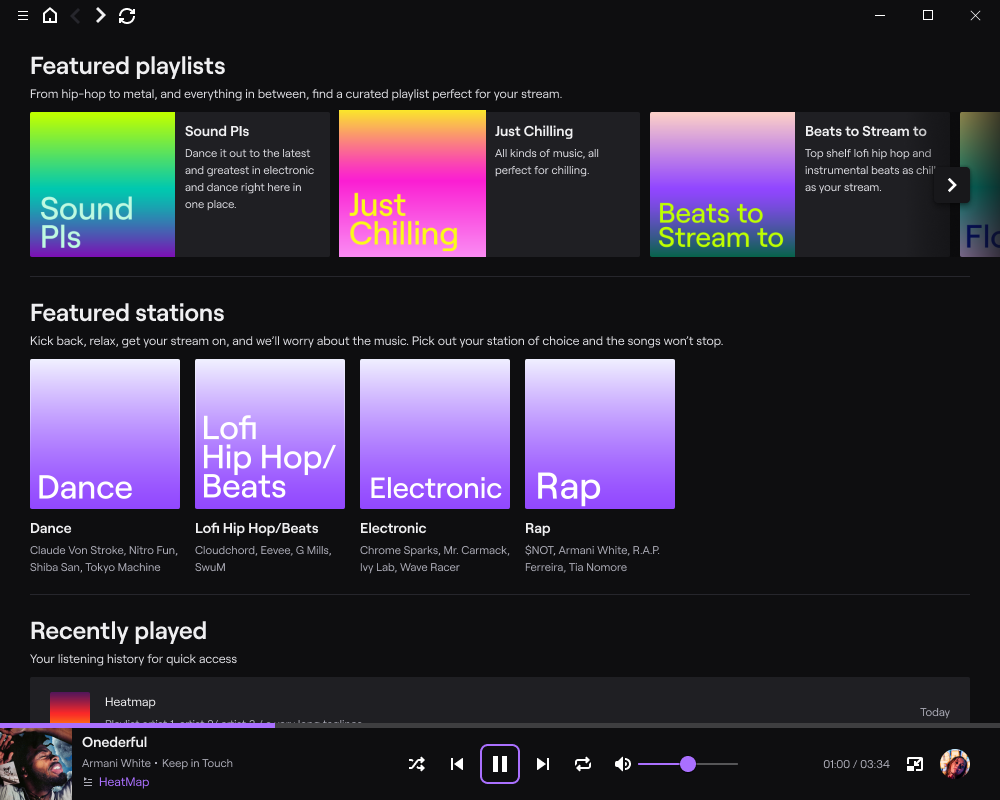
The old “Soundtrack by Twitch” system no longer exists.
It was shut down in 2023, and the ecosystem has shifted significantly since then.
So instead of following outdated submission steps, here’s how artists actually get their music used on Twitch today.
What Happened to Soundtrack by Twitch?
Twitch originally launched Soundtrack by Twitch as a curated library of licensed music for streamers.
- Artists could submit tracks
- Twitch curated playlists internally
- Music was safe for live streams (DMCA-compliant)
But:
- It was editorially controlled (no guaranteed placements)
- And ultimately shut down in 2023
That means there’s no longer a direct “submit your music to Twitch” pathway.
How to Get Your Music on Twitch in 2026
1. Get Your Music Distributed Everywhere
First step is simple:
Get your music live on all major platforms via a distributor.
Why this matters:
- Twitch streamers discover music via Spotify, YouTube, TikTok, etc.
- Your track needs to exist where creators already search
Think discovery first, not submission.
2. Make Sure You Own the Rights
Twitch is strict on copyright.
You can only get played if your music is:
- 100% original
- Fully owned or controlled by you
- Cleared for public use
This has always been a requirement — even back in the Soundtrack days.
And today it’s even more important due to DMCA enforcement.
3. Target “Twitch-Safe” Music Channels
Instead of Twitch itself, the real game is:
Getting into royalty-free / creator-safe music ecosystems
Examples:
- YouTube creator libraries
- TikTok-friendly sounds
- Licensing platforms
- Subscription music services (Epidemic, Artlist, etc.)
These are what streamers actually use now.
4. Build Relationships with Streamers
This is the biggest unlock.
Twitch is driven by creators — not playlists.
Ways to do it:
- DM mid-tier streamers directly
- Offer free usage rights
- Create “stream-safe packs”
- Run collabs or giveaways
If 50–100 streamers start using your music:
→ It compounds fast
5. Package Your Music for Stream Use
Make it easy for creators.
Provide:
- Instrumentals
- Loopable versions
- No-intro versions
- Clean metadata
Remember:
Streamers want plug-and-play content, not friction.
6. Optimise for Discovery (This is the real SEO play)
Use:
- “No copyright music”
- “Twitch safe music”
- “Stream background music”
- “DMCA free music”
Across:
- YouTube titles
- Spotify track names (where possible)
- TikTok tags
- Blog/landing pages
This is where you win long-term.
What Twitch Actually Allows (Important)
On Twitch, creators can only use music that is:
- Owned by them
- Licensed to them
- Or explicitly cleared for streaming use
Anything else risks:
- Muted streams
- Copyright strikes
- Account bans
So if your music isn’t clearly licensed for streaming…
Streamers won’t touch it.