Why Don’t My Qobuz or Audiomack Stats Match My Royalty Statement?
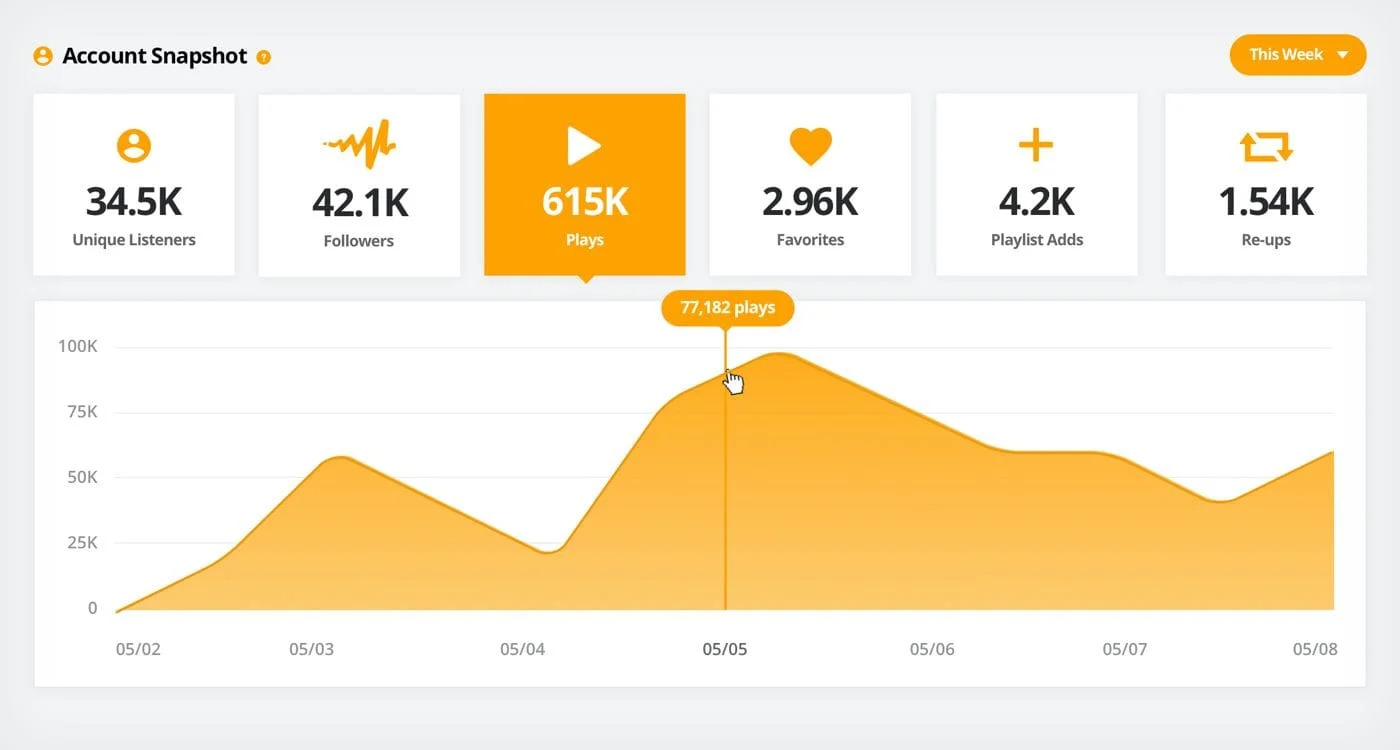
You open your distributor dashboard and see that your music has generated additional streaming activity.
Then your royalty statement arrives.
The numbers don’t seem to match.
Does that mean the distributor has made a mistake?
Not necessarily.
Music statistics and royalty statements often measure different things, over different periods, using different reporting rules.
Understanding those differences can save you a great deal of confusion.
Streaming statistics and royalties are not the same thing
Streaming statistics describe listening activity.
Royalty statements describe the money reported and payable under the relevant commercial arrangements.
Those records are connected, but they are not identical.
For example, your analytics dashboard might display recent plays.
Your latest royalty statement might cover activity from several months earlier.
Comparing the two directly creates an apparent discrepancy even when both reports are correct.
Check the usage period first
The most important field is often the period when listening happened.
Imagine:
Your analytics dashboard shows activity during October.
Your most recent royalty statement covers August.
The October streams cannot be expected to appear in the August statement.
Start by identifying the usage month rather than the statement publication date.
Qobuz reporting may arrive later
RouteNote’s Qobuz reporting guidance says statistics are normally updated around 45 days after the end of the relevant usage month.
Other distributors may have their own reporting schedules.
Do not assume every platform delivers data at the same speed.
Audiomack’s data availability and revenue reporting should be checked against your distributor’s current documentation rather than assigned an assumed universal deadline.
Download sales and streams need separate treatment
Qobuz combines streaming and music purchases.
That means your statement may contain revenue from different activities.
A purchased album cannot be reconciled against streaming plays using a single multiplication formula.
Check whether the report identifies:
- Streams
- Track downloads
- Album downloads
- Revenue categories
- Territories
If these are combined, ask what additional breakdowns are available.
Play counts do not guarantee identical payment amounts
Two recordings can generate similar reported usage and different revenue.
Factors may include:
- Territory
- Service
- Subscription or commercial arrangements
- Type of use
- Accounting adjustments
There is no universal payment rate that applies to every streaming event.
Avoid treating an average royalty-per-stream figure as a guaranteed entitlement.
Some data may be revised
Platforms can revise reports.
A previous number may change following:
- Reporting corrections
- Duplicate removal
- Fraud investigations
- Accounting adjustments
- Updated ownership information
Always use the finalised statement when reconciling income.
Compare the same recording
Artists sometimes compare an entire platform’s statistics with a statement for one specific track.
That will not work.
Use the ISRC where available to match the same recording.
Also check whether your report includes:
- Different releases containing the same recording
- Alternate versions
- Collaborations
- Multiple artist accounts
Your comparison needs to use the same scope.
Create a reconciliation table
A simple spreadsheet can help.
| Field | What to record |
|---|---|
| Platform | Qobuz or Audiomack |
| ISRC | Recording identifier |
| Usage period | Month of listening |
| Usage units | Reported streams or sales |
| Statement date | When income was reported |
| Reported revenue | Amount and currency |
| Adjustments | Corrections or deductions |
| Status | Awaiting report, matched or needs review |
This makes it much easier to see whether a report is actually late or simply covering a different period.
When should you contact support?
Contact your distributor when you can describe a specific unresolved discrepancy.
For example:
“The September Qobuz usage report shows activity for ISRC [code], but the corresponding final royalty statement does not contain the expected entry. Can you confirm which reporting period covers this recording?”
That is more useful than simply saying your streams and money don’t match.
Final thoughts
Most reporting confusion begins with mismatched dates, data types or recording identifiers.
Before raising a dispute, align the platform, ISRC, usage period and royalty category.
If the numbers still don’t reconcile, you will have a much stronger question to send to support.