How to Use Spotify on the iPhone Duo: Complete Setup Guide
Apple’s first foldable iPhone is arriving, and Spotify users have plenty of reasons to be interested.
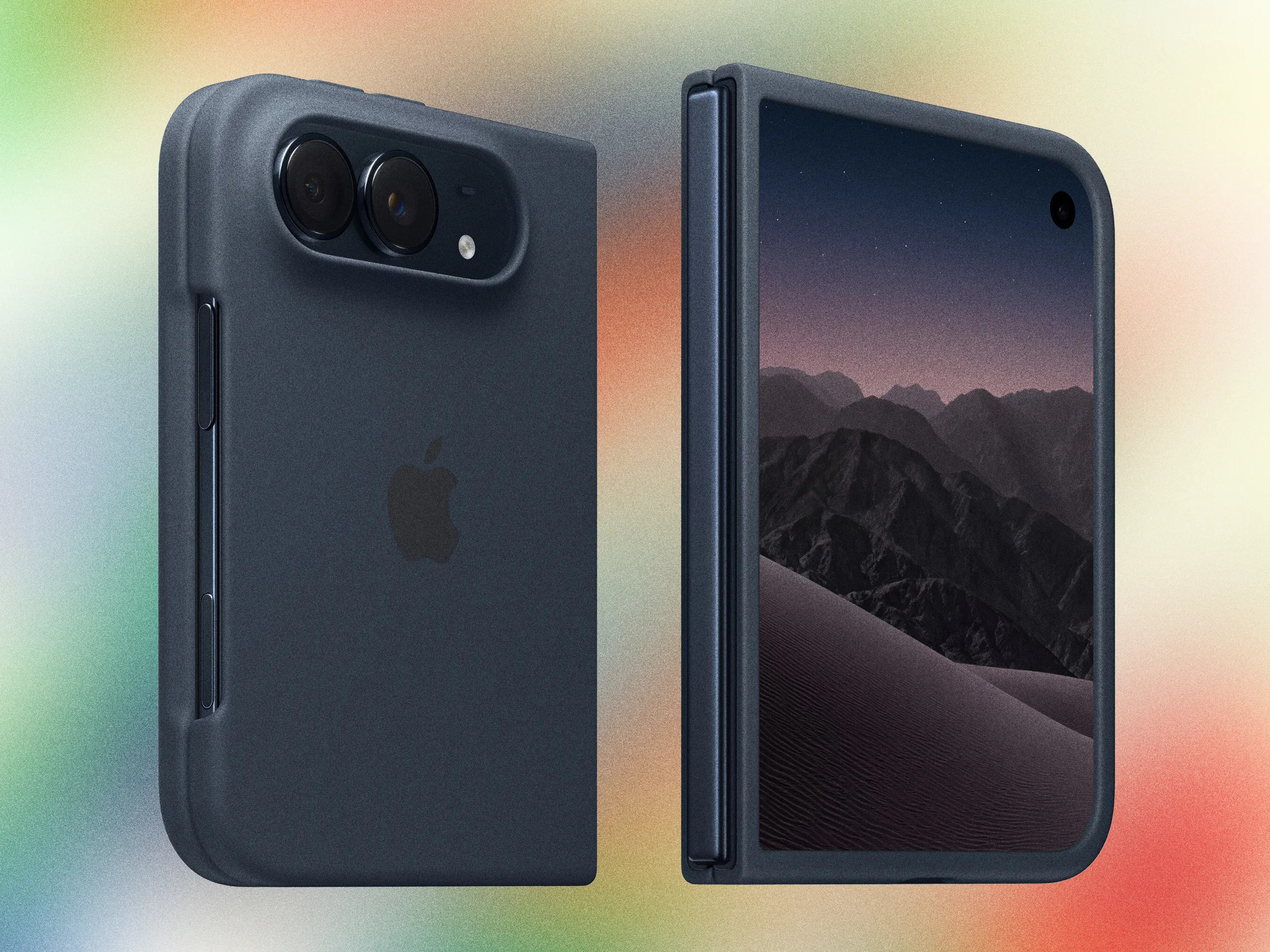
The iPhone Duo introduces a 7.6-inch inner display, a 5.4-inch outer screen and new multitasking features in iOS 27.1. While Apple Music is built into the iPhone experience, Spotify remains an option for anyone who prefers its playlists, recommendations and existing music library.
Here’s how to get Spotify running on the iPhone Duo, download songs, connect your headphones and take advantage of the phone’s foldable design.
Does Spotify work on the iPhone Duo?
Spotify is available for iPhone through the App Store, so users will be able to install the service on the iPhone Duo.
The app offers access to playlists, albums, podcasts, audiobooks and personalised music recommendations, although some features depend on your subscription.
The iPhone Duo also introduces a new approach to multitasking, including the ability to run two apps side by side.
Spotify’s precise layout and compatibility with every new Duo display mode will become clearer once the device is available.
How to download Spotify on the iPhone Duo
Getting started is straightforward.
- Open the App Store on your iPhone Duo.
- Search for Spotify.
- Select the official Spotify app.
- Tap Get or the download icon.
- Open Spotify once installation is complete.
- Log in to your existing account or create a new one.
If you’re moving from an older iPhone, you can use Apple’s device transfer process to bring your apps and settings across.
You may still need to sign in again to Spotify after completing the transfer.
How to use Spotify on the foldable screen
The iPhone Duo has two displays, allowing you to choose between a compact phone experience and a larger workspace.
Listening with the phone closed
The 5.4-inch outer display provides a conventional smartphone experience.
This is ideal for controlling playlists, searching for songs and managing playback while travelling.
Listening with the phone open
Unfolding the device gives you a larger 7.6-inch display.
This could make it more comfortable to browse long playlists, explore artist catalogues and read information about new releases.
The exact interface will depend on how Spotify adapts its app to Apple’s new display.
How to download Spotify music for offline listening
Spotify Premium subscribers can download music for playback without an internet connection.
To download a playlist:
- Open Spotify.
- Find the playlist or album you want to save.
- Tap the Download button.
- Allow the download to finish while connected to the internet.
- Open Your Library to find your downloaded content.
Offline listening is useful when travelling, flying or trying to reduce mobile data usage.
Spotify also offers an Offline Backup feature for eligible Premium users, providing access to selected recently played music when they lose their connection.
Remember that Spotify downloads remain within the Spotify app. They aren’t ordinary MP3 files that can be transferred to another music player.
Can you use Spotify with AirPods on iPhone Duo?
Yes. Spotify can play through compatible Bluetooth headphones, including AirPods.
To connect your headphones, open Settings, select Bluetooth and pair your device.
Once connected, start playing music in Spotify. Sound should automatically route to the selected headphones.
You can also use compatible Bluetooth speakers or Spotify Connect to control playback on supported devices.
How to improve Spotify sound quality
Spotify provides audio quality settings that affect how music is streamed and downloaded.
Open Spotify, navigate to Settings and privacy, and find the Media quality or Audio quality section.
Choose a higher quality setting if you want to prioritise audio fidelity.
Higher settings can consume more mobile data and storage space, so consider using Wi-Fi for downloads.
Your headphones, speakers and listening environment also influence the result.
Spotify not working on iPhone Duo?
If Spotify won’t open or play music, try the following:
- Check that your internet connection is working.
- Update Spotify through the App Store.
- Restart the app.
- Confirm that you’re signed into the correct account.
- Check Bluetooth settings if there’s no sound.
- Restart the iPhone.
- Reinstall the app if necessary, remembering that offline downloads may need to be downloaded again.
If problems only occur when using Split View, try returning to the full-screen Spotify interface.
Is Spotify or Apple Music better on iPhone Duo?
Both services offer large music catalogues and personalised listening experiences.
Spotify is particularly attractive if you’re already invested in its recommendations, playlists and device ecosystem.
Apple Music offers features including Spatial Audio with Dolby Atmos, lossless audio, AutoMix and deeper integration with Apple’s operating system.
For most listeners, the best option will depend on which service they already use and which features matter most.
Frequently asked questions
Is Spotify free on iPhone Duo?
Spotify offers a free tier, although some listening features require Premium.
Can I transfer Spotify playlists to iPhone Duo?
Yes. Sign into your Spotify account on the new phone to access playlists associated with that account.
Does Spotify support offline listening?
Yes. Premium subscribers can download supported music for offline playback.
Can I listen to Spotify while using another app?
Spotify supports background playback. The iPhone Duo also introduces Split View, although individual app behaviour should be confirmed after launch.