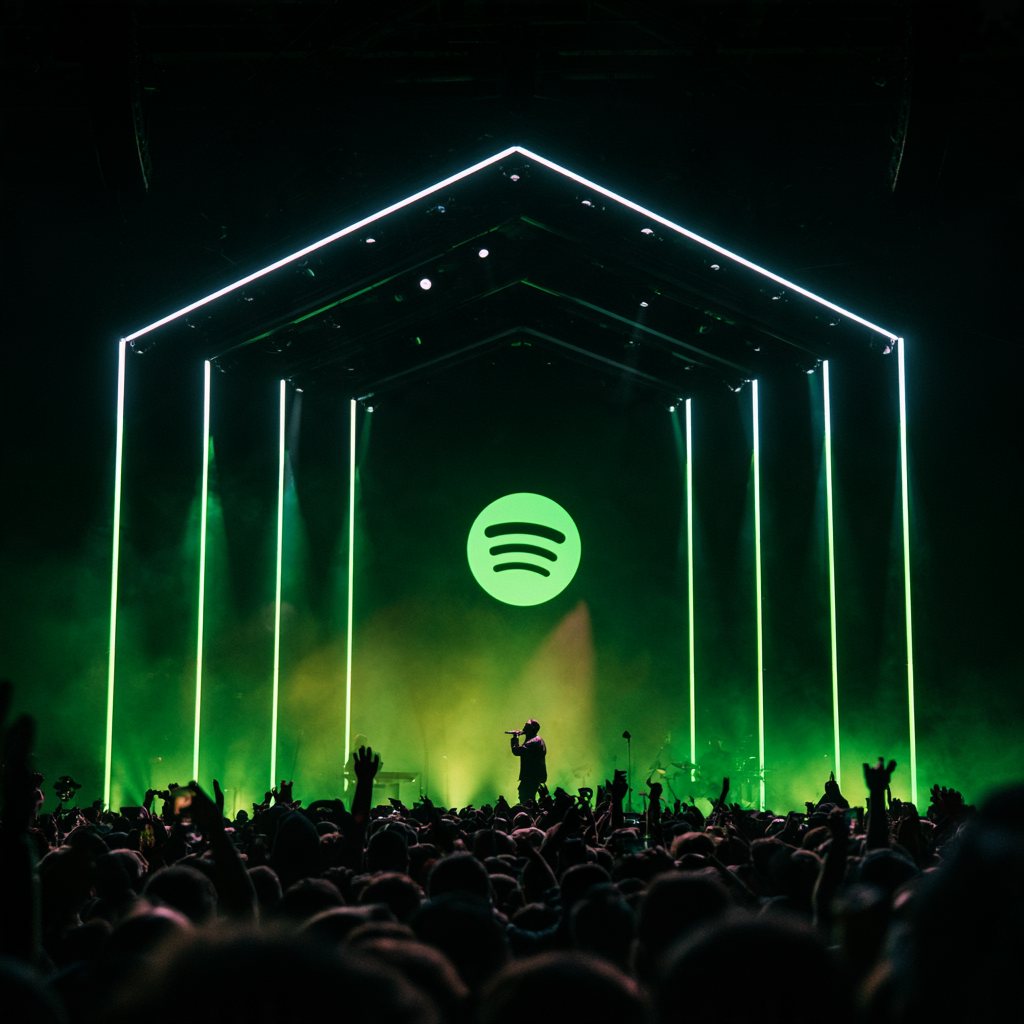
How to Release a Live EP on Spotify and Apple Music
A live EP can give familiar songs a completely different life.
It can show:
- performance;
- audience;
- musicianship;
- arrangement;
- personality.
It is also a new recording and should be treated as one.
Start with the strongest performances
Do not release every track simply because it was recorded.
Listen without watching the video.
Ask:
Does the performance still work?
Is the vocal strong?
Does the crowd add energy?
Does the arrangement differ enough to be interesting?
Four excellent tracks are better than twelve average ones.
A live recording is a different master
Your studio version and live performance are different sound recordings.
They should be managed separately.
That normally means the live recording receives its own ISRC.
Do not reuse the studio master’s identifier simply because the composition is the same.
Keep your catalogue spreadsheet clear:
Studio version — ISRC A
Live version — ISRC B
Acoustic version — ISRC C
Name versions clearly
Useful formats include:
Track Name (Live)
or:
Track Name (Live at Venue Name)
Do not overload the title with unnecessary promotional copy.
The metadata should make the recording easy to understand.
Decide whether the venue belongs in the title
A recognisable venue or event can add meaning.
“Live at The Roundhouse” tells a story.
“Live at Steve’s Mate’s Pub on Tuesday” may not.
Use the location when it contributes to the identity of the release.
Credit the musicians
Collect contributor information before distribution.
Include:
- performers;
- featured artists;
- producers;
- engineers;
- composers.
A live EP often involves people who did not appear on the studio master.
Give them the correct credit.
Check cover songs separately
If your live set contains a cover, make sure the release can be properly licensed for the intended territories and formats.
Performing a cover at a venue and distributing a new recording of the cover are different activities.
Do not assume the venue’s licences solve the distribution question.
Keep the crowd
Do not remove every audience sound.
The crowd is the point.
What you usually want to remove is:
- distracting noise;
- technical problems;
- excessive silence;
- unusable feedback.
Applause and atmosphere make the listener feel present.
Create artwork that signals “live”
You can use:
- stage photography;
- crowd image;
- rehearsal image;
- venue visual;
- simple typography.
Do not simply recycle the studio single cover unless that is a deliberate design choice.
Decide whether to release one track first
A useful rollout might be:
Week 1: Live single
Week 4: Second live performance/video
Week 7: Full EP
That gives you several content moments from one recording session.
Connect the live and studio versions
Use your campaign to send listeners between both.
For example:
“Like the live version? Hear the original.”
Or:
“This is how the song changed after six months of touring.”
The new release can revive catalogue rather than compete with it.
Use the video
If the performance was filmed, pair the audio campaign with:
- full videos;
- vertical clips;
- crowd moments;
- performance excerpts;
- behind-the-scenes footage.
One live EP should create far more marketing material than the audio files alone.
Preserve the original release date history
Do not rewrite the history of the studio recording.
The live EP has its own release date.
The composition may be older.
Keep your metadata accurate.
Final thoughts
A live EP is not just a recording of a gig.
It is a separate catalogue product.
Give it its own masters, identifiers, credits, artwork and campaign.
When the performance is genuinely good, it can show listeners something the studio version never could.