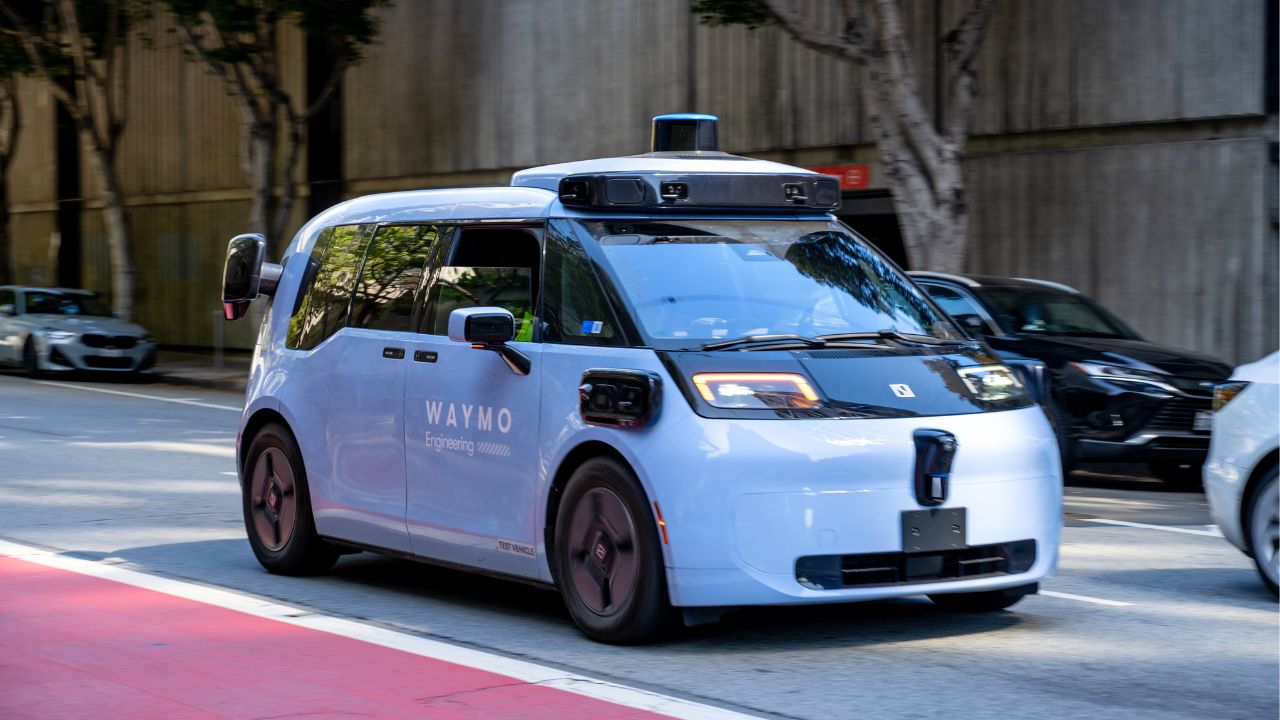
How Can I Play My Own Music in a Waymo?
One of the advantages of taking a driverless Waymo is that there isn’t a driver whose music taste you need to worry about.
You can choose your own.
Waymo allows riders to connect their Spotify or YouTube Music Premium accounts and play their own music directly through the vehicle’s speakers.
You can even control your music from the Waymo app or the screens inside the car.
How do I play my music in a Waymo?
The easiest way is through the Waymo app.
To connect your music:
- Open the Waymo app.
- Go to Account.
- Select Music.
- Choose Spotify or YouTube Music.
- Sign in to your music account.
Once connected, you can play your music through the Waymo’s sound system.
Can I play Spotify in a Waymo?
Yes.
Waymo has direct Spotify integration.
Connect your Spotify account through the Waymo app and you can listen through the speakers in the vehicle.
You can control Spotify using:
- The Waymo app
- The Waymo’s in-car screens
- The Spotify app itself
Waymo can also remember your Spotify connection for future journeys.
Can I play YouTube Music in a Waymo?
Yes.
Waymo added YouTube Music integration, allowing riders with YouTube Music Premium or YouTube Premium to listen directly through the vehicle.
You can connect your account through the Waymo app or scan the QR code displayed on the in-car screen.
For YouTube Music, playlists already saved in the ride booker’s library are available to select during the journey.
What if I don’t have Spotify or YouTube Music?
You can still listen to music.
Waymo provides iHeartRadio stations directly through the in-car entertainment system.
You can also customise your iHeartRadio stations based on your favourite artists and genres through the Waymo app.
Does Waymo remember my music?
Yes.
Once you connect Spotify or YouTube Music, Waymo remembers your account for future journeys until you disconnect it.
You can even turn on automatic playback.
With Autoplay enabled, your connected music service can begin playing automatically when you start your next Waymo journey.
Can other passengers choose the music?
When you’re using Spotify, the person who ordered the Waymo is normally the person who controls the songs.
However, there’s a fun workaround.
If the rider has Spotify Premium, they can start a Spotify Jam and allow other Spotify users travelling with them to join and add songs to the queue.
Perfect for avoiding arguments about who gets control of the playlist.
Can I change the bass in a Waymo?
Surprisingly, yes.
Waymo even gives passengers access to audio settings.
You can adjust:
- Bass
- Treble
- Subwoofer
- Balance
- Fade
through the Waymo app or the Now Playing settings inside the vehicle.
So you’re not just choosing the music — you can customise how it sounds too.
Does my Spotify stay logged in after I leave?
Your account can remain linked to your Waymo profile for future journeys, but your music stops playing when your trip ends.
Waymo says the next passenger does not get access to your account.
So, how do I play my own music in a Waymo?
It’s very easy.
Connect Spotify or YouTube Music through your Waymo account, get into your vehicle and play your music through the car’s sound system.
You can control the playlist, adjust the sound and even have your favourite music start automatically on future journeys.
Driverless car.
Your music.
No awkward conversation about changing the radio station required.