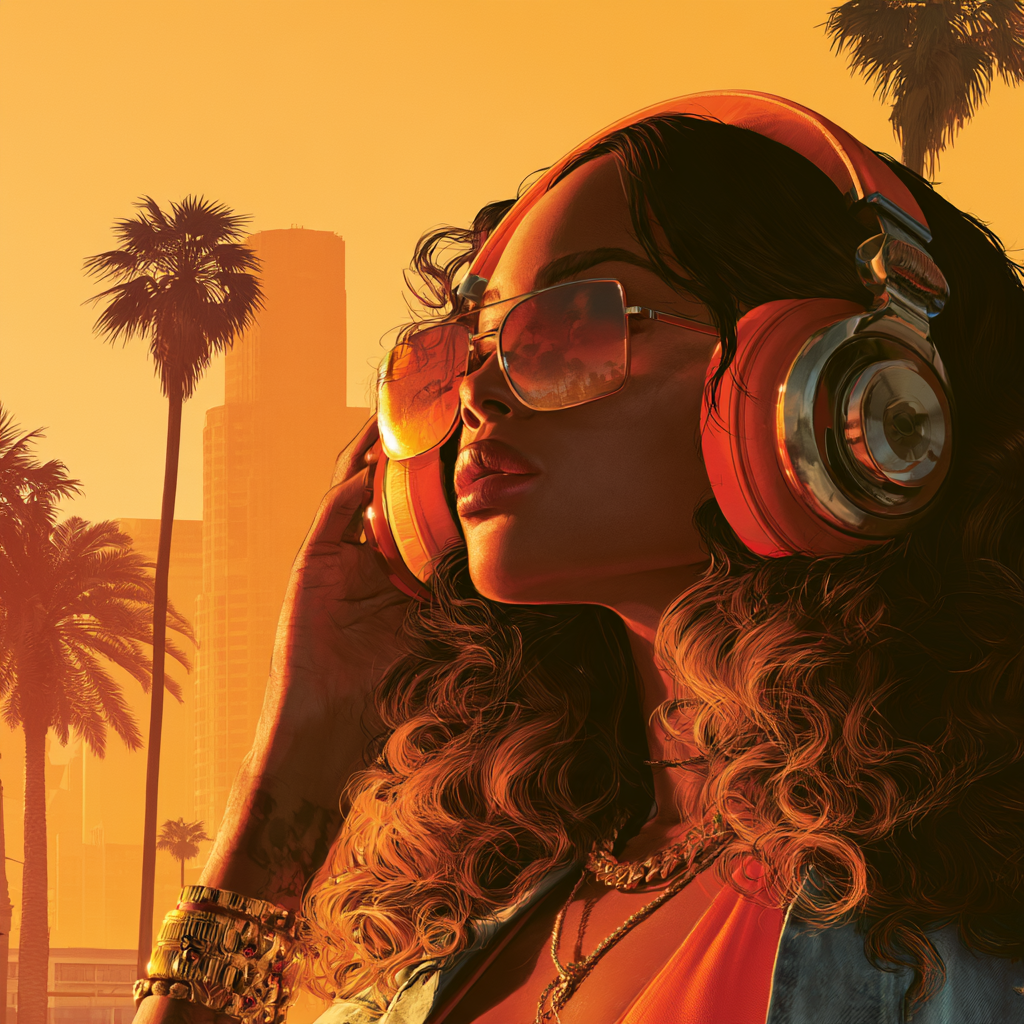
How to Turn Off Copyrighted Music in GTA 6 for YouTube and Twitch
If you are streaming Grand Theft Auto VI or uploading clips to YouTube, you can reduce music-related copyright issues by turning on the game’s Mute Licensed Music setting. Rockstar has documented the feature for creators who want to capture gameplay without licensed songs playing in the background.
How to mute licensed music in GTA 6
- Pause GTA 6.
- Open Settings.
- Select the Audio tab.
- Find Mute Licensed Music.
- Toggle it to On.
Those steps come from Rockstar Games’ official support page, updated on 19 November 2026.
Does Mute Licensed Music prevent all copyright claims?
No setting can guarantee that every upload will be free of copyright claims. Rockstar’s option is designed to mute licensed music in the game, but your video may still contain other copyrighted material, including audio added in editing, a separate soundtrack, or third-party recordings.
If you are preparing monetised videos, check the audio before publishing. A short test recording is worthwhile, particularly if you are recording cutscenes, radio-heavy driving footage or clips with music playing in the environment.
Is the GTA 6 original score the same as licensed radio music?
Not necessarily. GTA 6 includes licensed radio songs, its own original score by Justice and the separately released Grand Theft Auto VI: The Album. These are different types of music, even though players hear them in the same game.
The Mute Licensed Music setting is documented by Rockstar; it should not be treated as proof that every other piece of audio is automatically cleared for all commercial uses. Learn more about Justice’s GTA 6 score or explore the official album tracklist.
What if you want the radio music in your videos?
A song being licensed for use inside GTA 6 does not give every player a licence to use it in a monetised upload. Game music and user-generated video rights are separate issues.
You can check the relevant platform’s music rules, seek permission from rights holders or use music that is specifically cleared for your project. If the track is essential to a review or analysis, avoid assuming that a short excerpt is always exempt: copyright exceptions depend on context and jurisdiction.
Best settings for GTA 6 streamers
Use Mute Licensed Music for routine gameplay capture. Keep commentary and voice levels clear, avoid adding chart songs during editing, and review the finished upload for unexpected audio. If you make multiple clips per week, save a repeatable capture checklist.
There is plenty in GTA 6 to discuss without risking an avoidable music claim. The setting allows creators to focus on gameplay, storytelling and the scale of Vice City while treating soundtrack rights carefully.